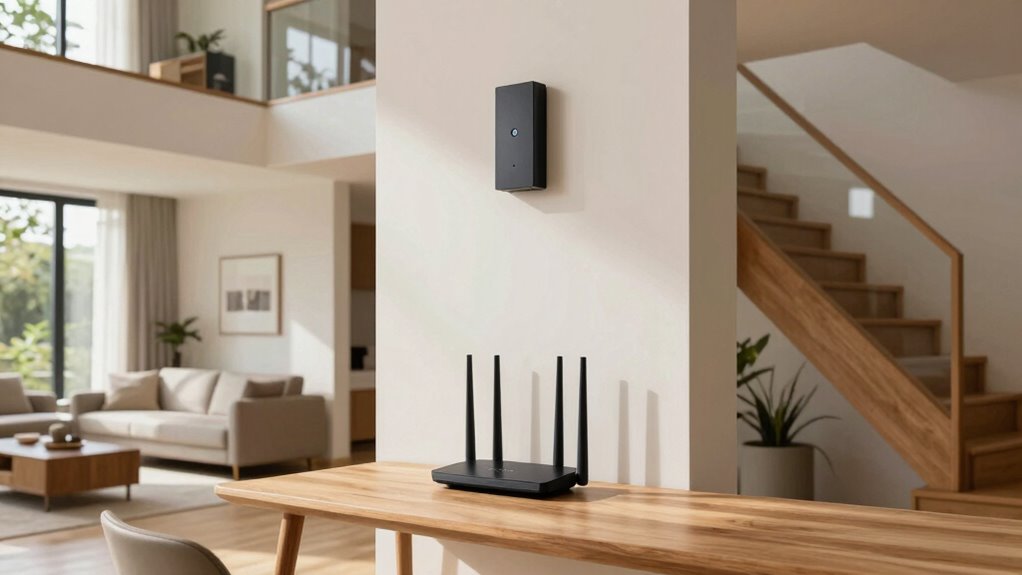

The “one router per floor” rule is a myth when it comes to WiFi mesh systems. Instead of placing routers based on floors, focus on proper node placement— central, elevated spots away from thick walls and obstacles. Mesh networks are designed to communicate seamlessly, offering better coverage through strategic positioning. If you want to optimize your home WiFi and understand how placement really works, there’s more to discover below.
Key Takeaways
- Proper mesh node placement prioritizes signal strength and environmental factors over strict “one router per floor” rules.
- Mesh systems route data intelligently, reducing dead zones regardless of the number of nodes or floors.
- Elevating and centralizing nodes improves coverage more than simply increasing the number of routers per floor.
- Testing signal strength and adjusting node positions ensures optimal coverage across all floors.
- Complex layouts and obstacles require strategic node placement rather than adhering to the “one router per floor” myth.
Is the “One Router Per Floor” Rule a Myth for WiFi Mesh?
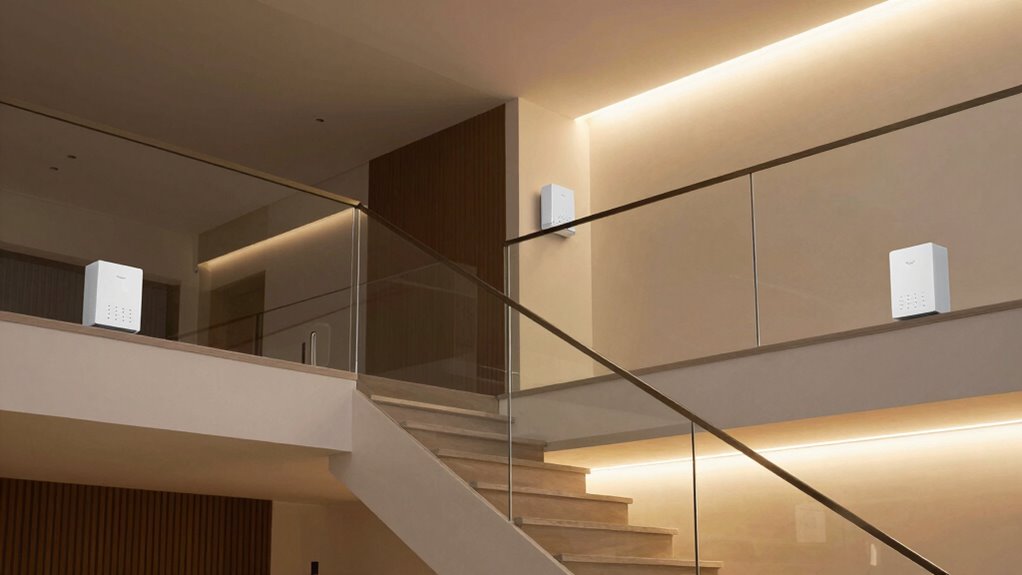
Many believe you need one router per floor to guarantee good WiFi coverage, but is that really the case with mesh systems? Not necessarily. With mesh networks, router placement is flexible, and you don’t have to stick to a strict one-per-floor rule. Instead, focus on optimizing signal strength by placing nodes in central locations, away from thick walls or large metal objects. Proper placement ensures each node can communicate effectively, creating a seamless network. It’s more important to take into account how well the nodes connect than how many are on each floor. Strategic placement can sometimes compensate for fewer nodes, especially when considering wireless signal propagation. You might find that a well-placed mesh node covering multiple floors provides better coverage than multiple routers scattered around. Ultimately, strategic placement beats rigid rules for reliable WiFi, especially when considering mesh network configurations. Additionally, understanding signal interference mitigation can further enhance network performance.
How Do WiFi Mesh Networks Distribute Coverage in Your Home?
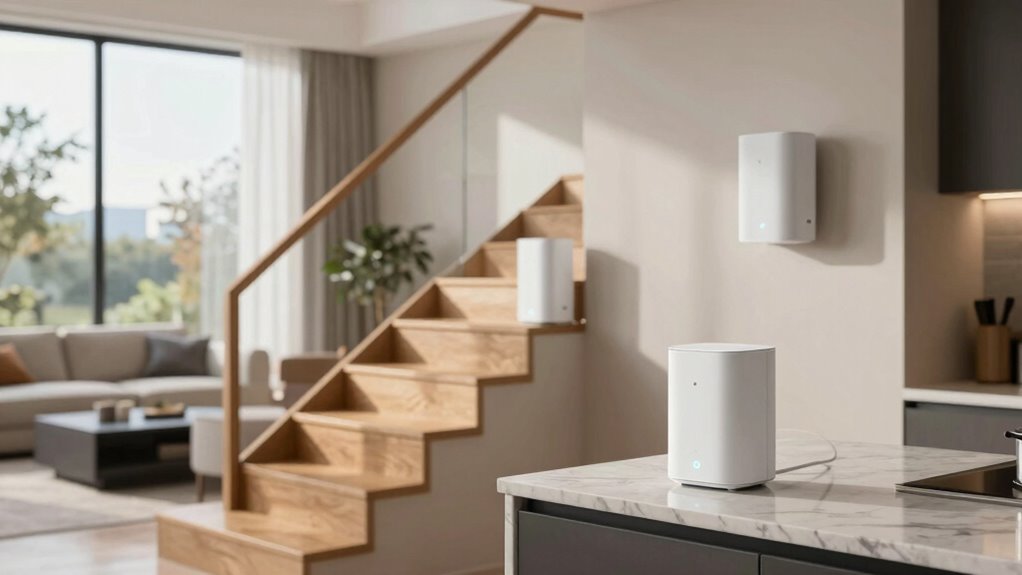
WiFi mesh networks distribute coverage through a series of interconnected nodes that work together to blanket your home with seamless internet. Proper router placement is key; placing nodes strategically ensures each device gets a strong, reliable signal. When nodes are too close, you risk device overcrowding, which can slow down your network and cause congestion. Conversely, placing them too far apart creates dead zones. Mesh systems intelligently route data between nodes, optimizing coverage and reducing dead spots. The goal is to position nodes where signals overlap without overcrowding any area, allowing devices to connect seamlessly across your home. This setup avoids the pitfalls of traditional single-router systems, offering greater flexibility and more consistent coverage without relying on a “one router per floor” rule. Understanding network topology helps in designing an effective placement strategy for your mesh system. Additionally, signal overlap is crucial for maintaining a stable connection throughout your home. To achieve optimal placement, considering the wireless signal propagation characteristics can significantly improve overall performance. Properly assessing home layout and potential obstacles can further enhance your network’s effectiveness, especially when accounting for environmental interference factors that may weaken signals.
What Factors Really Matter When Positioning Mesh Nodes?

When positioning your mesh nodes, several key factors influence the quality and stability of your network. First, focus on ideal router placement—place nodes where they can connect directly to your main router with minimal obstructions. Avoid areas with thick walls or large metal objects that can block signals. Also, consider device overcrowding; placing nodes in crowded spaces can lead to congestion, slowing your network. Keep nodes elevated and central within your home to ensure even coverage. Don’t cluster multiple devices in one spot, as this can cause interference. Instead, spread them out, maintaining a clear line of sight whenever possible. Understanding WiFi signals can help you optimize node placement for better connectivity. Additionally, understanding the interference sources in your environment will help you select optimal locations for your nodes. Being aware of signal interference sources such as other wireless devices or appliances can significantly improve your network’s performance. Ensuring your router placement adheres to best practices can further enhance your mesh network’s reliability. Properly managing network congestion by distributing devices evenly across nodes will also help maintain optimal performance. By paying attention to router placement and avoiding overcrowding, you’ll maximize your mesh network’s performance and reliability.
Common Mistakes to Avoid When Setting Up Your WiFi Mesh System
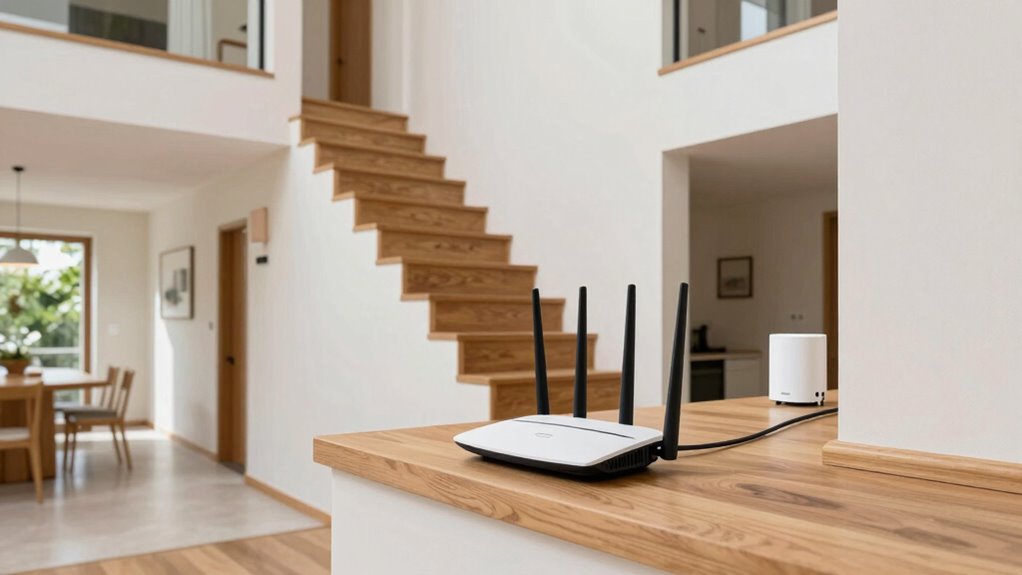
When setting up your WiFi mesh system, avoid overcrowding your network with too many devices, which can slow down performance. Make sure to skip placing nodes behind thick walls or large metal objects that block signals. Always test your signal strength to identify weak spots and optimize placement for the best coverage.
Avoid Overcrowding Devices
Overcrowding your mesh network with multiple devices can substantially reduce overall performance. When too many devices connect simultaneously, it causes device overcrowding, which strains your network’s capacity. This often leads to slower speeds and increased signal interference, especially if devices compete for the same bandwidth. To avoid this, limit the number of devices connected at once, especially those performing high-bandwidth activities like streaming or gaming. Consider prioritizing critical devices or scheduling heavy tasks during off-peak times. Also, ensure your mesh system can handle the number of devices you plan to connect. High customer service ratings and the ability to support numerous devices are key factors to consider when choosing a mesh system. Overcrowding not only hampers individual device performance but can also cause signal interference that disrupts your entire network. Keep device count reasonable to maintain a stable, fast, and reliable WiFi connection. Additionally, understanding your network capacity helps prevent overloading and ensures optimal performance for all users. To further optimize your setup, regularly review and adjust device connections to prevent network congestion from diminishing your WiFi quality. Being aware of your network’s device limits can help you better manage and distribute your connected devices effectively.
Skip Obstructive Placement
Did you know that placing your mesh nodes in the wrong spots can drastically reduce your WiFi coverage? Obstructive placement blocks signals and increases interference, limiting your network’s effectiveness. To maximize coverage, keep nodes away from thick walls, metal objects, and large appliances. Remember, ideal placement offers greater flexibility, so don’t settle for corners or hidden spots. Consider these tips:
- Avoid placing nodes behind furniture or inside cabinets
- Keep nodes elevated and clear of obstructions
- Minimize proximity to electronic devices that cause interference
- Position nodes within a central area for better interference mitigation
- Understanding WiFi signal propagation can help you optimize node placement for a stronger, more reliable network
- Being aware of interference sources can further enhance your network performance by reducing signal disruptions
- Recognizing the importance of smart home integration can allow your network setup to support additional connected devices seamlessly
- Familiarity with network topology can guide you in designing an efficient and resilient WiFi mesh setup.
- Awareness of cultural symbols like strength or protection can inspire strategic placement choices for optimal coverage and security.
Don’t Ignore Signal Testing
Skipping signal testing during setup can lead to weak spots and dead zones in your WiFi mesh network. To avoid this, use effective testing methods to assess signal strength across your home. Walk through each area with a device and note any areas with poor reception. Here’s a quick overview:
| Area | Signal Strength | Testing Method |
|---|---|---|
| Living Room | Strong / Weak | Speed Test / App Signal Meter |
| Bedroom | Strong / Weak | Walk and Observe |
| Kitchen | Strong / Weak | Test Streaming or Downloads |
| Basement | Strong / Weak | Device Connectivity Check |
Regular testing guarantees essential placement, keeping your mesh system reliable and fast everywhere. Don’t skip this important step! Additionally, understanding kitchen fundamentals can help optimize device placement and signal distribution in multifloor layouts.
How to Place Mesh Nodes in Multi-Story Homes for Better Coverage

To improve WiFi coverage in your multi-story home, focus on placing mesh nodes strategically, especially near central areas of each floor. Avoid obstructions like thick walls or large furniture that can interfere with signals, and keep nodes away from electronic devices that cause interference. Positioning nodes thoughtfully guarantees even coverage and better performance across all levels of your home. Additionally, understanding mesh network design can help optimize placement and connectivity for the best results. Proper node placement considers factors like signal strength, interference, and the layout of your home to ensure consistent coverage and optimal network performance. Incorporating signal testing can further refine your placement by identifying weak spots and ensuring optimal coverage throughout your space.
Optimal Node Placement Strategies
Placing mesh nodes strategically in a multi-story home is essential for achieving reliable WiFi coverage across all levels. To optimize placement, consider positioning nodes where signal strength is strongest and device density is highest. Avoid placing nodes too close to each other or near thick walls that could obstruct signals. Instead, aim for central locations on each floor to ensure even coverage. Keep these tips in mind:
- Place nodes at a height roughly at the middle of each room or hallway
- Avoid placing nodes behind furniture or inside cabinets
- Maintain clear lines of sight whenever possible
- Use a WiFi analyzer app to identify weak spots and adjust placement accordingly
Avoiding Obstructions and Interference
Strategic placement of mesh nodes must account for potential obstacles that can weaken WiFi signals. Walls, furniture, and appliances, especially in multi-story homes, can cause interference and reduce mesh network performance. To minimize these issues, position nodes away from thick walls and large metal objects. Avoid placing them near sources of electromagnetic interference such as microwaves or cordless phones. Ensuring unobstructed pathways helps maintain strong signals across floors. Also, consider wireless security by choosing placements that prevent unauthorized access while maintaining mesh network compatibility. Proper node positioning reduces interference, enhances coverage, and preserves signal strength. Remember, the goal is to create a seamless, secure WiFi experience that’s resilient against physical barriers and interference, especially in multi-story environments.
Centering Nodes for Coverage
Centering your mesh nodes in a multi-story home is essential for achieving even coverage across all floors. Proper node placement guarantees signals are distributed evenly and coverage is optimized. Start by positioning the primary node centrally on the middle floor to serve as a hub. Then, place additional nodes roughly equidistant from each other, avoiding corners or walls that block signals. Keep these key points in mind:
- Place nodes at a similar height to reduce signal loss
- Avoid proximity to metal objects or thick walls that may interfere
- Use open spaces to maximize signal spread
- Consider the flow of traffic; position nodes where people frequently pass through
Focusing on coverage optimization through strategic node placement helps eliminate dead zones and creates a seamless WiFi experience across your home.
How Your Home Size and Layout Impact WiFi Mesh Performance

The size and layout of your home directly influence how well a WiFi mesh system performs. Larger homes or those with multiple floors can create challenges, especially if walls or thick materials block signals. Open layouts help signals travel better, but complex designs with many rooms or thick walls may require additional nodes for ideal coverage. When planning your mesh setup, consider your home’s aesthetic, as bulky equipment might disrupt your decor, and budget considerations, since more nodes increase costs. A well-placed mesh system can seamlessly blend into your space while providing strong, reliable coverage. Understanding your home’s size and layout helps you choose the right number of nodes and placement strategy, ensuring the system works efficiently without unnecessary expense.
When Should You Add More Mesh Nodes or Consider Other Solutions?

If your WiFi coverage isn’t meeting your needs despite careful placement, it might be time to contemplate adding more mesh nodes or exploring other solutions. Signs include persistent dead zones, slow speeds, or weak signals far from your main router. Proper mesh node placement and signal optimization become vital at this stage. Consider adding nodes when:
- Existing nodes can’t cover all areas effectively
- Signal strength diminishes beyond a certain range
- You notice frequent disconnections or buffering
- Your home’s layout creates obstacles interfering with WiFi
Adding nodes can improve coverage and performance, but ensure they’re strategically placed for ideal signal distribution. Sometimes, adjusting existing node placement or employing range extenders might be enough. When these options fall short, expanding your mesh network is the next logical step.
Troubleshooting Dead Zones and Boosting WiFi Coverage
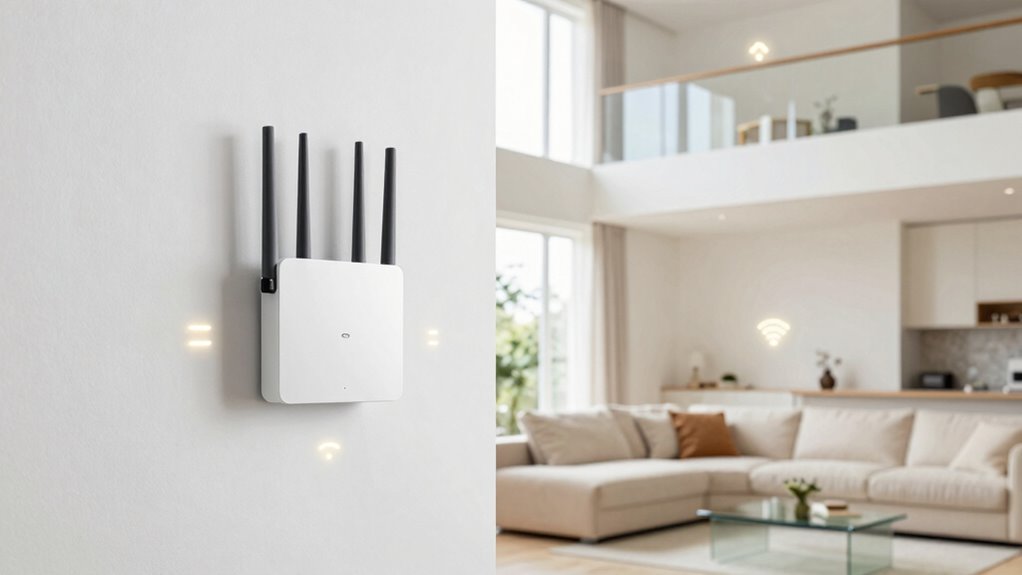
Dead zones can be frustrating, but addressing them often involves a combination of troubleshooting and strategic adjustments. Start by examining your router placement; placing it in a central, open location helps maximize coverage. Avoid obstructions like thick walls or large metal objects that can weaken signals. If dead zones persist, consider coverage optimization by adding mesh nodes or repositioning existing ones to fill gaps. Use your router’s signal strength tools or WiFi analyzers to identify weak spots. Adjust your mesh node placement to ensure seamless coverage, especially in problematic areas. Sometimes, upgrading your router or adding repeaters can boost signals where mesh alone struggles. With proper troubleshooting and strategic coverage optimization, you can eliminate dead zones and enjoy a more reliable WiFi connection throughout your space.
Frequently Asked Questions
Can Wifi Mesh Systems Work Effectively With Fewer Nodes?
Yes, WiFi mesh systems can work effectively with fewer nodes, but you should be aware of single node limitations and coverage misconceptions. Fewer nodes might reduce coverage and speed, especially in larger homes. To maximize performance, place the nodes strategically and consider your home’s layout. While fewer nodes can suffice in small spaces, adding more ensures better coverage and eliminates dead zones, providing a reliable connection everywhere.
Is Physical Obstructions More Impactful Than Node Placement?
Sure, obstacle interference and material barriers are more impactful than node placement, despite what you might think. You’d be surprised how a thick wall or metal appliance can block signals more than a poorly placed node. Ironically, moving a node around won’t fix issues caused by stubborn barriers. Instead, reducing obstacles like furniture or choosing better locations can dramatically improve your WiFi’s performance.
How Does Wifi Mesh Handle Interference From Other Devices?
You might notice that wireless interference and signal overlap from other devices can disrupt your WiFi mesh network. To handle this, mesh systems automatically switch channels or adjust frequencies to minimize interference. They also use intelligent routing to avoid signal overlap, ensuring your devices stay connected smoothly. Keep your mesh nodes away from devices like cordless phones or microwaves, which can cause interference, to maintain ideal performance.
Do Mesh Nodes Need to Be Placed at Specific Heights?
Think of your mesh nodes as trusty lanterns guiding your signal journey. To guarantee they shine brightest, you should place them at an ideal height—ideally on shelves or mounts—rather than just on the floor or ceiling. Proper router placement, including the best height, helps the mesh network perform at its best by reducing interference and creating a seamless connection throughout your space.
Can Mesh Networks Support Multiple Devices Simultaneously Without Slowdown?
Yes, mesh networks can support multiple devices simultaneously without slowdown. They manage bandwidth efficiently through signal overlap and intelligent bandwidth management, ensuring each device gets sufficient speed. You might notice some slowdown if many devices compete for bandwidth, but overall, mesh systems are designed to handle high traffic. Proper placement of nodes also helps optimize coverage and reduce interference, keeping your connection fast and reliable even with multiple devices online.
Conclusion
Remember, the “one router per floor” myth is like trying to fit a square peg in a round hole. Your home’s layout and where you place your mesh nodes are the real puzzle pieces. Think of your WiFi system as a symphony, where each note (node) needs to be in harmony for perfect coverage. With smart positioning and a little experimentation, you’ll turn dead zones into a seamless, breezy WiFi breeze—no matter how many floors you have.