To achieve a reliable, level bed, start by cleaning your print surface thoroughly and ensuring your printer is properly calibrated. Use a piece of paper or feeler gauge at each corner to adjust the leveling screws until there’s slight resistance, indicating the right nozzle distance. Consistently check and re-level after long prints or bed shifts. Mastering this straightforward method can markedly improve your print quality—keep going to discover the detailed steps and troubleshooting tips.
Key Takeaways
- Use a sheet of paper or feeler gauge at multiple points to precisely adjust the bed height.
- Home all axes, then adjust leveling screws at each corner until the nozzle just resists sliding the paper.
- Keep the bed and nozzle clean before leveling to ensure accurate calibration and adhesion.
- Verify consistent nozzle distance (~0.1 mm) across all points for a properly leveled bed.
- Regularly recheck and re-level the bed, especially after long prints or bedding adjustments, for reliable results.
Why Bed Leveling Is Key to Great Prints
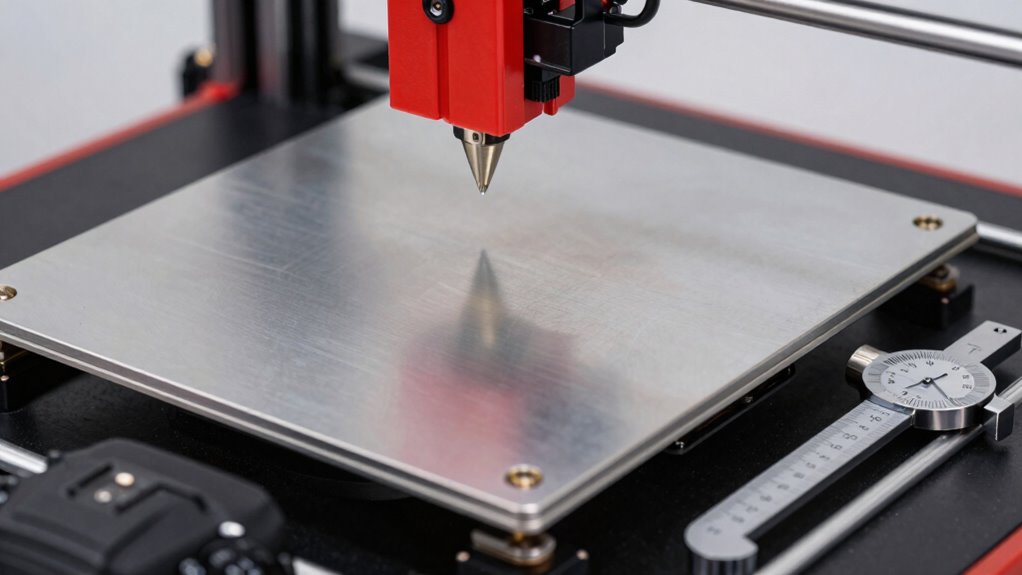
Proper bed leveling is essential because it directly affects the quality of your 3D prints. When your bed isn’t level, you’ll notice poor bed adhesion, which causes prints to warp or detach mid-print. This results in failed projects and wasted filament. A well-leveled bed ensures the first layer sticks firmly and evenly, providing a solid foundation for the entire print. Consistent bed height across the surface improves print quality by preventing issues like uneven layers or nozzle dragging. Without proper calibration, even the best filament and settings can’t compensate for the uneven surface. Regularly checking and adjusting your bed guarantees better adhesion and more successful, high-quality prints every time. Properly calibrated beds also help extend 3D printer lifespan by reducing wear and tear caused by uneven printing conditions. Maintaining proper calibration also helps prevent unnecessary machine wear and tear, saving you time and money in the long run. Ensuring your bed is level promotes efficient print quality and minimizes the need for reprints or adjustments. Additionally, a level bed can reduce print failures, saving material and effort.
How to Prepare Your 3D Printer for Easy Bed Leveling

Before starting bed leveling, make sure your bed surface is clean to guarantee accurate results. Gather all necessary tools, like a leveling wand and a square, so you’re ready to work efficiently. Finally, check your printer’s calibration to confirm everything is properly aligned for a smooth leveling process.
Clean the Bed Surface
A clean bed surface is essential for accurate bed leveling and successful prints. Dirt, grease, or leftover filament can compromise the print surface and reduce adhesion quality. To prepare your print bed:
- Wipe the surface with isopropyl alcohol or a mild cleaner to remove oils and debris.
- Use a lint-free cloth or paper towel for a streak-free finish.
- Inspect for any stubborn residue or damage, and clean as needed.
- Ensuring the bed surface is free of contaminants supports consistent adhesion, which is crucial for high-quality prints.
- Regularly check and clean your bed to prevent dust buildup and maintain optimal printing conditions, aligning with recommended maintenance schedules.
- Proper cleaning also helps prevent print failures, saving time and materials during your printing projects.
- Incorporate a routine cleaning process into your maintenance habits to sustain optimal print quality over time.
- Maintaining a clean bed surface can also extend the lifespan of your bed, ensuring consistent performance over many prints.
Cleaning guarantees your print surface is free of contaminants that could cause uneven adhesion. A well-maintained bed surface helps maintain consistent adhesion quality and simplifies the leveling process. Regular cleaning also prolongs the lifespan of your bed surface, making it easier to achieve perfect first layers every time.
Gather Necessary Tools
Gathering the right tools is essential to streamline the bed leveling process and guarantee accurate results. Before you start, make sure you have these calibration essentials on hand to avoid interruptions. Use this tools checklist to prepare:
| Tool | Purpose |
|---|---|
| Bubble Level | Check bed surface flatness |
| Hex Wrench Set | Adjust bed screws |
| Feeler Gauge | Measure nozzle clearance |
| Sharpie Marker | Mark points for consistency |
| Digital Caliper | Precise measurements |
Having these tools ready keeps the process smooth and efficient. Proper preparation with the right calibration essentials ensures you won’t waste time searching for tools mid-process. Additionally, understanding bed surface flatness is crucial for achieving a level print bed and high-quality prints. This simple step sets the foundation for successful bed leveling. To further enhance your calibration accuracy, familiarizing yourself with machine calibration techniques can be highly beneficial.
Check Printer Calibration
Ensuring your 3D printer is properly calibrated is a vital step that can save you time and frustration during bed leveling. First, check the axis movements and smoothness to prevent misalignment. Second, verify your extruder’s calibration, guaranteeing the filament flows correctly for consistent material adhesion. Third, select the right filament for your project, considering material properties that affect bed adhesion and print quality. Proper calibration helps maintain even nozzle height, reducing warping and adhesion issues. When your printer is calibrated, bed leveling becomes more straightforward, and you’ll achieve better first layers. Additionally, understanding the importance of calibration can help you troubleshoot common problems more effectively. Always double-check these settings before starting a new print to ensure optimal results and minimal adjustments later. Proper calibration is the foundation for successful 3D printing.
How to Evaluate If Your Bed Is Properly Level
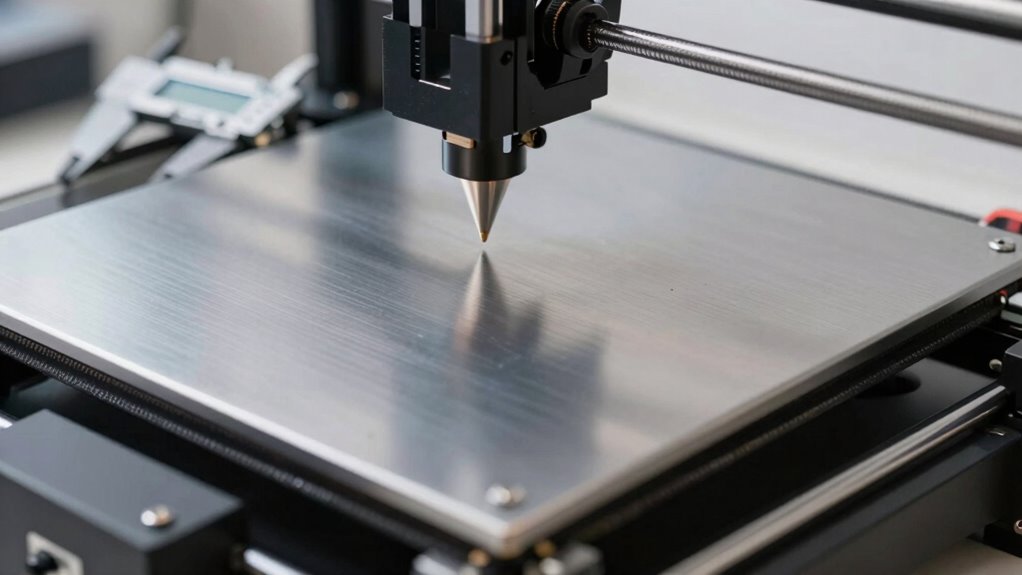
To establish if your bed is properly level, start by checking its levelness with a calibration tool or by manually measuring across different points. Then, inspect the nozzle distance at various spots to ensure it’s consistent and just enough for good adhesion. A well-leveled bed is essential for successful 3D printing, as uneven beds can cause print failures. Finally, observe the first layer during a print to see if it’s evenly laid down without gaps or uneven areas. Additionally, confirming that your bed is free-floating without obstruction can help prevent issues related to uneven leveling.
Check Bed Levelness
Before you start leveling your 3D printer bed, it is essential to evaluate whether it’s already properly aligned. Perform a print bed inspection to assess the current condition and identify any unevenness. To check bed levelness effectively:
- Use a sheet of paper or a feeler gauge at multiple points across the bed, noting resistance.
- Observe if the paper moves smoothly or feels tight, indicating the bed’s proximity to the nozzle.
- Check for consistent leveling accuracy by comparing readings at various spots; inconsistency signals a need for adjustment.
- Remember that proper bed levelness relies on understanding and maintaining bed calibration to prevent print failures.
This process ensures your bed is truly level, preventing print failures. Proper bed levelness is key to successful prints, so take your time with these checks before proceeding with any further leveling steps.
Inspect Nozzle Distance
Evaluating the nozzle distance is a crucial step in confirming your bed is properly leveled. Start with a nozzle inspection to ensure the nozzle isn’t too close or too far from the bed. A good rule of thumb is to set the nozzle approximately 0.1 mm above the build surface, which allows for smooth filament flow without scratching the bed. Use a piece of paper or a feeler gauge to check the gap at multiple points. If the paper drags or slides too easily, you need to adjust your distance calibration. Consistently verifying this distance across the bed ensures even layer adhesion and prevents print failures. Proper nozzle inspection and accurate distance calibration are key to achieving a perfectly leveled bed and high-quality prints.
Observe First Layer
Observing the first layer as it’s being printed is an effective way to determine if your bed is properly leveled. Pay close attention to how the filament adheres to the bed and whether the extrusion looks consistent. Use these calibration techniques to improve your setup:
- Check for uniform filament adhesion across the entire bed; uneven adhesion indicates uneven leveling.
- Watch for gaps or gaps in the first layer; these suggest the bed might be too far or too close.
- Ensure the extrusion is smooth and consistent; irregularities can point to calibration issues affecting overall print quality.
- Regularly monitor your bed leveling to maintain optimal print results and prevent issues over time.
A Simple, Reliable Method to Level Your Bed Step-by-Step
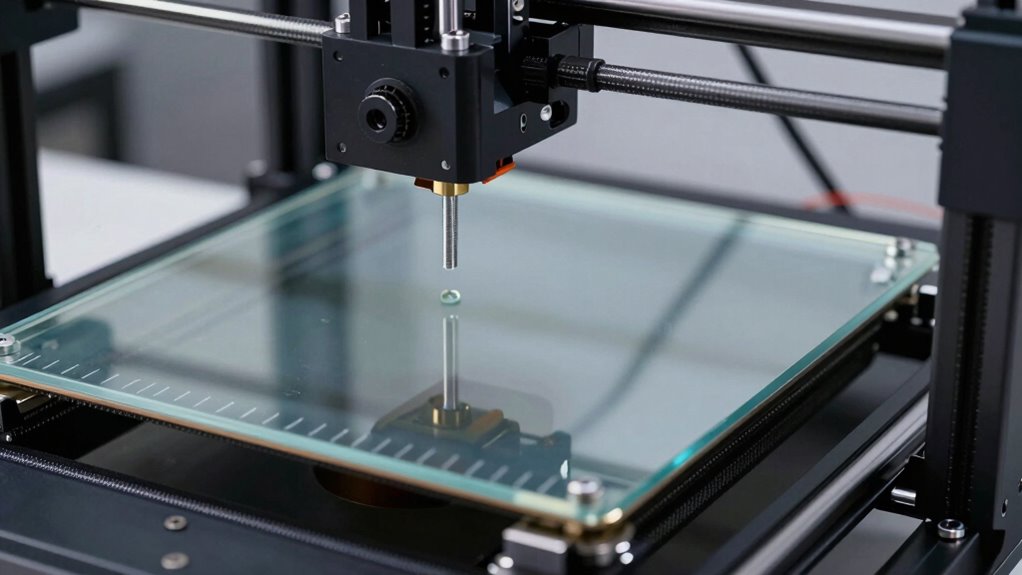
Leveling your 3D printer bed is essential for achieving high-quality prints, and doing it correctly doesn’t have to be complicated. Start by preparing your filament storage, ensuring your filament is dry and properly stored to prevent uneven extrusion. Proper storage and handling can prevent print failures, which is a crucial aspect of reliable 3D printing. Begin with the printer off, then home the axes. Move the print head to one corner and adjust the bed leveling screw until the nozzle just touches a piece of paper, feeling slight resistance. Repeat this at each corner, ensuring consistent distance. Keep your print speed low during this process for better control. Once all corners are set, verify the middle as well. Proper bed leveling creates a stable first layer, reducing print failures and improving surface finish. Consistent bed leveling is fundamental for reliable printing results, especially when you understand the importance of bed leveling techniques in ensuring success. This simple, step-by-step method guarantees reliable results every time, especially when you regularly maintain your printer to ensure optimal performance.
Common Bed Leveling Problems and How to Fix Them

Even with careful bed leveling, you may encounter common issues that affect print quality. These problems can lead to poor print adhesion or bed warping, causing failed prints or defects. Here are the main issues and fixes:
- Uneven Bed Surface: Warping or dents can cause unevenness. To fix this, recheck and re-level the bed, and consider replacing warped beds or using a glass surface for better flatness. Regularly inspecting your bed surface helps prevent these issues from recurring. Ensuring your bed surface has good flatness and is free of imperfections is essential for successful printing.
- Incorrect Nozzle Distance: If the nozzle is too far or too close, print adhesion suffers. Adjust the Z-axis to ensure a consistent, proper gap across the bed. Proper calibration ensures all these factors work together effectively, leading to more successful prints.
- Inconsistent Bed Temperature: Uneven heating can cause warping. Use a heated bed and make sure it heats evenly to prevent warping and improve print adhesion from the start. Maintaining consistent temperature uniformity is crucial for optimal print results.
- Proper Calibration ensures all these factors work together effectively, leading to more successful prints.
Tips for Maintaining a Level Bed Over Time
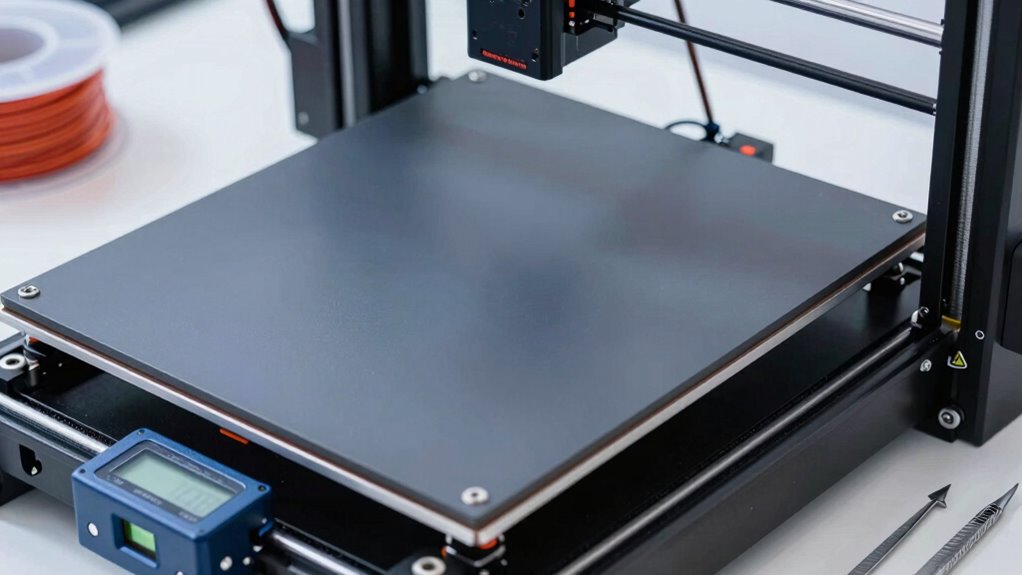
To guarantee your 3D printer produces consistently high-quality prints, it’s essential to regularly maintain your bed’s levelness. Auto bed leveling systems help, but they’re not foolproof—bed warping can still occur over time, affecting adhesion and print quality. Check your bed’s level periodically, especially after long printing sessions or if you notice uneven layers. Use a feeler gauge or paper to verify consistency across the bed. Keep the bed surface clean and free of debris that can cause unevenness. If warping persists, consider replacing or re-machining the bed. Regularly inspecting and adjusting your bed ensures ideal print results and prolongs your printer’s lifespan.
| Tip | Action | Reminder |
|---|---|---|
| Use auto bed leveling | Rely on sensors but verify manually | Check periodically |
| Watch for bed warping | Inspect for bends or uneven surfaces | Replace if warped |
| Clean the bed surface | Remove residue and dust | Keeps adhesion consistent |
| Re-level after adjustments | Confirm levelness after any changes | Prevents print failures |
| Regular maintenance | Schedule routine checks | Maintains long-term quality |
How Proper Bed Leveling Improves Your Overall Printing Results
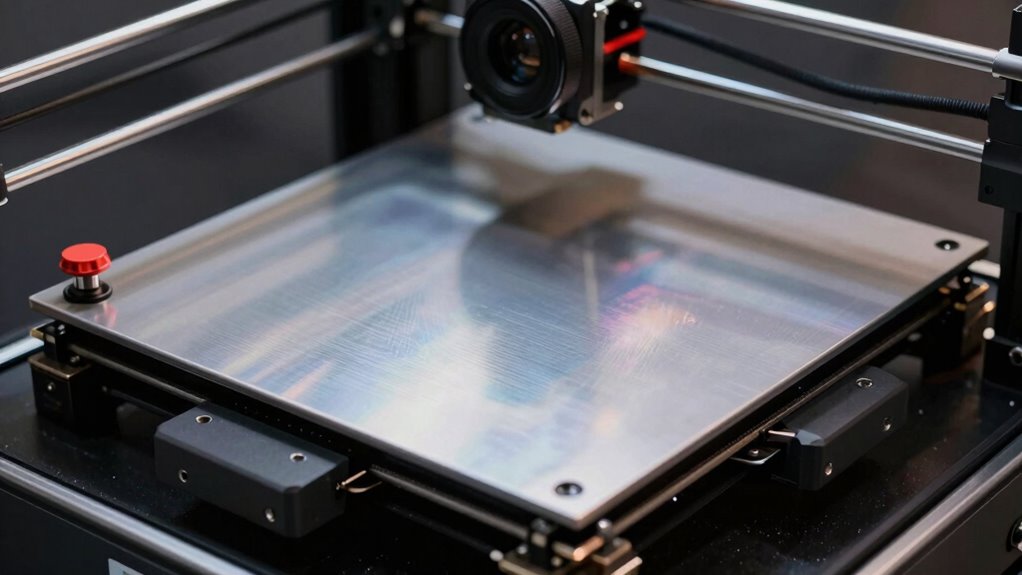
Maintaining a properly leveled bed directly influences the quality and consistency of your 3D prints. When your bed is level, your filament adheres better, reducing print errors. Proper leveling also allows you to optimize print speed without sacrificing quality. Here’s how it helps:
- Better filament storage: A level bed ensures even filament flow, preventing warping and improving adhesion.
- Improved print quality: You get cleaner, more precise layers by avoiding uneven extrusion caused by an unlevel surface.
- Faster prints: When your bed is correctly leveled, you can safely increase print speed, saving time while maintaining high-quality results.
Frequently Asked Questions
How Often Should I Re-Level My 3D Printer Bed?
You should re-level your 3D printer bed whenever you notice print quality factors declining, such as uneven layers or failed prints. A good bed leveling schedule is to check it before each large or critical print job, especially if your printer’s environment changes, like temperature shifts or vibrations. Regular re-leveling guarantees consistent adhesion and smooth prints, saving you time and frustration in the long run.
Can Bed Leveling Be Automated or Is Manual Necessary?
You can automate bed leveling with auto calibration features available on many printers, but manual adjustment is often still necessary for fine-tuning. Auto calibration makes the process easier and quicker, reducing errors, but it might not catch every imperfection. So, while automation helps, you should still be prepared to perform manual adjustments to guarantee perfect bed leveling for ideal print quality.
What Tools Are Best for Precise Bed Leveling?
Imagine you’re fine-tuning your printer’s bed with a feeler gauge, a simple yet precise measurement tool. For calibration techniques, a BLTouch or induction sensor often proves best, automating the process. These measurement tools help you achieve accurate bed leveling, reducing print failures. You’ll love how these tools make precise adjustments easier, ensuring your prints stick perfectly and come out flawless every time.
Does Bed Leveling Affect Print Adhesion Significantly?
Yes, bed leveling greatly impacts print adhesion. When your bed isn’t level, uneven surfaces cause poor contact, leading to weak adhesion or warping. Proper leveling guarantees the nozzle maintains consistent distance, preventing bed warping and ensuring the first layer sticks firmly. This reliability improves print quality and reduces failures, so always double-check your bed’s level before starting a print.
How Do Temperature Changes Impact Bed Leveling Accuracy?
Temperature changes can impact bed leveling accuracy because fluctuations affect temperature stability and cause material expansion. When the bed or print head heats up or cools down, they expand or contract, which can shift the calibrated level. To maintain precise leveling, you should keep the temperature stable throughout the print and perform leveling after reaching your target temperature. This helps prevent inaccuracies caused by material expansion or contraction.
Conclusion
Mastering bed leveling is the secret weapon to flawless prints that will blow your mind! Once you get it right, your prints will look so perfect, they’ll seem magical—like you’ve gained a superpower. No more failed prints or wasted filament. With this no-nonsense method, you’ll turn your 3D printer into a precision powerhouse. Get ready to impress everyone with your epic, perfectly leveled creations—your printer will thank you, and so will your sanity!