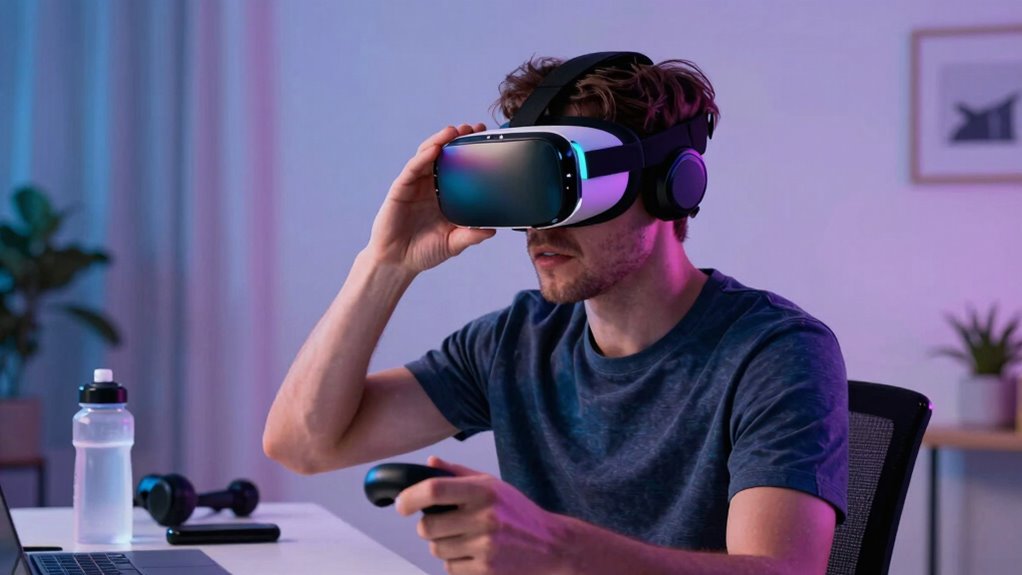

To fix VR motion sickness before quitting, focus on optimizing your hardware for comfort—adjust straps, calibrate devices, and make certain of clear visuals. Choose calming, slow-paced content and avoid quick movements. Practice focusing on a steady point and take regular breaks to build tolerance gradually. Position your play area safely and consider accessories like anti-nausea bands. If symptoms persist, knowing when to seek professional advice can help you enjoy VR safely—more tips await to ease your experience.
Key Takeaways
- Calibrate your VR hardware properly and ensure your environment is stable and well-lit for smoother experiences.
- Choose calming, slow-paced VR content with steady visuals to reduce sensory overload.
- Focus on a fixed point within the VR environment and take regular breaks to reset symptoms.
- Gradually increase session durations over time to build tolerance and prevent overwhelming motion sickness.
- Keep software updated, adjust fit and comfort settings, and avoid rapid or jerky movements in content.
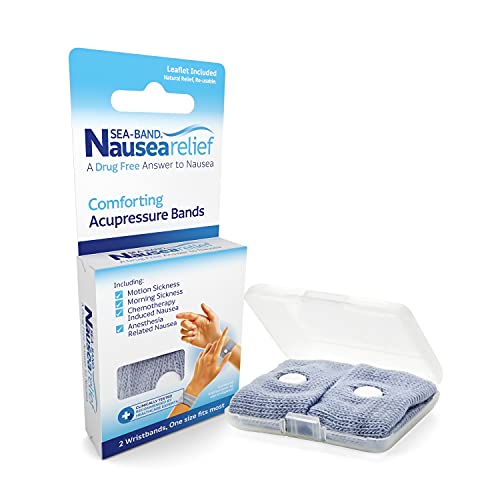
Sea-Band Anti-Nausea Motion Sickness Bracelets, 1 Pair, Gray
SEA-BAND: Reusable and washable, these motion sickness wristbands relieve discomfort from car sickness, morning sickness or chemotherapy related…
As an affiliate, we earn on qualifying purchases.
As an affiliate, we earn on qualifying purchases.
Understand What Causes VR Motion Sickness and How It Affects You
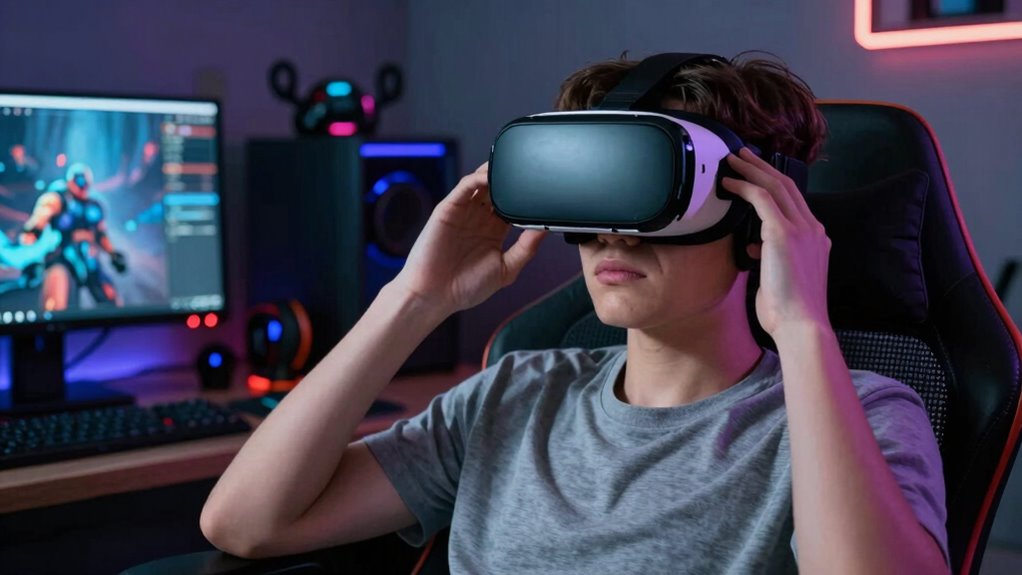
Understanding what causes VR motion sickness is key to preventing it. At its core, it’s often due to sensory conflict, especially a visual-vestibular mismatch. When your eyes see motion in the VR environment, but your inner ear doesn’t feel the movement, your brain receives conflicting signals. This mismatch triggers discomfort and nausea. You might feel like you’re moving when you’re still, or vice versa, leading to disorientation. The more intense or prolonged this sensory conflict, the worse your symptoms become. Recognizing this connection helps you understand why some experiences make you sick. By addressing the root cause—reducing the sensory conflict—you can minimize motion sickness and enjoy VR more comfortably. Additionally, factors like refresh rates and image quality influence how natural the visual experience feels, further impacting motion sickness susceptibility. Improving visual fidelity can help reduce sensory mismatch and make VR experiences more seamless. Enhancing head tracking accuracy can also significantly reduce the likelihood of experiencing discomfort during VR sessions, especially when combined with proper calibration techniques. Paying attention to frame stability can also help reduce the disorienting effects that contribute to motion sickness.

Saqico Head Strap for Meta Oculus Quest 2/3/3s, 3-in-1 Adjustable Halo Headband, Replacement for Elite Strap, Enhanced Comfort Gaming Immersion VR Accessories Compatible with Oculus/Meta Quest 2/3/3s
🥇【Compatible With 】—- Unlike other products, our Headstap for Meta Quest 2/3/3s has been upgraded to support not…
As an affiliate, we earn on qualifying purchases.
As an affiliate, we earn on qualifying purchases.
Adjust Your VR Hardware for Comfort and Nausea Prevention
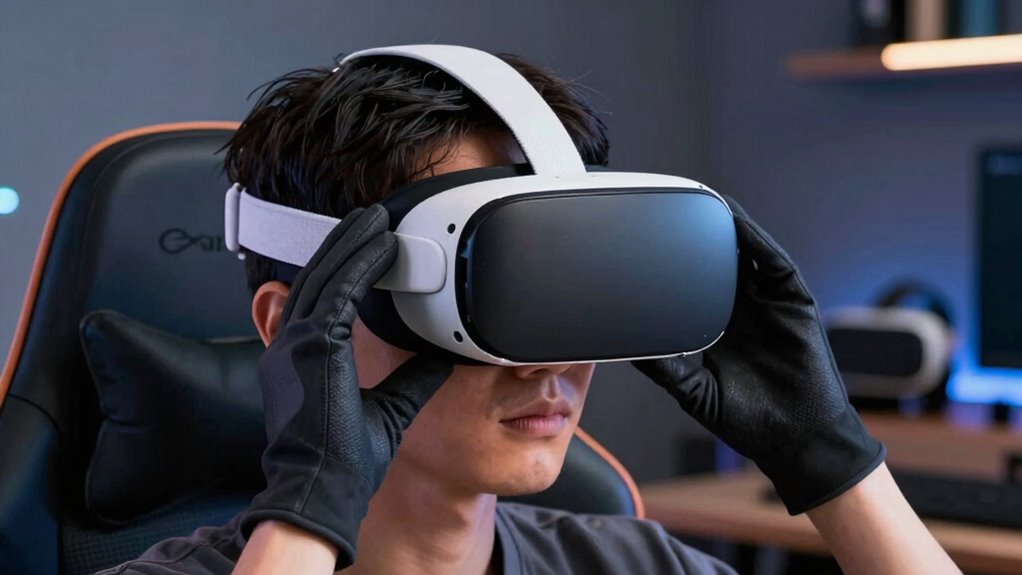
To prevent VR motion sickness, properly adjusting your hardware is essential, as uncomfortable or ill-fitting equipment can exacerbate sensory conflicts. Focus on ensuring your headset’s ergonomic design fits comfortably, reducing strain during extended use. Regular hardware calibration is vital for accurate tracking, minimizing disorienting lag or jitter. Make sure the straps are snug but not tight, and the display aligns correctly with your eyes to prevent blurry vision. Additionally, consider these adjustments:
- Adjust interpupillary distance (IPD) for clear, focused visuals
- Secure straps evenly to prevent movement or shifting
- Calibrate controllers for precise responsiveness
- Proper hardware setup is also influenced by understanding how sleep comfort impacts your overall experience, making adjustments more effective.

DSLRKIT Lens Focus Calibration Tool Alignment Ruler Folding Card,Pack of 2
This compact ruler allows you to determine if your lens is auto-focusing accurately as it should. It is…
As an affiliate, we earn on qualifying purchases.
As an affiliate, we earn on qualifying purchases.
Pick VR Content That’s Gentle on Your Stomach
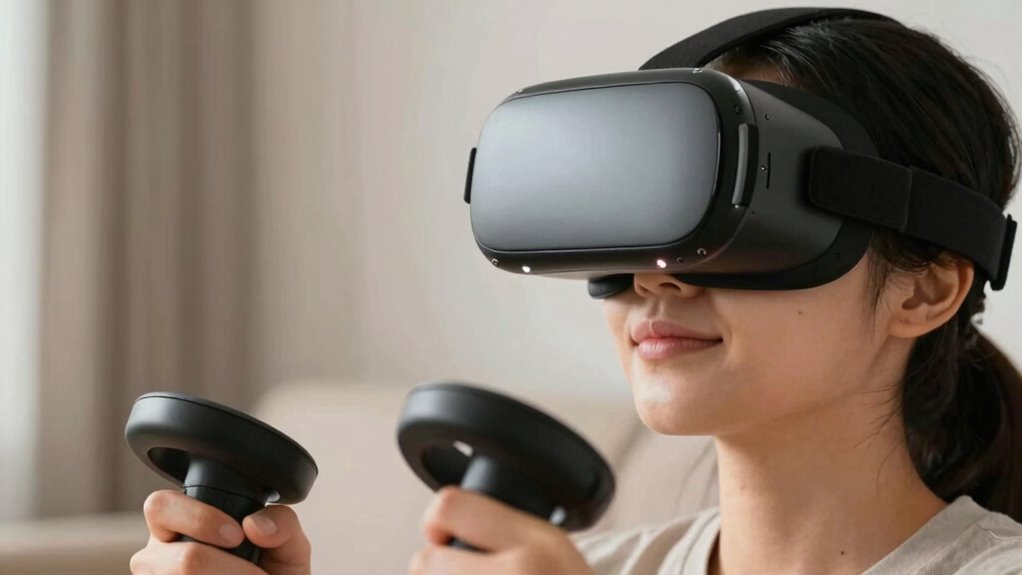
Start by choosing VR experiences set in calm environments to reduce sensory overload. Avoid content with rapid movements or sudden changes that can upset your stomach. Opt for smoother, slower-paced experiences to keep nausea at bay. Incorporating smart technology features, such as adjustable settings and automated comfort options, can further customize your experience to minimize discomfort. Additionally, selecting content with low sensory intensity can help prevent overstimulation and enhance your comfort during VR sessions. Being mindful of content pacing can also significantly reduce the likelihood of motion sickness. Paying attention to visual stability during VR use can further help maintain comfort and prevent dizziness. Maintaining a steady frame rate can also contribute to a smoother experience and reduce motion-related discomfort.
Choose Calm Environments
Choosing calm environments in VR can markedly reduce motion sickness, especially if you’re sensitive to rapid movements or busy visuals. Opt for relaxing scenery that promotes a sense of tranquility and helps your body adjust smoothly. Calm environments provide a stable visual backdrop, minimizing disorienting effects. To enhance your experience, consider these options:
- Environments with gentle, natural landscapes like beaches or forests
- Settings with soft lighting and muted colors
- Virtual spaces that avoid complex or fast-moving visuals
- Focusing on Free Floating elements can help maintain a steady visual experience and prevent disorientation.
Sticking to these calming environments helps your brain process the virtual world more comfortably. When your surroundings are soothing and less chaotic, you’re less likely to experience nausea or dizziness. Prioritizing relaxing scenery creates a more enjoyable and less stressful VR experience.
Avoid Fast Movements
Fast movements in VR can quickly trigger motion sickness, especially if your body is sensitive to rapid shifts or sudden changes. To reduce this risk, choose content with gentle, slow movements that don’t jolt your senses. An ergonomic design of your headset can help maintain comfort and stability, minimizing unnecessary strain. Prioritize VR experiences that focus on smooth, deliberate actions rather than quick, jerky motions. Additionally, ensure your visual calibration is accurate; misaligned displays can make fast movements feel disorienting and increase nausea. Being aware of motion sickness triggers and adjusting your settings accordingly can further help prevent discomfort. Recognizing performance and capability in your VR setup can help you optimize your experience for comfort. By selecting content with steady pacing and fine-tuning your equipment, you create a more comfortable environment that’s gentle on your stomach. This approach helps you enjoy VR longer without the discomfort caused by rapid or erratic motions.
VR calming experience apps
As an affiliate, we earn on qualifying purchases.
As an affiliate, we earn on qualifying purchases.
Try Simple Techniques Like Breathing and Focus to Reduce Nausea
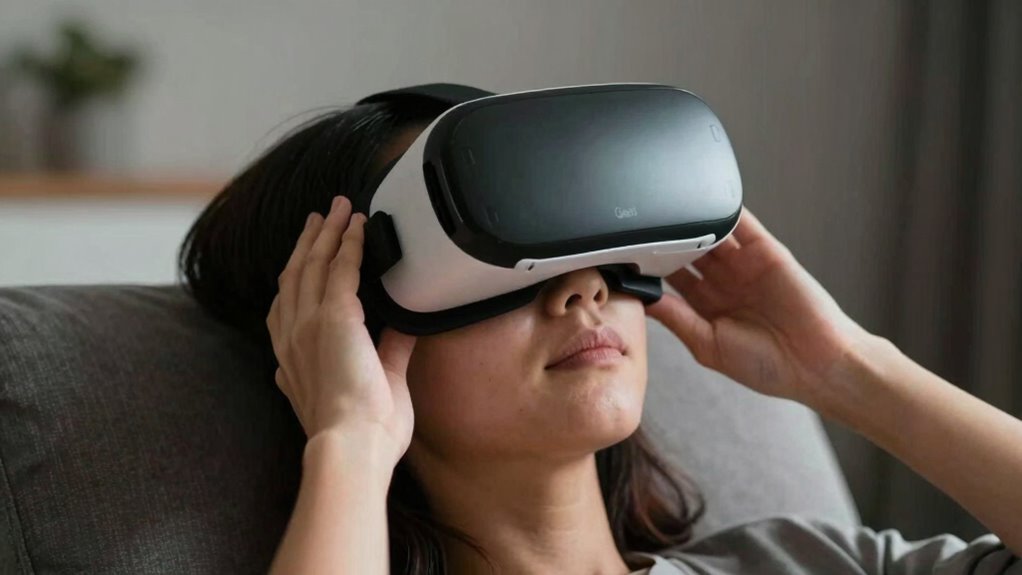
You can often reduce VR nausea by practicing deep breathing to calm your body. Focusing your gaze on specific points in the environment helps stabilize your vision. These simple techniques can make a noticeable difference in how comfortable you feel during your session. Additionally, adjusting your smartphone settings or ensuring your headset fits properly can further minimize discomfort. Paying attention to visual stability and minimizing conflicting signals can also enhance comfort and reduce nausea. Being mindful of VR hardware setup can prevent many common sources of discomfort before they start, especially by considering peripheral vision to avoid overstimulation.
Practice Deep Breathing Techniques
Deep breathing techniques can be a simple yet effective way to alleviate VR motion sickness. When you focus on your breath, you help calm your nervous system and reduce nausea caused by conflicting motion cues in the virtual environment. By practicing controlled inhaling and exhaling, you can ground yourself and regain control over your body’s response. To maximize effectiveness, try these approaches:
- Slow, deep breaths to signal relaxation to your brain.
- Focused breathing to shift attention away from disorienting motion cues.
- Rhythmic patterns that synchronize with your heartbeat, promoting calmness.
- Incorporating sound healing science principles, such as resonant frequencies, can further enhance your relaxation during VR sessions.
These techniques help reset your body’s response to the virtual environment, reducing nausea and making your VR experience more comfortable. Regular practice can improve your ability to stay centered despite conflicting motion cues.
Focus Your Gaze Strategically
Focusing your gaze strategically can substantially reduce VR motion sickness by minimizing disorienting visual cues. When you fix your gaze on a stable point, your visual perception aligns better with your vestibular system, reducing the conflict that often causes nausea. Instead of constantly shifting your view, try to keep your eyes steady on a specific object or area within the virtual environment. This reduces the sensory mismatch between what your eyes see and what your inner ear senses, helping your brain process the experience more comfortably. Simple techniques like breathing deeply and focusing your gaze can make a significant difference, making VR feel smoother and less overwhelming. Staying mindful of where you look helps your brain reconcile visual and vestibular inputs, easing motion sickness symptoms. Additionally, practicing visual stability can train your eyes and brain to adapt more quickly to virtual environments, especially as craftsmanship in VR design continues to improve. Developing habitual focus strategies can further enhance your ability to maintain comfort during extended VR sessions. Incorporating consistent visual cues can also help your brain establish a stable reference point, further reducing discomfort. Engaging in focused attention exercises can strengthen your ability to maintain this stability over longer periods.
Position Your Play Area to Minimize Disorientation
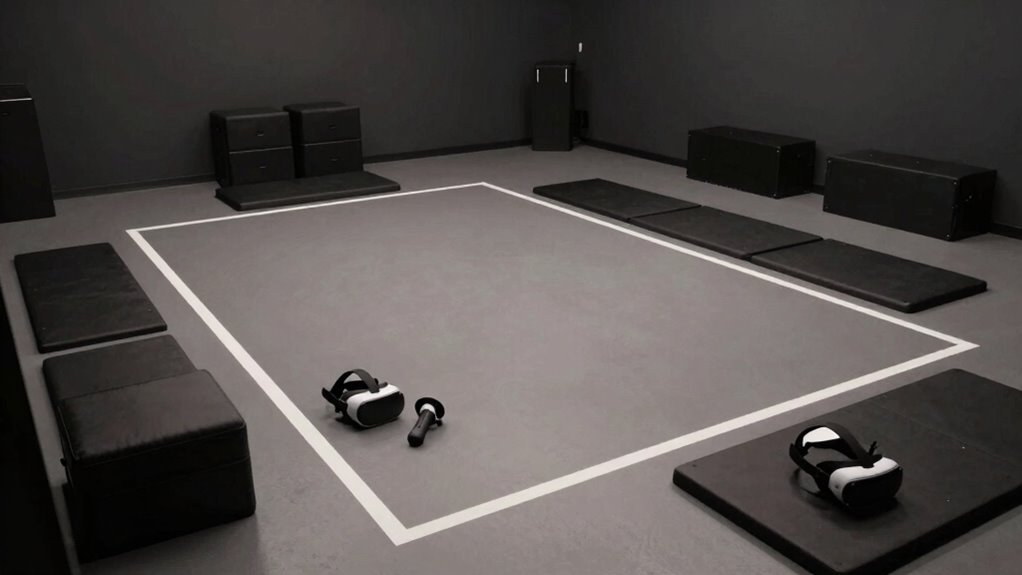
To reduce disorientation during VR gameplay, positioning your play area thoughtfully is essential. Ensure your space is clear and stable to prevent accidental bumps that can worsen motion sickness. Proper controller calibration is key; accurately syncing your controllers guarantees smooth interactions, reducing confusion. Visual calibration also helps align your real-world environment with your VR view, minimizing visual mismatches. To optimize your setup, consider these tips:
Optimizing your VR setup with a clear space and proper calibration enhances comfort and minimizes disorientation.
- Choose a well-lit, clutter-free space for better visual calibration
- Keep controllers at a comfortable, consistent distance during calibration
- Position your play area to avoid abrupt boundary triggers and maintain spatial awareness
- Regularly update your VR system’s firmware to ensure optimal performance and calibration accuracy
- Additionally, ensuring your environmental setup is consistent and free of distractions can significantly enhance your VR experience and reduce disorientation.
Take Regular Breaks and Gradually Build Your VR Tolerance

Since VR can be intense and disorienting at first, taking regular breaks is essential to prevent motion sickness from escalating. Establish a consistent break schedule to give your body time to recover and reset. During breaks, step out of the headset, stretch, and focus on something stable to help reset your vr tolerance. Gradually increasing your VR sessions allows your body to adapt without overwhelming it. Don’t push yourself too hard initially; instead, build up your tolerance slowly over days or weeks. Listening to your body is key—if you start feeling dizzy or nauseous, take a longer break. Over time, these break schedules help you enjoy VR longer while minimizing discomfort. Consistency is key to developing a comfortable vr tolerance.
Use Accessories or Tools That Help Prevent Motion Sickness

Using accessories or tools designed for VR can substantially reduce motion sickness by providing added stability and comfort. Ergonomic grips help you maintain better control, reducing hand fatigue and disorientation. Anti nausea bands apply gentle pressure around your wrists, which may help alleviate nausea symptoms. Consider these tools to enhance your VR experience:
- Ergonomic grips for improved control and reduced fatigue
- Anti nausea bands to help manage discomfort during extended sessions
- Adjustable head straps for a secure, comfortable fit that minimizes unnecessary movement
These accessories can make a significant difference, especially if you’re sensitive to motion sickness. Incorporating them into your setup can help you enjoy VR longer and more comfortably, decreasing the urge to quit prematurely.
Avoid Common Mistakes That Make VR Nausea Worse
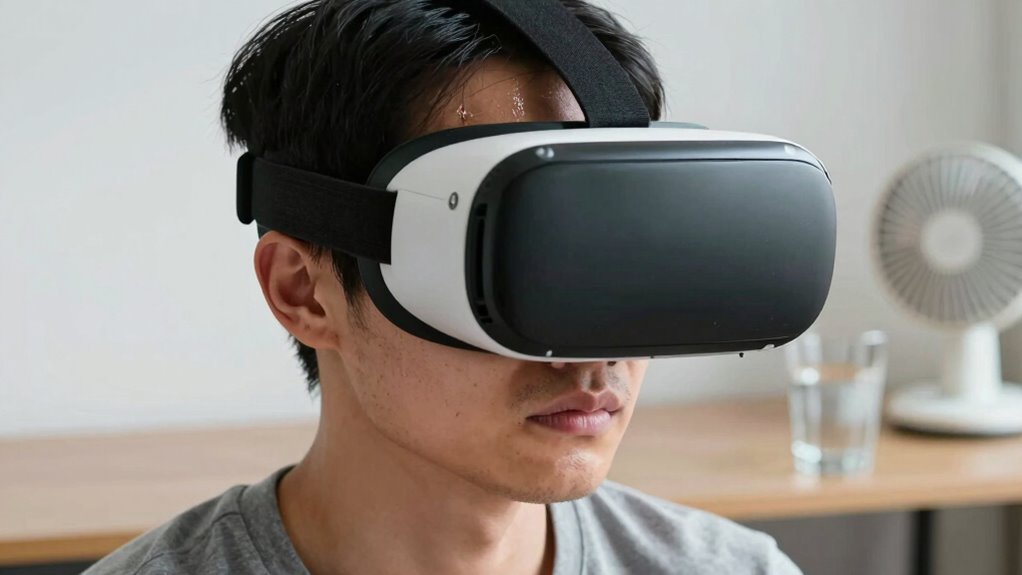
Avoiding common mistakes is essential because they can substantially worsen VR-induced nausea. Poor ergonomics improvement, like uncomfortable headsets or improper fit, can cause strain and increase dizziness. Make sure your equipment fits well and supports good posture. Additionally, neglecting software optimization—such as running outdated drivers or using poorly optimized VR apps—can lead to lag, motion blur, and disorientation. Always keep your software updated and choose VR experiences designed for smooth performance. Avoid rapid or sudden movements in the virtual environment, as these can trigger nausea. Take breaks regularly to give your body a rest. By paying attention to ergonomics improvement and software optimization, you reduce the risk of worsening nausea and make your VR experience more comfortable and enjoyable.
When Should You See a Professional for VR Motion Sickness?

If your VR motion sickness persists despite trying various tips, it’s time to consult a healthcare professional. Persistent symptoms may indicate underlying issues or misconceptions, such as virtual reality myths about how VR affects your body. You should seek help if you experience severe dizziness, nausea lasting hours, or visual disturbances. A professional can evaluate whether ergonomic design adjustments or other interventions are needed. They can also rule out health conditions that might worsen your symptoms. Recognizing when VR motion sickness isn’t just normal discomfort but a sign for professional advice is essential.
- Symptoms worsen despite optimizing ergonomic design and following best practices
- You experience chronic nausea or disorientation beyond typical VR sessions
- Concerns about underlying health issues or misconceptions about virtual reality myths
Frequently Asked Questions
Can Certain Medications Help Reduce VR Motion Sickness Symptoms?
Certain medications can help reduce VR motion sickness symptoms, but you should be cautious about medication interactions and dosage considerations. Always consult your doctor before taking any medication, as some drugs may cause side effects or interact negatively with other medicines. Proper dosage is vital for effectiveness and safety. Remember, medication isn’t a guaranteed fix—combining it with other strategies offers the best chance to enjoy VR comfortably.
Are There Specific Types of VR Headsets Less Likely to Cause Nausea?
You’ll find that VR headsets focused on better VR headset ergonomics and user experience design tend to cause less nausea. Look for lightweight, well-balanced models with adjustable straps and good padding. Headsets with higher refresh rates and reduced latency also minimize motion sickness. Prioritize devices that fit comfortably and are designed with user comfort in mind, helping you enjoy VR longer without feeling queasy or overwhelmed.
How Does My Age Influence Susceptibility to VR Motion Sickness?
Think of your age as the size of your boat on a choppy sea; as you get older, you might feel more bumps. Age-related sensitivity can increase susceptibility to VR motion sickness, especially for seniors. Your experience with VR may differ, but taking breaks and adjusting settings can help. Senior experiences vary, so listen to your body, start slow, and gradually build comfort to enjoy VR without the nausea.
Can Dietary Choices Impact VR Nausea Risk?
Yes, your dietary choices can impact VR nausea risk. Avoid dietary triggers like heavy, greasy, or spicy foods before VR sessions, as they can worsen nausea. Instead, stay hydrated by practicing hydration strategies, drinking water beforehand and during breaks. Proper hydration helps stabilize your stomach and reduces motion sickness symptoms. Maintaining a light, balanced meal can also prevent discomfort, making your VR experience smoother and more enjoyable.
Is It Safe to Use Nausea Medication While Gaming in VR?
Think of nausea medication as a shield you can wield. While some medications are generally safe, you should check their safety and gaming compatibility before diving into VR adventures. Always read the label, consult your doctor, and avoid mixing meds with VR gaming to prevent unwanted side effects. Your safety is the compass guiding your VR journey—don’t let nausea hold you back, but do prioritize caution.
Conclusion
Don’t let VR motion sickness keep you from enjoying your virtual adventures. By understanding what triggers it and trying simple fixes, you can build your tolerance just like a muscle—stronger with practice. Remember, patience is key, and taking small steps can make a big difference. With these hacks, you’ll be back in the virtual world, feeling comfortable and confident—like a sailor learning to navigate calm waters after storms.