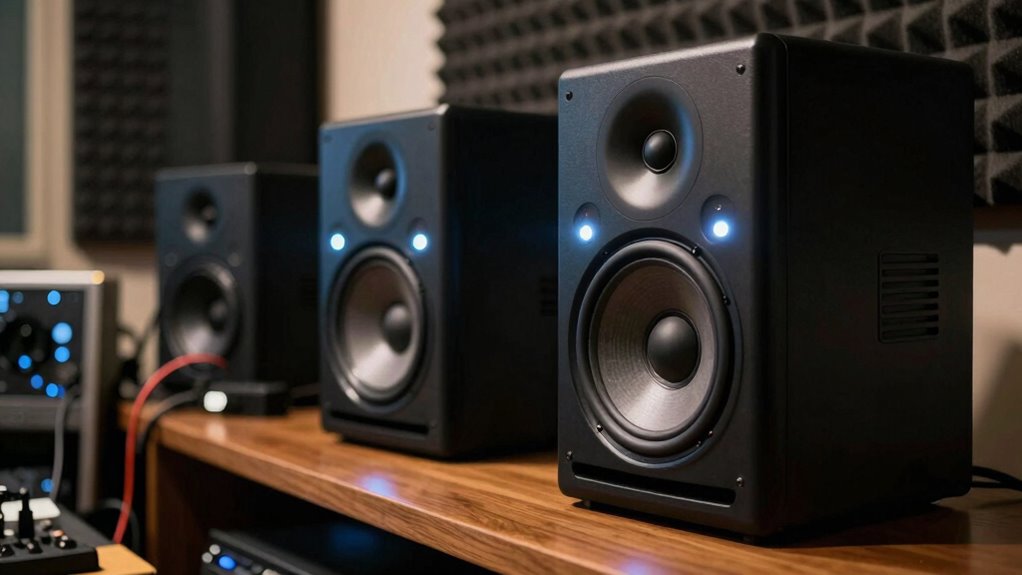

Studio monitors sound harsh because they’re designed to reveal every detail and flaw in your mix, making sounds seem more aggressive or fatigue-inducing at first. This harshness isn’t a flaw but a feature that helps you identify issues accurately. Factors like room acoustics and monitor placement can heighten this effect. Proper setup and treatment can soften harsh sounds and improve clarity. If you’d like to understand more about why this happens and how to fix it, keep exploring.

Get the latest gadgets delivered free with Prime
- Fast, free delivery on millions of items
- Prime Video, Amazon Music and more included
- Member-only deals all year
Key Takeaways
- Harsh-sounding monitors are designed to provide an honest, uncolored audio, highlighting true sound qualities that may initially seem sharp.
- Room acoustics and improper placement can exaggerate high frequencies, making monitors sound harsher than they are.
- Proper acoustic treatment reduces reflections, creating a clearer environment that allows monitors to be heard accurately.
- Calibration and slight position adjustments help minimize perceived harshness by balancing high-frequency response.
- The harsh sound is intentional for critical listening, ensuring producers can identify and address detailed audio nuances.
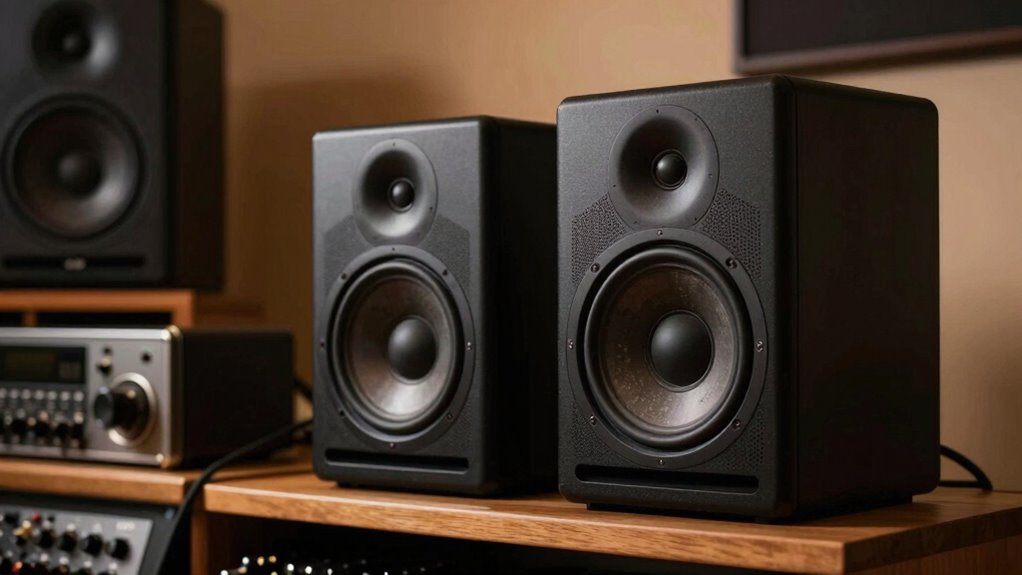
Many people assume that harsh-sounding studio monitors are a flaw, but in reality, they serve a specific purpose. These monitors are designed to provide an honest, uncolored representation of your audio, which often means emphasizing certain frequencies that can sound sharp or aggressive initially. When you first start working with them, it might seem like they’re overly harsh or fatiguing, but that’s typically a matter of context and environment. Your room acoustics and speaker placement play critical roles in how you perceive that sound. If your studio isn’t acoustically treated or if your monitors aren’t positioned correctly, you’ll likely hear more harshness or distortion than intended. Proper acoustic treatment helps create an environment where the true qualities of your monitors can be heard clearly, free from unwanted reflections. Room acoustics influence how sound waves bounce around your space. Hard surfaces like concrete, glass, or bare walls reflect sound, creating unwanted echoes and standing waves that can emphasize certain frequencies—especially the high end. These reflections can make your monitors sound harsher, as if they’re overly bright or shrill. Proper acoustic treatment reduces these reflections, allowing you to hear a more accurate and balanced sound. Think of it as creating a controlled environment where the true tone of your monitors can shine through without interference. Additionally, understanding monitor calibration helps ensure that your speakers are producing accurate sound levels, minimizing perceived harshness. Accurate calibration, along with frequency response adjustments, can greatly improve your listening experience. Moreover, even small adjustments in speaker positioning can significantly improve your listening experience by reducing high-frequency reinforcement. It’s also helpful to use sound level meters to double-check that your monitors are calibrated correctly across the frequency spectrum. Small changes in placement can make a big difference in how harsh or smooth the sound feels.
studio monitor acoustic treatment
As an affiliate, we earn on qualifying purchases.
As an affiliate, we earn on qualifying purchases.
Frequently Asked Questions
How Do Studio Monitors Differ From Regular Speakers?
You’ll notice studio monitors differ from regular speakers because they’re designed for accurate sound reproduction. Proper speaker placement and sound isolation are vital for performance, ensuring you hear true audio without coloration. Unlike typical speakers, they deliver a flat frequency response, helping you make precise mixing decisions. By focusing on sound clarity and minimizing external noise, studio monitors give you a reliable reference, essential for professional audio work.
Can Room Acoustics Affect Perceived Harshness in Sound?
Like a mirror distorting your reflection, room acoustics can make your monitors sound harsher than they truly are. Room reflections bounce sound waves unpredictably, emphasizing high frequencies and causing harshness. Acoustic treatment helps tame these reflections, creating a clearer, more accurate sound. Without it, your perception of harshness increases, making your mixes sound less balanced. Proper acoustic treatment guarantees you hear your music as it truly is, without the room’s interference.
What Equipment Can Help Soften Harsh Monitor Sounds?
You can soften harsh monitor sounds by using room treatment to absorb and diffuse high-frequency reflections, creating a more balanced listening environment. Additionally, applying equalizer adjustments helps tame overly bright or shrill frequencies directly on your monitors or audio interface. Combining these tools guarantees a smoother, more natural sound, making your mixing process more accurate and comfortable without compromising overall clarity or detail.
Are Certain Genres More Prone to Harsh Monitor Playback?
Think of certain music genres as loudspeakers shouting in a busy market—they’re more prone to harsh monitor playback. In music production, genres like metal, electronic, and punk often have brighter, sharper sounds that emphasize high frequencies, making monitors seem harsher. Genre influence shapes how your monitors sound, and understanding this helps you choose the right equipment and settings to achieve a balanced, clear mix without harshness.
How Often Should I Calibrate My Studio Monitors?
You should calibrate your studio monitors at least once every few months to maintain accurate sound. Use calibration tools like room analyzers and frequency adjustment software to guarantee ideal performance. If you notice changes in sound quality, increased harshness, or after major room modifications, recalibrate sooner. Regular calibration helps your monitors deliver precise audio, minimizing harshness and ensuring your mixes translate well across different systems.
studio monitor calibration tools
As an affiliate, we earn on qualifying purchases.
As an affiliate, we earn on qualifying purchases.
Conclusion
Just like the wise old owl perceives the night’s truths clearly, your studio monitors reveal the true essence of your sound—harshness included. Remember, every sharp edge in your mix is a guide, not a flaw. Embrace the clarity they provide, for it’s the key to refining your craft. With patience and understanding, you’ll tame those harsh tones, turning raw truth into musical poetry—just as the owl transforms darkness into insight.
sound level meter for studio monitors
As an affiliate, we earn on qualifying purchases.
As an affiliate, we earn on qualifying purchases.
As an affiliate, we earn on qualifying purchases.
Fall Picks
fall essentials
As an affiliate, we earn on qualifying purchases.