
To protect your privacy, turn off features like voice assistant recordings, location tracking, geofencing, and remote access. Limit data sharing with third-party apps, review camera and microphone permissions, and disable unneeded data collection and analytics. Also, secure your home network by changing default passwords and updating firmware regularly. Taking these steps prevents unauthorized access and data leaks. Keep these switches off now—if you want to learn more, you’ll discover additional ways to safeguard your smart home.
Key Takeaways
- Disable voice assistant recordings to prevent storage and analysis of your voice data.
- Turn off location tracking and geofencing features to reduce movement monitoring risks.
- Review and restrict camera and microphone permissions on devices to prevent unauthorized access.
- Limit data sharing with third-party apps and disable unnecessary permissions.
- Regularly update firmware and privacy settings to patch vulnerabilities and enhance security.
Why Privacy Settings Matter in Your Smart Home
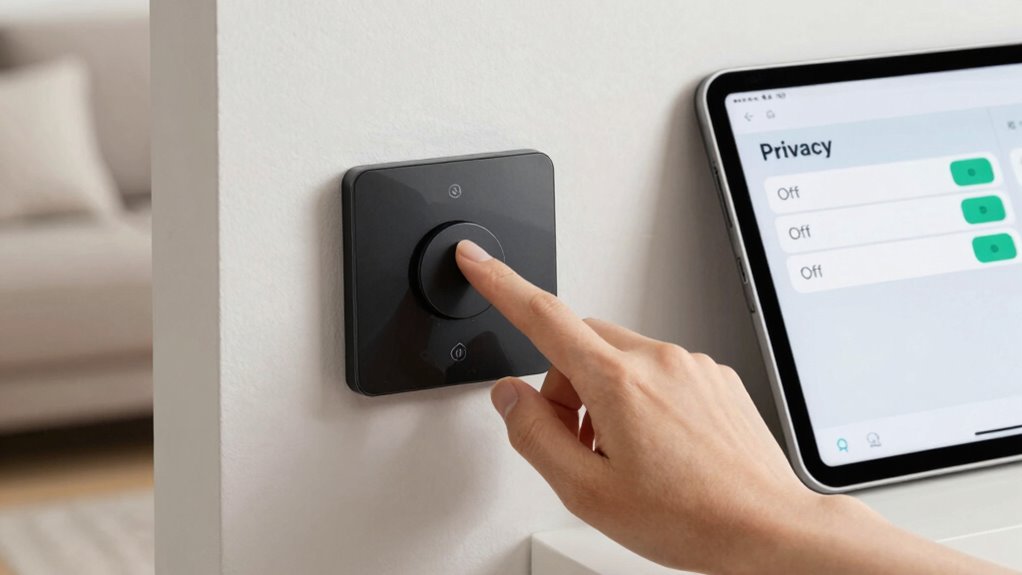
Privacy settings are essential in your smart home because they control how much personal information is shared and who can access it. Protecting your data starts with securing voice command security, ensuring that your voice inputs aren’t intercepted or misused. Many smart devices come with encryption features that safeguard your communications and data at every step. By enabling these settings, you prevent unauthorized access and reduce the risk of hackers exploiting vulnerabilities. Proper privacy configurations also help keep sensitive information, like your routines or personal details, from being exposed. Taking control of your privacy settings assures your smart home remains a secure environment where your data is protected, giving you peace of mind as you enjoy the convenience of connected technology. Additionally, configuring local automation features ensures your devices operate securely without unnecessary external exposure. Implementing privacy policies aligned with best practices further enhances your overall security posture. Regularly reviewing and updating these settings is crucial, as security updates often include important improvements that protect against emerging threats. Being aware of device-specific privacy options can also help customize your security measures effectively and user preferences play a significant role in maintaining your desired level of privacy.
Disable Voice Assistant Recordings to Protect Your Privacy

Disabling voice assistant recordings is a crucial step in safeguarding your personal privacy. When you turn off these recordings, you prevent your smart device from storing or analyzing your voice data, reducing the risk of leaks or misuse. Many companies update their privacy policies to clarify how voice data is handled, often allowing users to opt out. To take control, review your device’s privacy settings and disable voice recording options. This simple action minimizes exposure to potential data breaches. Additionally, understanding Free Floating concepts can help you better grasp how your data is managed and how to protect it effectively. Recognizing data sovereignty principles ensures you are aware of where your data is stored and governed, further enhancing your privacy safeguards. Being aware of affiliate disclosures can help you understand how your data might be used for marketing or earnings purposes.
Turn Off Location Tracking on Smart Devices

To protect your privacy, you should turn off location tracking on your smart devices. Understanding how location data is collected and managing app permissions helps prevent unnecessary sharing. Disabling features like geofencing also reduces the risk of your movements being tracked without your consent. Additionally, reviewing your device’s air quality and environment data settings can help prevent exposing sensitive information about your home environment. Being aware of data collection practices ensures you stay informed about what information your devices gather and how it’s used. Regularly checking your device’s navigation and mapping settings can further mitigate the risk of unintended tracking. Familiarizing yourself with air-based cooking fundamentals can also ensure your smart device usage aligns with safe and practical household practices. Moreover, understanding privacy settings across your smart home ecosystem is crucial for comprehensive security.
Understand Location Data Collection
Many smart devices constantly collect your location data to enhance functionality and provide personalized experiences. This involves location sharing and GPS tracking, which can reveal your exact whereabouts. While these features improve device performance, they also pose privacy risks if left unchecked. Knowing when and how your devices gather your location helps you make informed decisions. Often, your devices track your location in the background, even when you’re not actively using them. This data can be used for targeted ads, analytics, or shared with third parties. To protect your privacy, it’s important to understand what data is collected and why. Regularly reviewing your device settings can help you control or disable unnecessary location tracking, giving you more control over your personal information. Being aware of background data collection can help you better manage your privacy settings. Additionally, understanding privacy policies can clarify how your data is stored and shared. Monitoring permission settings regularly ensures you are aware of which apps have access to your location and can revoke access when needed. Being proactive by adjusting device permissions can significantly reduce unwanted data collection. Being mindful of device updates is also crucial, as updates often include privacy enhancements or changes to data sharing practices.
Manage App Permissions Carefully
Managing app permissions is essential to controlling your smart device’s access to your location data. Turn off location tracking whenever it’s not necessary to protect your privacy and reduce risks. Carefully review app permissions, especially for features like voice recognition, which may collect sensitive data. By limiting permissions, you prevent apps from accessing your location without your knowledge. Verify your devices use data encryption to safeguard any data that is transmitted or stored. Designing focused workspaces can also help you stay mindful of your privacy settings and avoid unnecessary exposure. Understanding deep-sky imaging principles can serve as a reminder of the importance of precise control and secure data handling. Regularly audit app permissions and revoke unnecessary access. Be cautious with voice recognition features that may share your location, and consider all waterparks that might share data with third-party services. Implementing privacy controls helps keep your data private and minimizes potential security vulnerabilities. Additionally, staying informed about air purifier maintenance practices can help you ensure your smart home environment remains safe and clean.
Disable Geofencing Features
Disabling geofencing features is essential for maintaining your privacy, especially when you don’t need your device to track your location continuously. Geofencing concerns arise when your smart devices monitor your movements without your explicit consent, risking your location privacy. By turning off these features, you prevent your devices from automatically accessing your location data, which could be used for targeted advertising or shared with third parties. This simple step helps protect you from potential privacy breaches and keeps your movements private. Review your device settings and disable geofencing options to make sure your location isn’t being tracked unnecessarily. Taking control over geofencing features reduces the risk of exposure and keeps your smart home environment safer and more private. Understanding privacy settings can further help you customize your device permissions to suit your comfort level. Regularly updating your software and firmware ensures that any security vulnerabilities related to location tracking are addressed promptly, further enhancing your privacy protection.
Limit Data Sharing With Third-Party Apps and Manufacturers

You should regularly manage app permissions to control what data third-party apps can access. It’s also important to review each manufacturer’s data sharing policies before granting access. Taking these steps helps you keep your smart home information private and secure.
Manage App Permissions
To safeguard your privacy, it’s vital to control how third-party apps and manufacturers access your smart home data. Managing app permissions helps you limit data sharing and maintain control over your devices. When adjusting permissions, consider how they affect voice command customization and device pairing procedures. Unauthorized access can lead to data leaks or unintended device behavior.
Be sure to review app permissions regularly and restrict unnecessary access. Key actions include:
- Disable permissions that aren’t essential for app functionality
- Limit access to sensitive data, like audio recordings or location
- Confirm app permissions after device pairing or updates
Review Data Sharing Policies
Reviewing data sharing policies is essential to keep your smart home information secure. You should understand how your voice data and device location are shared with third-party apps and manufacturers. Check the privacy policies to see if your data is being sold or used for targeted advertising. Limit sharing by disabling options that allow third parties access to your voice commands or device location. Some devices automatically share data, so review these settings regularly. Use the table below to compare sharing practices:
| Data Type | Third-Party Sharing Allowed | Control Options |
|---|---|---|
| Voice Data | Yes/No | Disable microphone access or data sharing |
| Device Location | Yes/No | Turn off location sharing features |
| Usage Data | Yes/No | Opt out in privacy settings |
| Manufacturer Data | Yes/No | Limit data collection permissions |
Being proactive helps protect your privacy from unnecessary exposure.
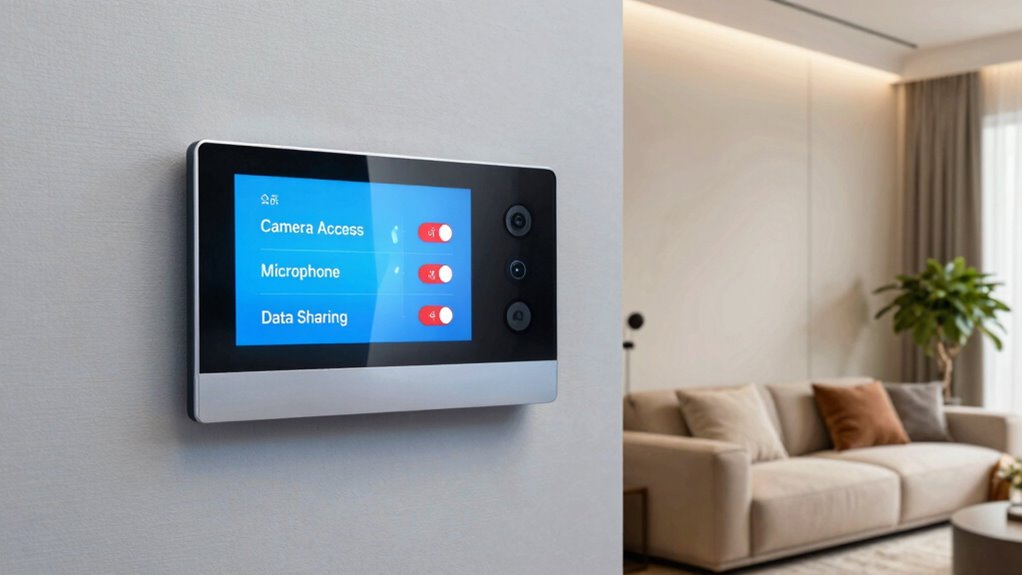
Manage Camera and Microphone Permissions for Privacy
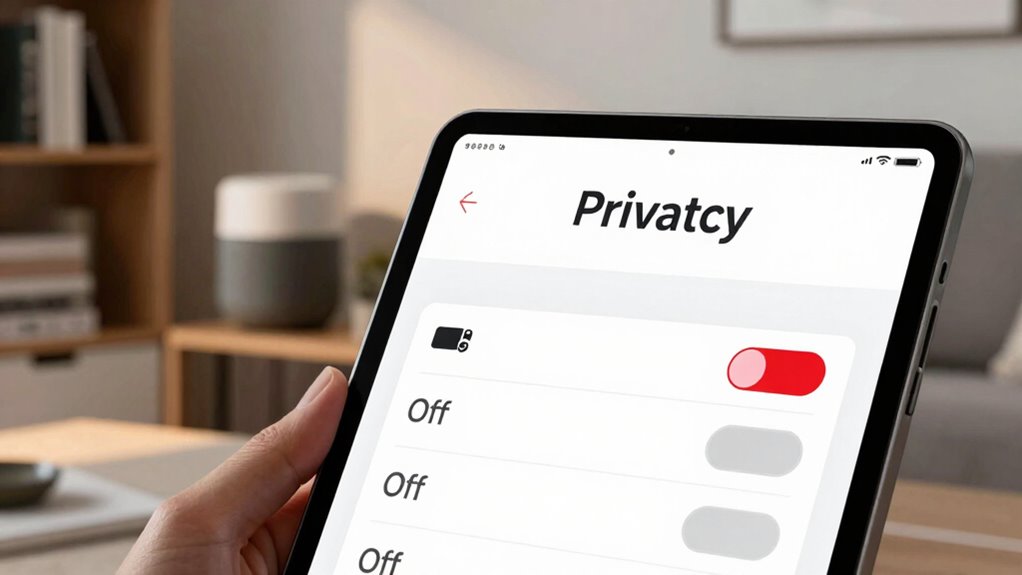
Managing camera and microphone permissions is essential for maintaining your privacy in a smart home. You should regularly review and adjust camera permissions to guarantee only trusted devices have access. Similarly, microphone controls allow you to prevent unintended audio recordings. To enhance your privacy, consider the following:
Regularly review and adjust device permissions to protect your smart home privacy.
- Limit camera permissions to necessary devices only
- Disable microphone controls on devices you don’t use often
- Regularly update permissions when new devices are added
Disable Unneeded Data Collection and Analytics Features
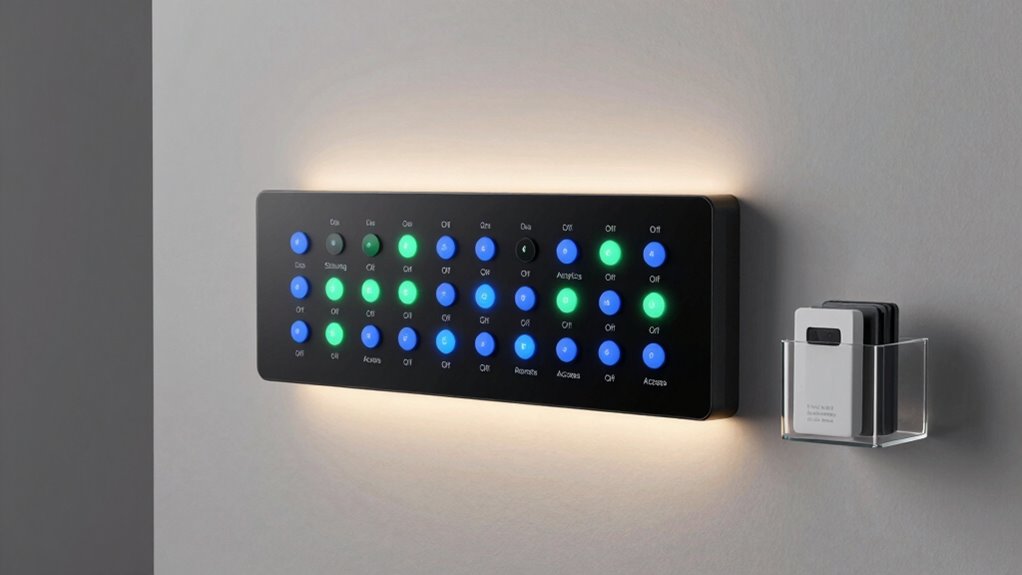
Disabling unneeded data collection and analytics features is a crucial step in protecting your smart home privacy. Many devices gather data for analytics, but unnecessary collection risks exposing sensitive info. Turn off features that don’t enhance your experience to minimize data exposure. Focus on enabling data encryption and strong user authentication to secure your data. Here’s a quick overview:
| Feature | Purpose | Privacy Impact |
|---|---|---|
| Usage Analytics | Improve device performance | Can reveal habits |
| Location Tracking | Enhance services based on location | Risks privacy leaks |
| Voice Data Collection | Improve voice recognition | Records sensitive info |
| Data Sharing Settings | Share data with third parties | Potential data misuse |
| Remote Access | Control devices remotely | Unauthorized access risk |
Review and Adjust Privacy Settings in Your Smart Home App
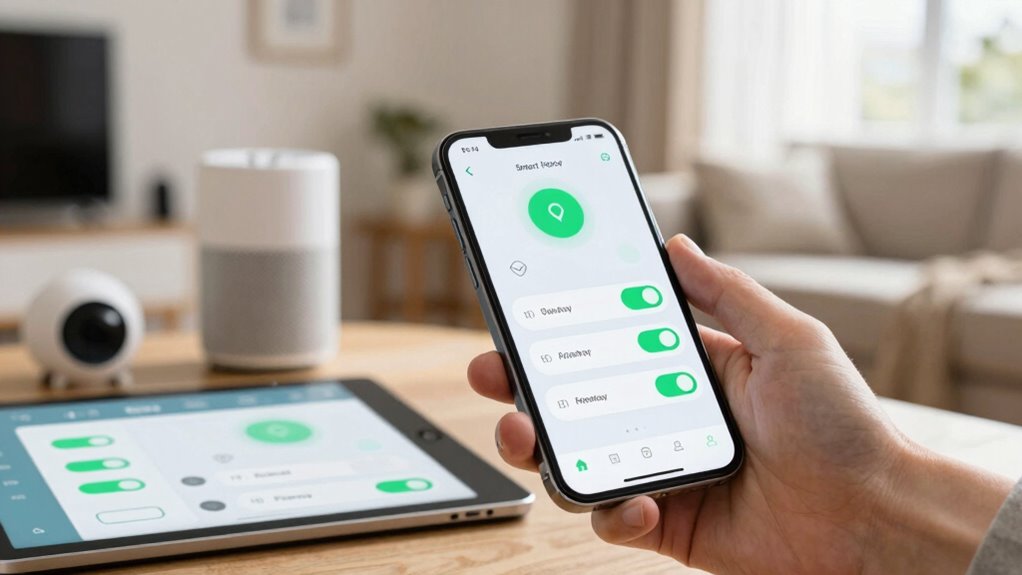
To protect your smart home privacy effectively, it’s essential to review and adjust the privacy settings in your app regularly. Start by checking voice recognition options—disable or limit data collection if you don’t need voice commands stored. Review device pairing permissions to ensure only trusted devices are connected. Adjust settings to control who can access your data and how it’s shared with manufacturers or third parties.
Key points to focus on include:
- Limiting voice recognition data storage
- Managing device pairing permissions
- Turning off data sharing options
Secure Your Home Network to Keep Devices Safe
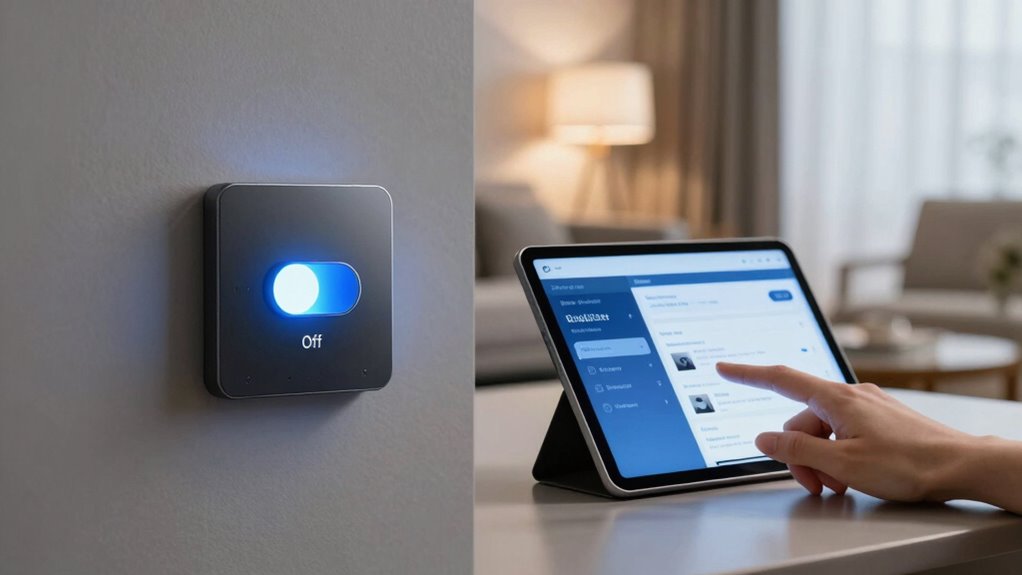
Securing your home network is essential to protect your smart devices from unauthorized access and potential cyber threats. Start by changing default passwords on your Wi-Fi router and enabling strong, unique ones. Use encryption protocols like WPA3 to keep data secure and prevent eavesdropping. If your devices feature voice recognition, ensure that voice data is transmitted over encrypted channels and stored securely. Implement device encryption wherever possible to safeguard sensitive information. Consider creating a separate network for smart devices, isolating them from your main network to reduce risks if one device gets compromised. Regularly update your router’s firmware and security settings to patch vulnerabilities. These steps help keep your smart home devices safe from cyber threats, ensuring your privacy remains protected.
Keep Firmware and Privacy Settings Up to Date for Ongoing Security

Keeping your firmware and privacy settings up to date is crucial for maintaining the security of your smart home devices. Manufacturers regularly release firmware updates to fix vulnerabilities and improve functionality. Ignoring these updates leaves your devices exposed to potential threats. Following privacy best practices, like updating privacy settings, helps control data sharing and prevents unauthorized access. To stay protected:
- Regularly check for firmware updates on all devices
- Enable automatic updates whenever possible
- Review and adjust your privacy settings after updates
Staying current with firmware updates and privacy best practices ensures your devices remain secure and your personal data protected. Making these updates a routine minimizes risks and keeps your smart home safe from evolving threats.
Frequently Asked Questions
How Often Should I Review My Smart Home Privacy Settings?
You should review your smart home privacy settings at least once every three months. This guarantees you stay updated with any changes to privacy policies and confirms your preferences are still accurate. Regular reviews also help you manage user consent, making sure your data isn’t shared without permission. Staying proactive keeps your smart home secure and your privacy protected, giving you peace of mind in a constantly evolving digital landscape.
Can I Customize Privacy Settings for Individual Devices?
Think of your smart home as a symphony where each device plays a different tune. Yes, you can customize privacy settings for individual devices using device-specific controls, giving you privacy customization at your fingertips. This way, you control exactly what data each gadget shares, ensuring your privacy stays tuned to your preferences. Take charge of each device’s settings to keep your home secure and your personal information protected.
Are There Any Risks in Disabling All Data Sharing Features?
Disabling all data sharing features can reduce your smart home’s data collection and limit third-party access, but it might also affect device functionality. You risk losing some features or updates that rely on data exchange. However, it greatly enhances your privacy by preventing unauthorized access and minimizing the risk of data breaches. Weigh the benefits of privacy against potential inconveniences to decide if turning off all data sharing suits your needs.
How Do I Reset Privacy Settings to Factory Defaults?
You want to restore your smart home’s privacy defaults? Start with a factory reset, which wipes all custom settings and returns your devices to original privacy defaults. Locate the reset option in your device’s menu or physical button, hold it down as instructed, and wait for the reset process to complete. This quick step guarantees your privacy settings are back to default, giving you a clean slate and peace of mind.
What Are the Best Practices for Securing Smart Home Devices?
To secure your smart home devices, you should enable device encryption and strong user authentication. Always change default passwords, use unique, complex ones, and enable two-factor authentication where available. Keep firmware updated regularly to patch vulnerabilities. Additionally, disable unnecessary features, review app permissions, and set up a separate network for your smart devices. These steps help protect your privacy and prevent unauthorized access effectively.
Conclusion
By flipping these switches, you’re the captain steering your smart home’s privacy ship through stormy seas. Each setting is a lighthouse guiding you away from unseen prying eyes and lurking threats. Take control, tighten your defenses, and let your privacy stand tall like a sturdy fortress. Remember, in this digital dance, you hold the key—so lock it up tight and keep your smart home’s secrets safe from wandering eyes.