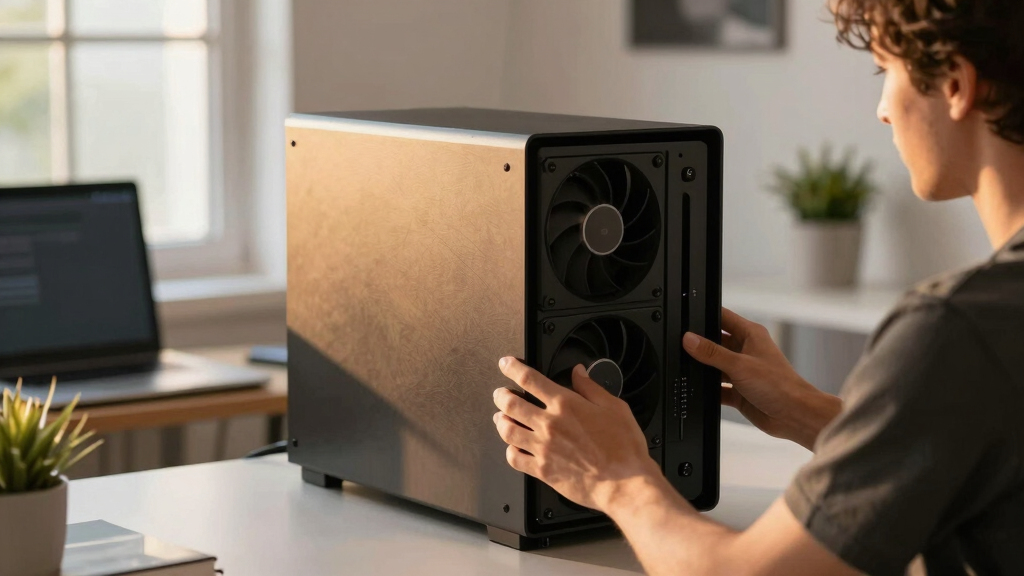

📊 Full opportunity report: How to Reduce Heat and Noise in a High-Power AI Workstation on ThorstenMeyerAI.com — validation score, market gap, and execution plan.

Get the latest gadgets delivered free — and shop member deals
- Fast, free delivery on millions of items
- Access to Prime Big Deal Days deals on October 6–7
- Prime Video, Amazon Music and more included
TL;DR
High-power AI workstations generate significant heat and noise due to sustained GPU load. Key fixes include undervolting GPUs, improving airflow, and managing power draw to create quieter, cooler systems. This is essential for maintaining performance and comfort during long inference tasks.
High-power AI workstations produce excessive heat and noise during sustained inference workloads, and recent expert guidance confirms that targeted cooling and power management strategies can significantly mitigate these issues.
AI workstations running large models or batch inference generate continuous high GPU loads, leading to elevated temperatures and loud fan noise. Unlike gaming PCs, which handle bursty loads, these systems operate at near-constant full capacity, making cooling more challenging.
The primary heat source is the GPU, which can account for over 70% of the thermal load. Its fans are typically the loudest component under sustained use. The CPU, power supply, and VRMs also contribute to heat but are secondary in impact. Effective cooling requires addressing all these sources, with a focus on GPU management.
One of the most effective confirmed methods is undervolting the GPU and capping its power limit. This reduces heat output without significant performance loss, especially in memory-bound inference tasks. Improving case airflow, selecting quieter fans, and managing power supply efficiency further help reduce noise and temperature. These measures, when combined, can transform a noisy, hot system into a quieter, more stable workstation.
An AI workstation isn’t a gaming PC —
and that’s why it runs hot.
Local inference is a sustained load: the GPU sits near full power for hours with no loading screens, so the heat never dissipates and the fans never get a break. Here’s where the heat comes from — and the five levers that reduce it.
Impact of Cooling and Power Strategies on AI Workstation Performance
Implementing these cooling and power management techniques is crucial for maintaining hardware longevity, ensuring consistent inference performance, and improving user comfort in environments where AI workloads are run continuously. Reducing noise levels also makes these systems more suitable for shared or office spaces, where loud fans can be disruptive.
As an affiliate, we earn on qualifying purchases.
Recent Insights into AI Workstation Thermal Management
Traditional gaming PC cooling strategies are insufficient for AI inference workloads, which require sustained high GPU utilization. Experts emphasize that understanding the distinct thermal profile of AI workstations is key to effective cooling. Recent guides and technical discussions highlight undervolting, power capping, and airflow optimization as proven methods to address these challenges.
Previous approaches focused on high-performance cooling solutions, but current best practices prioritize efficiency and noise reduction, supported by empirical testing and user reports. As AI hardware continues to evolve, these strategies remain relevant for current high-power setups.
“Undervolting your GPU and improving airflow are the most cost-effective ways to significantly cut heat and noise in AI workstations.”
— Thorsten Meyer, AI hardware expert
high airflow PC case for AI workstation
As an affiliate, we earn on qualifying purchases.
As an affiliate, we earn on qualifying purchases.
Remaining Questions on Long-Term Hardware Effects
While undervolting and power capping are proven effective for immediate thermal and noise reduction, their long-term impact on hardware durability and performance stability remains under study. More data is needed on how these adjustments affect hardware lifespan over extended periods.
As an affiliate, we earn on qualifying purchases.
Next Steps for AI Workstation Optimization
Developers and users should continue testing undervolting and airflow improvements, monitor hardware stability, and stay updated on new cooling technologies. Future guides may provide more refined settings and integrated solutions for quieter, cooler AI systems.
As an affiliate, we earn on qualifying purchases.
Key Questions
Can undervolting harm my GPU?
Undervolting, when done within recommended parameters, generally does not harm GPUs and can extend hardware lifespan by reducing thermal stress. However, improper settings may cause instability, so gradual adjustments and testing are advised.
What cooling improvements are most effective for AI workstations?
Enhancing case airflow with high-quality fans, using larger or more efficient coolers, and optimizing fan curves are among the most effective strategies. Undervolting GPUs and managing power limits also play a significant role.
Is liquid cooling necessary for high-power AI systems?
Liquid cooling can provide better thermal performance and quieter operation but is not strictly necessary. Proper air cooling with good case ventilation and power management often suffices for most workloads.
How much noise reduction can I expect from these strategies?
Implementing undervolting and improving airflow can reduce fan noise by over 50%, making long inference sessions significantly quieter. Exact results depend on the specific hardware and setup.
Will these adjustments decrease my inference performance?
In memory-bound inference workloads, undervolting and power capping typically do not reduce performance significantly. In compute-bound tasks, some minor performance loss may occur but is often acceptable given the thermal and noise benefits.
Source: ThorstenMeyerAI.com
Fall Picks
fall essentials
As an affiliate, we earn on qualifying purchases.