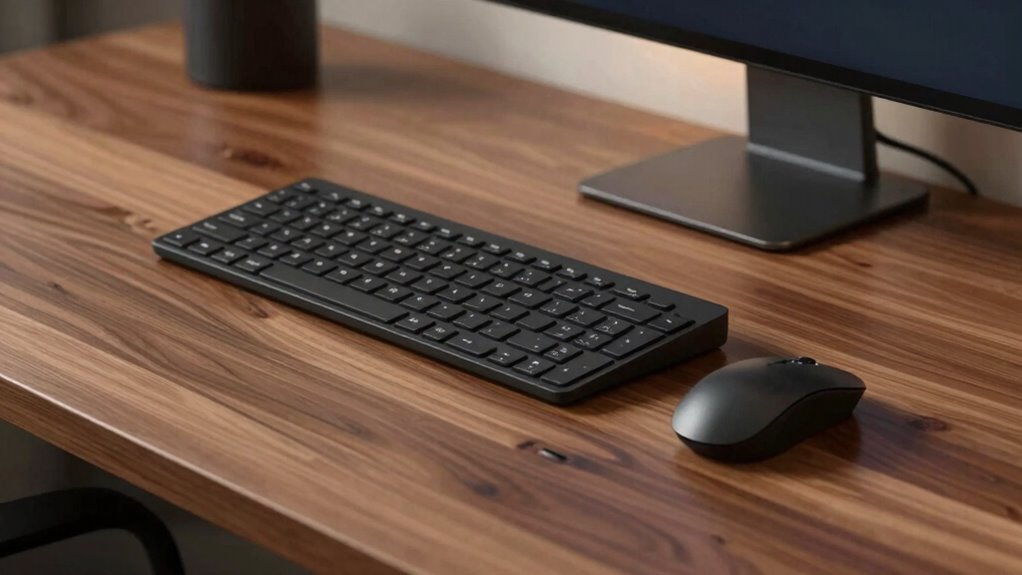

Your workstation setup matters more than fancy keyboards or mice. Proper desk geometry, including height, angle, and layout, directly influences your posture and comfort. When your desk supports relaxed shoulders, straight wrists, and minimal reaching, you reduce strain and prevent injuries. Ergonomic accessories help, but they work best with a solid physical foundation. Keep in mind, a well-designed desk setup can make a bigger difference in your comfort and health long-term—there’s more to discover.
Key Takeaways
- Proper desk height and layout are fundamental for ergonomic posture, reducing strain regardless of keyboard or mouse quality.
- Correct desk geometry ensures body alignment, minimizing the impact of less ergonomic accessories.
- Organizing the workspace to keep essential items within reach promotes comfort more than premium peripherals.
- Adjustable desk surfaces and angles can significantly improve comfort, often outweighing accessory quality.
- Good overall environment and desk setup have a longer-lasting effect on health and productivity than high-end input devices.
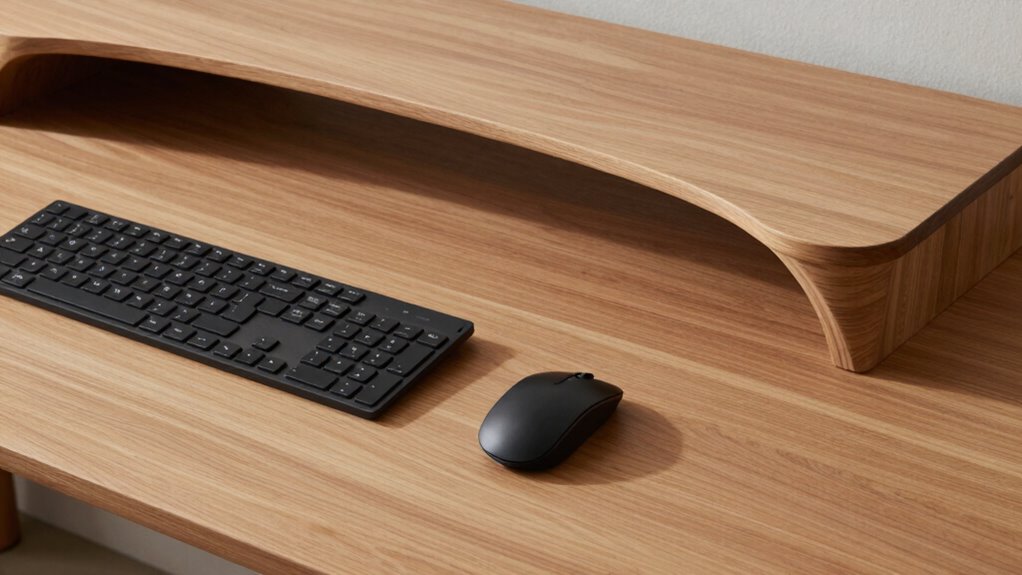
While choosing the right keyboard and mouse is important, your desk’s layout and height often have a greater impact on comfort and productivity. You might spend hours researching ergonomic accessories or the latest keyboard layout, but if your desk isn’t set up correctly, those investments won’t fully pay off. The way your desk is arranged influences your posture, reduces strain, and can even prevent long-term injuries. It’s easy to overlook how essential the physical environment is, yet it’s the foundation for any effective workstation.
Your desk’s height plays a pivotal role. If it’s too high, your shoulders tense up; if it’s too low, you might lean forward, straining your neck and back. Ideally, your elbows should rest at a 90-degree angle, with your wrists straight when typing or using your mouse. This neutral position minimizes fatigue and discomfort. Adjusting your chair height to match your desk is equally critical; a mismatch here can undo the benefits of ergonomic accessories you might use, like wrist rests or ergonomic mice.
Proper desk height and chair alignment are essential for comfort and avoiding strain during work.
Beyond height, the layout of your workspace affects how comfortably and efficiently you work. Keep frequently used items within arm’s reach to avoid unnecessary stretching or twisting. For example, position your keyboard and mouse directly in front of you, aligned with your body, so you don’t have to twist your torso. This simple arrangement reduces strain and helps maintain good posture throughout the day. When your keyboard layout is ergonomic, it can reduce finger movement and wrist strain, but if your desk configuration forces you into awkward positions, those benefits diminish.
In addition, consider the angle and surface of your desk. A slight incline can improve wrist positioning, especially if you spend hours typing. A cluttered workspace pushes you into awkward postures as you reach for items, so keeping your desk organized is just as essential as choosing ergonomic accessories. Remember, even the best mouse or keyboard won’t compensate for poor desk geometry. Desk geometry is fundamental because it directly influences how your body aligns during work.
Ultimately, your workstation’s success hinges on the overall environment. While premium keyboards and mice can help, they’re secondary to the foundational setup of your desk. When your desk height is correct and the layout promotes good posture, you’ll notice less fatigue, fewer aches, and improved focus. The right desk geometry creates a comfortable, sustainable workspace where ergonomic accessories and thoughtful keyboard layout serve as effective enhancements, not the primary solution.

ErGear Height Adjustable Electric Standing Desk, 48 x 24 Inches Sit Stand up Desk, Memory Computer Home Office Desk, Black
Electric Height Adjustable Standing Desk for Comfortable Work – Switch effortlessly between sitting and standing with this electric…
As an affiliate, we earn on qualifying purchases.
As an affiliate, we earn on qualifying purchases.
Frequently Asked Questions
How Does Desk Height Impact Overall Ergonomics?
Your desk height considerably impacts ergonomic posture, as it determines how comfortably you can work without strain. If it’s too high or low, you might hunch or stretch awkwardly, leading to discomfort or injury. When your desk height aligns with your body, you maintain a neutral posture, reducing fatigue. Proper desk height supports better ergonomics, helping you stay comfortable and focused during long work sessions.
Are Adjustable Monitor Stands Important for Desk Setup?
Yes, adjustable monitor stands are important for your desk setup. They guarantee monitor stability, preventing slips or falls, and help you position your screen at eye level for better ergonomics. While they add to the aesthetic appeal, their primary benefit is improving comfort and reducing strain during long work sessions. Without such adjustments, your workspace may look neat but can cause discomfort, making these stands a smart investment.
What Role Does Chair Positioning Play in Comfort?
Chair positioning considerably impacts your comfort by supporting proper posture. You should adjust your chair lumbar to maintain the natural curve of your spine, preventing strain. Additionally, set your armrest support so your arms rest comfortably at a 90-degree angle, reducing shoulder tension. Proper chair positioning helps prevent discomfort and fatigue during long work sessions, enabling you to stay focused and productive throughout the day.
How Can Cable Management Improve Workspace Efficiency?
Cable management is like guiding a river to flow smoothly. You can improve workspace efficiency by using cable concealment solutions and opting for wireless connectivity, which reduces clutter. Properly organized cables prevent tangles, make your desk look cleaner, and guarantee devices are easily accessible. This setup saves time and minimizes distractions, helping you stay focused on your tasks. A tidy workspace boosts productivity and creates a more comfortable, professional environment.
Does Desk Material Affect Ergonomic Health?
Yes, desk material affects ergonomic health. You should consider surface texture, as a smooth, non-slip surface helps maintain proper posture and prevents unnecessary movements. Material durability guarantees your desk remains stable and sturdy over time, reducing the risk of wobbling or shifting that can cause strain. Choosing a desk with the right surface texture and durable material helps you work comfortably and reduces potential ergonomic issues.

VIVO Large Keyboard Tray Under Desk Pull Out with Extra Sturdy C Clamp Mount System, 27 (33 Including Clamps) x 11 Inch Slide-Out Platform Computer Drawer for Typing, Black, MOUNT-KB05E
Saves Desk Space: This 26.8” (32.5" including clamps) x 11” under-desk keyboard tray holds your keyboard, mouse, and…
As an affiliate, we earn on qualifying purchases.
As an affiliate, we earn on qualifying purchases.
Conclusion
You might think a fancy keyboard or mouse makes a big difference, but the real game-changer is your desk’s layout. Studies show that proper desk geometry can reduce strain by up to 30%, making your workspace much healthier. So, instead of splurging on the latest gadgets, focus on adjusting your desk height and placement. Small changes in your workspace setup can lead to big improvements in comfort and productivity—don’t overlook the power of good desk design.

gianotter Desk Organizers and Accessories with File Holder, 4-Tier Desk Accessories & Workspace Organizers with Drawer and 2 Pen Holder, Paper Organizer for Office Supplies (Black)
📂【Liberate Your Desk】: The just-right size of the desk organizer expands more space for your desk, easily accommodates…
As an affiliate, we earn on qualifying purchases.
As an affiliate, we earn on qualifying purchases.

MROCO Ergonomic Mouse Pad with Gel Wrist Rest, 9.4 x 8.1 in, Black
Comfortable Gel Cushioning: The ergonomic wrist rest contains soft gel to provide soothing comfort and effective support, helping…
As an affiliate, we earn on qualifying purchases.
As an affiliate, we earn on qualifying purchases.