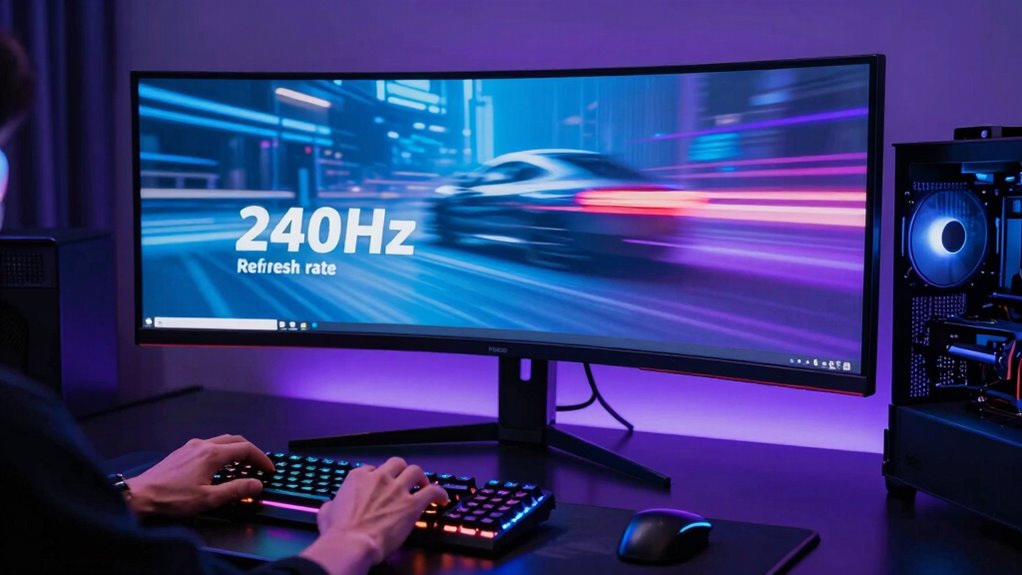

A 240Hz monitor is worth it if you’re a competitive gamer or play fast-paced titles, as it offers smoother visuals, reduced motion blur, and quicker response times. However, your PC must consistently deliver high frame rates to fully benefit. If your hardware struggles to hit 240 FPS, or if you’re a casual gamer, the upgrade might be more about show than function. Curious about whether your system can handle it? Keep exploring for more details.
Key Takeaways
- Upgrading to 240Hz is most beneficial for competitive gamers seeking smoother motion and faster reaction times.
- Ensure your hardware consistently delivers at least 240 FPS to fully leverage the monitor’s capabilities.
- Casual gamers may not notice significant improvements and might find the cost unjustified.
- Proper setup, including updated drivers and cooling, is essential to maximize the benefits of a 240Hz monitor.
- The upgrade’s value depends on your gaming style, hardware support, and whether you prioritize responsiveness over cost.
What Are the Benefits of Gaming at 240Hz?
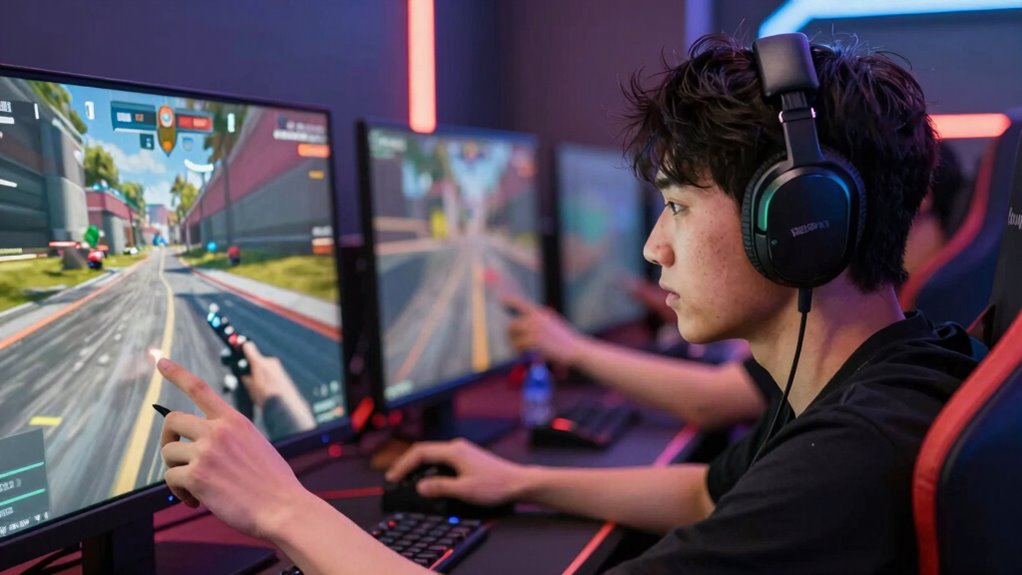
Have you ever wondered why some gamers swear by 240Hz monitors? It’s because a higher refresh rate dramatically improves motion clarity, making fast-paced action smoother and more detailed. With 240Hz, your screen updates 240 times per second, reducing motion blur and ghosting, so you see every movement clearly. This sharpness helps you react faster, giving you an edge in competitive gaming. Whether you’re tracking a moving target or aiming precisely, the increased refresh rate minimizes lag between your actions and what you see. The result? A more immersive experience and better control during intense gameplay. Additionally, understanding the importance of refresh rate and input lag can help you make more informed decisions about your gaming setup. Recognizing the relationship between refresh rate and visual fluidity can further optimize your overall gaming performance.
Can Your PC Handle 240Hz Gaming? How to Check
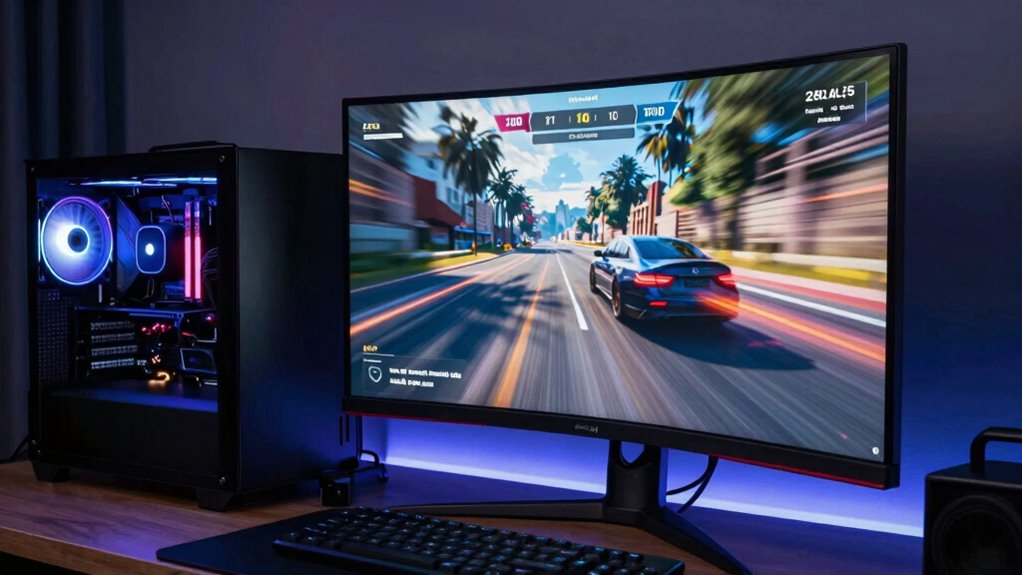
To guarantee your PC can handle 240Hz gaming, you need to check if your hardware is compatible. Start by verifying that your graphics card and monitor support high refresh rates. Then, measure your current frame rate to see if it consistently reaches 240 frames per second. Additionally, understanding the thermal behavior of your system can help ensure sustained high performance during extended gaming sessions. Monitoring the system’s cooling capabilities can prevent thermal throttling and maintain optimal performance. Proper airflow and cooling efficiency are crucial to keep your hardware running at peak levels during demanding gameplay.
Verify Hardware Compatibility
Ensuring your PC can handle 240Hz gaming requires checking several key hardware components. First, verify your graphics card’s capability, as only certain models support high refresh rates. Next, confirm your monitor’s specs explicitly list 240Hz support. Don’t forget to update your graphics drivers, guaranteeing optimal hardware compatibility and performance. Additionally, check that your CPU and RAM meet the necessary specifications to avoid bottlenecks. Reviewing the market trends and ongoing developments in hardware technology can also help ensure your setup remains future-proof for high-refresh-rate gaming. Performing these checks helps you avoid bottlenecks and guarantees your system truly benefits from the high refresh rate. Proper hardware compatibility and driver updates are critical steps before diving into 240Hz gaming.
Measure Frame Rate
Wondering if your PC can keep up with 240Hz gaming? To find out, you need to measure your frame rate and verify your system consistently matches the high refresh rate. Use tools like MSI Afterburner or Fraps to monitor real-time frame timing during gameplay. These tools show your current frame rate, so you can see if it stays near or above 240 FPS. Keep in mind, a high refresh rate demands stable frame timing; fluctuations can cause tearing or stuttering. If your frame rate drops markedly below 240 FPS, your monitor’s refresh rate won’t be fully utilized, negating the benefits of 240Hz. Regularly checking your frame rate helps you determine whether your PC can truly handle 240Hz gaming or if upgrades are needed.
Is the Difference Between 144Hz and 240Hz Noticeable?
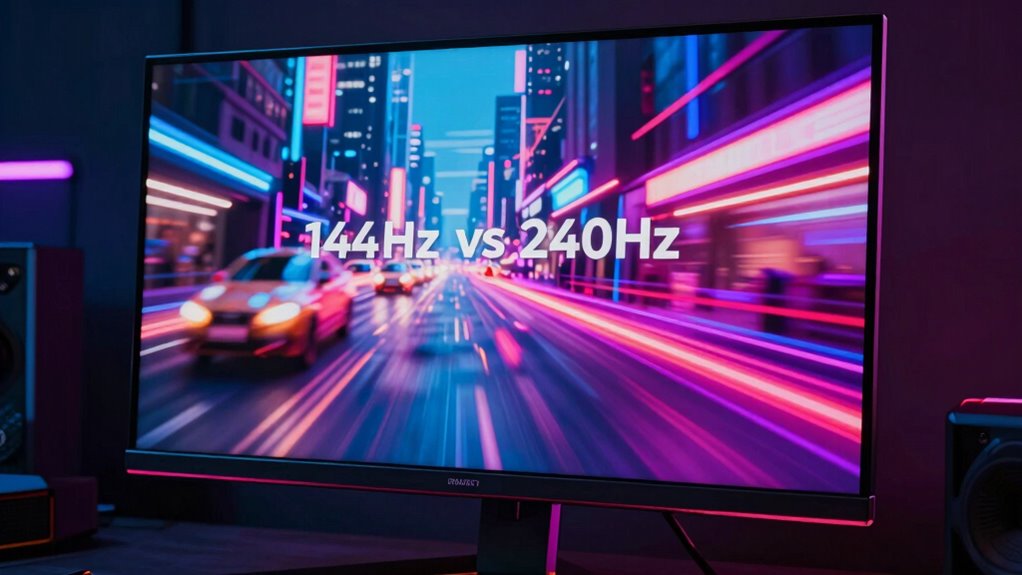
You might wonder if the jump from 144Hz to 240Hz makes a real difference in visual smoothness. The higher refresh rate can reduce motion blur and make fast movements look crisper. This, in turn, can give you a slight edge in gameplay, especially in competitive titles.
Visual Smoothness Gains
While the jump from 144Hz to 240Hz can seem subtle, many gamers notice a significant difference in visual smoothness. The higher refresh rate enhances visual clarity by providing smoother motion progressions, making fast-paced scenes feel more natural. You’ll experience less motion blur and choppiness, especially during quick camera turns or rapid in-game actions. This improved smoothness helps your eyes track fast-moving objects more easily, reducing fatigue and enhancing overall immersion.
- Smoother animations improve the flow of gameplay
- Faster response to quick movements
- Reduced motion blur enhances clarity
- Less eye strain during extended play sessions
Impact on Gameplay
The difference between 144Hz and 240Hz can be quite noticeable in fast-paced gameplay, especially in competitive titles where reaction time matters. Higher refresh rate benefits include smoother visuals and quicker response times, giving you a slight edge over opponents. With 240Hz, you experience enhanced visual fluidity, making movements appear more seamless and reducing motion blur. This can translate to more accurate aiming and faster decision-making, especially in high-stakes situations. While the improvement over 144Hz might feel subtle to some, many gamers notice a more responsive experience. Ultimately, if you’re aiming for every possible advantage in competitive gaming, upgrading to 240Hz can make a meaningful difference in how gameplay feels and how quickly you react.
Who Should Consider Upgrading to a 240Hz Monitor?
Gamers who prioritize fast-paced action and competitive play can considerably benefit from upgrading to a 240Hz monitor. The higher refresh rate enhances gaming performance by delivering smoother visuals and reducing motion blur, giving you a competitive edge. If you’re serious about FPS, esports, or fast multiplayer games, a 240Hz display can make a noticeable difference. You’ll experience quicker response times and more fluid gameplay, essential for reaction-based titles.
Upgrading to a 240Hz monitor boosts response times and smoothness in competitive, fast-paced gaming.
Consider upgrading if you:
- Play competitive FPS or multiplayer games regularly
- Have a powerful GPU that can consistently push high frame rates
- Want to minimize input lag and improve overall responsiveness
- Value a more immersive, smoother gaming experience
Is Upgrading to 240Hz Worth It for You? Key Factors to Consider
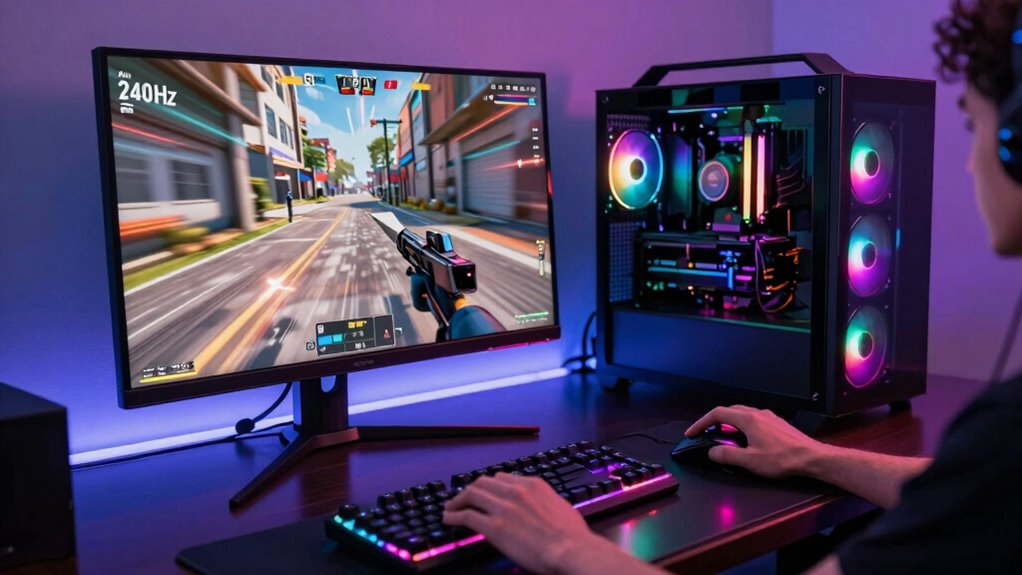
Deciding whether upgrading to a 240Hz monitor is worthwhile depends on your gaming habits, hardware setup, and personal preferences. If you prioritize fast-paced games like FPS or competitive titles, a higher refresh rate can reduce gaming latency and make gameplay smoother. However, if your current hardware struggles to deliver high frame rates, the benefits of 240Hz may be limited. Consider this table:
| Factor | Consideration |
|---|---|
| Gaming Style | Fast reflex games benefit most from high refresh rates |
| Hardware Capability | Can your GPU consistently push 240 fps? |
| Personal Preference | Do you notice and value smoother visuals? |
| Budget | Is the upgrade within your budget? |
If these factors align, upgrading is likely worth it; otherwise, it might be just a flex. Additionally, understanding the refresh rate and its impact on visual clarity can help you make a more informed decision.
Avoid These Common Mistakes When Upgrading to 240Hz
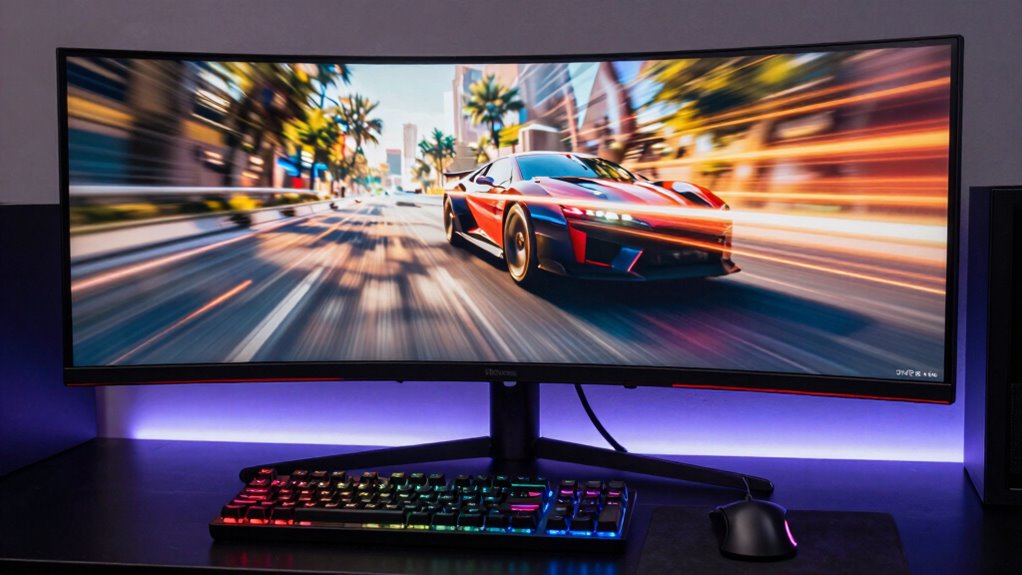
Upgrading to a 240Hz monitor can substantially enhance your gaming experience, but many players make common mistakes that diminish these benefits. One key error is ignoring the importance of matching your graphics card’s output with the monitor’s refresh rate, which can cause unnecessary gaming latency. Additionally, some overlook optimizing settings to reduce input lag, limiting the full potential of high refresh rates. Failing to ensure your system consistently delivers high frame rates can also lead to stuttering and a poor experience. Lastly, neglecting to update graphics drivers or enable V-Sync properly can prevent you from achieving smooth gameplay.
- Not checking if your GPU can handle 240Hz at your preferred resolution
- Ignoring the impact of refresh rate on gaming latency
- Overlooking the importance of graphics driver updates
- Failing to tweak in-game settings for maximum performance
How Much Does a 240Hz Monitor Cost, and Is It a Good Investment?
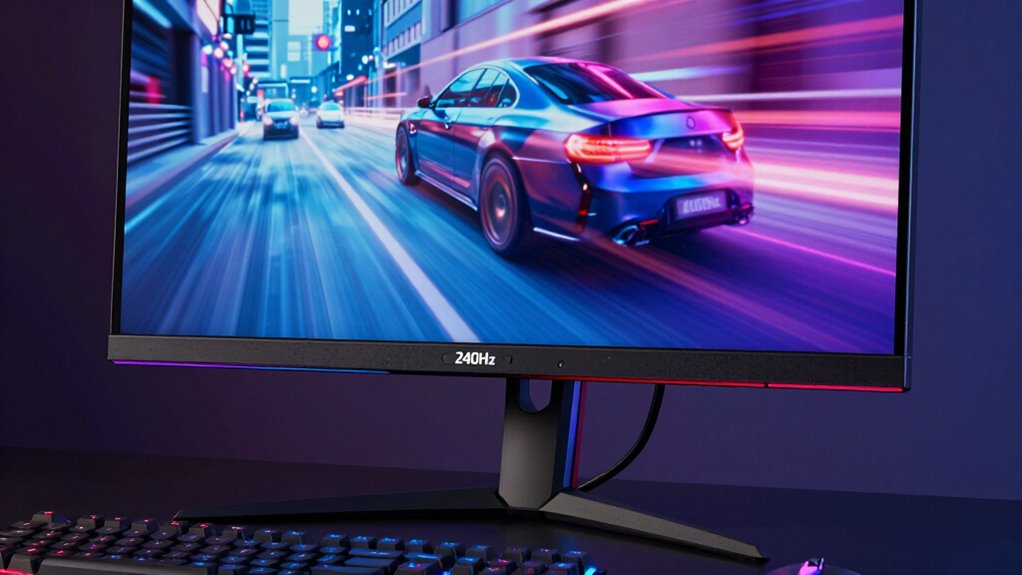
A 240Hz monitor typically costs between $300 and $700, depending on features like size, panel quality, and brand. Higher refresh rates demand better gaming peripherals, like responsive mice and keyboards, to fully benefit from the smooth experience. Investing in a 240Hz display can be worthwhile if you’re serious about fast-paced gaming, as it reduces motion blur and improves reaction times. However, consider whether your current hardware can keep up with this refresh rate; pairing it with a powerful GPU ensures you get the most out of your monitor. If gaming is just a hobby or you play less competitive titles, the extra expense might not justify the benefits. Ultimately, a 240Hz monitor is a good investment for competitive gamers but may be overkill for casual players. Additionally, ensuring your setup supports Free Floating display options can help optimize your gaming environment.
Final Thoughts: Is a 240Hz Gaming Monitor Right for You?

Ultimately, whether a 240Hz gaming monitor is right for you depends on your gaming habits and hardware setup. If you prioritize competitive play and have a powerful GPU, a 240Hz monitor can boost your performance. But to fully enjoy it, you’ll need an ergonomic setup that minimizes strain during long sessions. Proper color calibration also ensures visuals are crisp and accurate, enhancing immersion. Consider if your current hardware can handle the high refresh rate smoothly. If you’re a casual gamer or don’t notice significant motion clarity differences, investing might be unnecessary. Additionally, evaluate whether your workspace supports ideal ergonomics. A 240Hz monitor is a great upgrade for some, but it’s not indispensable for everyone. Think about your priorities before making the leap. Understanding refresh rates can help you decide if the upgrade aligns with your gaming experience.
Frequently Asked Questions
Does 240HZ Benefit Casual Gamers or Only Competitive Players?
If you’re into casual gaming, a 240Hz refresh rate might not give you a noticeable boost. The high refresh rate mainly benefits competitive players who need ultra-smooth visuals for quick reactions. As a casual gamer, you’ll likely find a 60Hz or 144Hz monitor sufficient for enjoyable gameplay. Investing in 240Hz is more about maximizing performance in fast-paced, competitive titles rather than improving casual gaming experiences.
Can Older Graphics Cards Support 240HZ Effectively?
Older graphics cards often struggle with supporting a 240Hz refresh rate effectively due to graphics card limitations. You might experience lower frame rates, which can negate the benefits of such a high refresh rate. To get the most out of 240Hz, make certain your graphics card can handle the demanding visuals and refresh rate compatibility. Otherwise, you could be better off with a more modern GPU that delivers smoother gameplay without bottlenecks.
What Are the Potential Downsides of Upgrading to a 240HZ Monitor?
Thinking a 240Hz monitor is a magic bullet? Think again. You might face refresh rate misconceptions, believing it’ll double your wins, but your skills matter more. Plus, your eyes could suffer from visual fatigue if your system can’t keep up, causing headaches or dizziness. Upgrading isn’t just plug and play; it’s an investment in both hardware and your sanity. So, weigh the benefits against these potential downsides first.
How Often Should I Upgrade My Gaming Monitor for Optimal Performance?
You should consider upgrading your gaming monitor every 3 to 5 years to ensure peak performance. This timeframe balances improvements in refresh rate, resolution, and technology with your monitor’s lifespan. As newer models offer higher refresh rates and better features, upgrading within this window helps you stay competitive without sacrificing display quality or risking outdated tech. Regular updates maximize your gaming experience while keeping your setup current.
Are There Specific Genres That Benefit More From 240HZ Displays?
In the race of fast-paced action, your reflexes are the only thing that truly matter. Shooting games and first-person shooters benefit most from 240Hz displays, as they demand quick reactions and smooth visuals. Confirm your graphics card compatibility and meet refresh rate standards to maximize performance. If your setup supports it, you’ll notice sharper, more fluid gameplay—making every shot count, especially in competitive environments.
Conclusion
Choosing a 240Hz monitor is like wielding a finely tuned weapon in your gaming arsenal—only worth it if you’re ready to master it. It’s not about flexing; it’s about sharpening your edge and embracing the thrill of fluid motion. Decide if your skills and setup are ready to dance with this speed. When the time feels right, you’ll find it’s more than a monitor—it’s your new partner in victory.