TL;DR

Get the latest gadgets delivered free — and shop member deals
- Fast, free delivery on millions of items
- Access to Prime Big Deal Days deals on October 6–7
- Prime Video, Amazon Music and more included
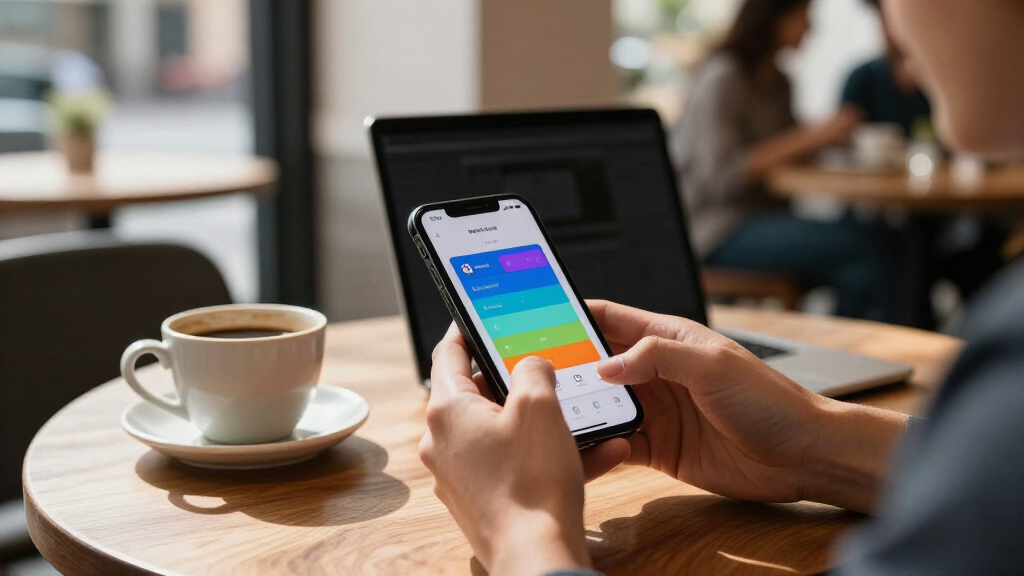
Apple has introduced Pass Designer, a beta tool for creating and previewing digital passes for Apple Wallet. Apple says it supports live previews for iPhone and Apple Watch, pass validation, and editing structured semantic data for boarding passes and event tickets.
Apple has introduced Pass Designer, a beta tool that lets developers create, preview and validate digital passes for Apple Wallet. The tool is aimed at businesses and pass makers, and requires macOS 27 or later, according to Apple’s developer announcement.
Pass Designer lets users begin with Apple-provided templates or their own templates, then add image assets such as logos, backgrounds and strip images created in another design tool. Users can adjust a pass’s background, foreground and label colors, and edit the standard information fields for each pass type directly in the app.
Apple says the design preview updates in real time for iPhone and Apple Watch. The company says Pass Designer uses the same rendering as iOS and watchOS, so the preview matches how the pass appears on those devices. The tool supports layouts for newer Wallet capabilities as well as backward-compatible passes.
The app also checks pass designs while they are being edited, flagging issues such as missing required key values or unexpected definitions. For boarding passes and event tickets, users can edit semantic tags—structured details such as flight information, event dates and venue locations—and compare semantic and non-semantic versions side by side. Apple says the tool can generate a backward-compatible structure from semantic data for systems that do not support those tags.
A Shorter Route to Wallet Passes
Pass Designer brings several parts of pass creation into one workflow: visual layout, field editing, device previews and validation. For businesses that issue tickets, boarding passes, loyalty cards or other Wallet passes, this could make it easier to prepare a design and catch configuration problems before distributing it. Apple presents the tool as suitable for organizations ranging from local venues and fitness centers to airlines and large retail chains.
The semantic-tag features matter because they connect pass details to system services. Apple says structured information can support features such as Siri Suggestions, Calendar integration and Maps directions. That may give event and travel passes more utility than simply displaying a barcode or basic text, though the announcement does not quantify adoption or describe customer results.
The beta’s platform requirement and developer-account access also shape who can try it. Apple says users need to sign in with an Apple Account and, if prompted, complete free registration and accept the Apple Developer Agreement. Pass Designer is therefore presented as a creation tool for developers and pass makers, not as a consumer app for managing passes already in Wallet.
As an affiliate, we earn on qualifying purchases.
How Pass Designer Fits Wallet
Apple Wallet passes are digital records used for items such as tickets and boarding passes. Creating one involves more than arranging artwork: pass makers also need to provide the right fields and data structure for the type of pass, and to account for how it will display across supported devices and software versions.
Apple’s announcement describes Pass Designer as a way to bring those design and checking tasks together. Users can supply their own imagery, while the app handles pass-specific editing and previews. Its support for both newer layouts and backward-compatible structures is intended to address differences in feature support across systems. Apple’s page does not provide a release schedule beyond making a beta download available.
““Pass Designer makes it easy to craft and preview passes that reflect your business.””
— Apple Developer
digital pass creation tools for Mac
As an affiliate, we earn on qualifying purchases.
As an affiliate, we earn on qualifying purchases.
Beta Scope and Release Details
Apple’s announcement does not specify when Pass Designer will leave beta, whether the macOS 27 requirement will change, or what features may be added before a general release. It also does not provide a detailed list of supported pass formats, explain how the tool fits into every existing developer workflow, or state whether any features require other Apple software or services.
The company describes the preview as matching iOS and watchOS rendering, but the announcement does not spell out which operating-system versions are covered. The practical reach of semantic tags will also depend on the support available on users’ devices and software. Apple says the tool can create a backward-compatible structure, but does not give specific compatibility guarantees for every pass or platform.
Apple Wallet boarding pass templates
As an affiliate, we earn on qualifying purchases.
As an affiliate, we earn on qualifying purchases.
Developers Can Test the Beta
Developers can download the beta from Apple’s Pass Designer page after signing in with an Apple Account. Apple says that anyone prompted to register can do so for free, subject to accepting the Apple Developer Agreement. Its page also links to documentation for using the tool.
The next information to watch for is whether Apple updates the beta with additional capabilities, publishes a broader compatibility guide or announces a general release date. Until then, the available details are those in Apple’s announcement; independent evaluations of the tool’s performance and adoption are not included.
As an affiliate, we earn on qualifying purchases.
Key Questions
What is Apple Pass Designer?
Pass Designer is a beta tool for creating, previewing and validating digital passes for Apple Wallet. It supports editing pass fields, colors and semantic tags.
Which devices and operating systems does it require?
Apple says Pass Designer requires macOS 27 or later. Its previews show how passes appear on iPhone and Apple Watch, using the same rendering as iOS and watchOS, according to Apple.
Can Pass Designer create boarding passes and event tickets?
Apple says the tool supports semantic tags for boarding passes and event tickets. These tags can contain details such as flight information, event dates and venue locations.
How can developers get the beta?
Apple directs users to download the beta from its developer page after signing in with an Apple Account. If prompted, users must complete free registration and accept the Apple Developer Agreement.
When will Pass Designer be generally available?
Apple’s announcement identifies the software as a beta but does not give a general release date.
Source: hn
Fall Picks
fall essentials
As an affiliate, we earn on qualifying purchases.