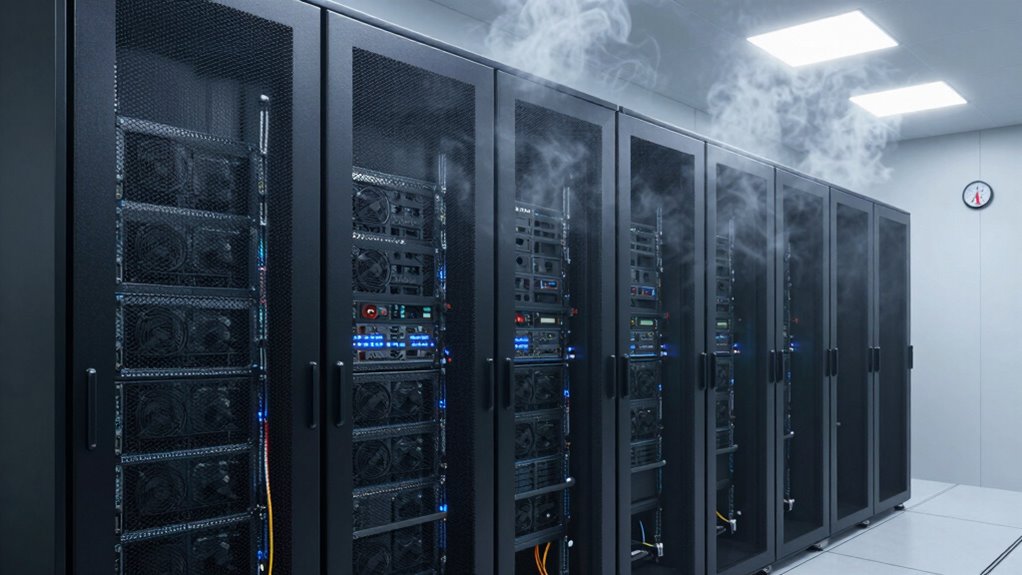

Even in smart offices, rack cabinets overheat when airflow is poorly managed, and devices are clustered too tightly. Wireless access points and other equipment can generate extra heat, especially if airflow paths are blocked or ventilation is restricted. Improper placement, like near hot walls or in cramped spaces, worsens the problem. Without regular cooling system maintenance, such as cleaning filters or checking fans, overheating can happen unexpectedly. Keep exploring to uncover how to better control your rack’s temperature.

Get the latest gadgets delivered free with Prime
- Fast, free delivery on millions of items
- Prime Video, Amazon Music and more included
- Member-only deals all year
Key Takeaways
- Wireless devices in racks generate excess heat, especially when stacked or overcrowded, hindering airflow and cooling.
- Poorly designed ventilation and insufficient space between devices trap heat and create hotspots.
- Racks placed in enclosed or high-temperature areas reduce natural heat dissipation.
- Inadequate cooling system maintenance, such as clogged filters or failed fans, impairs heat removal.
- Ineffective airflow management leads to uneven heat distribution and localized overheating within the cabinet.
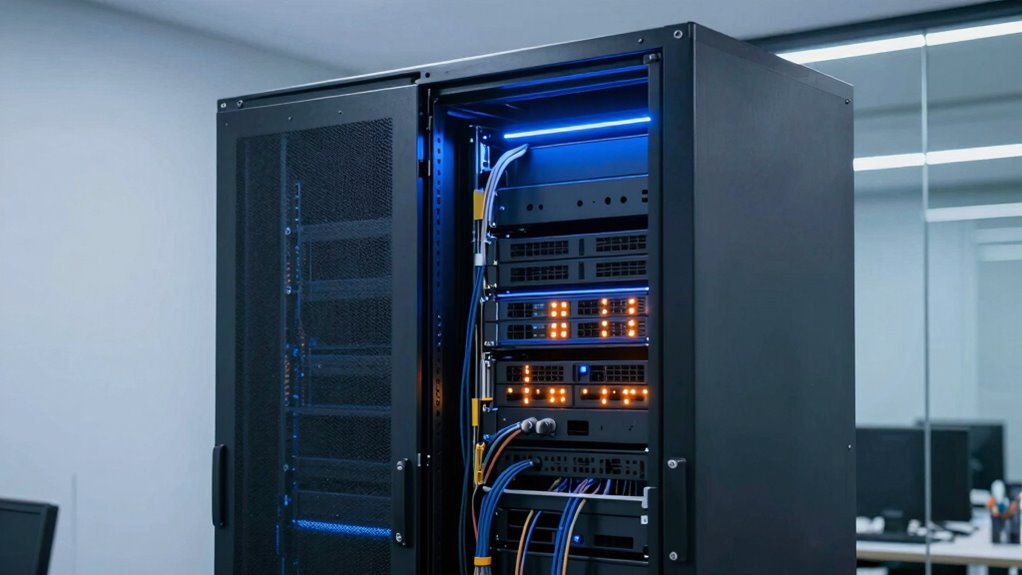
Even in modern, well-designed offices, rack cabinets can unexpectedly overheat, disrupting essential network and server functions. This issue often catches you off guard because these spaces are typically equipped with advanced cooling systems and strategic layouts. However, overheating persists, and understanding why requires a closer look at how your rack cabinet’s design and placement affect airflow and temperature regulation.
Even in sleek offices, rack overheating can occur unexpectedly, disrupting vital network and server functions.
One key factor is wireless connectivity. While you might think that wireless tech reduces clutter and heat, it can sometimes contribute to overcrowded racks. Wireless access points, for example, generate heat, and if you’re stacking multiple devices in a confined space, their combined heat output can create hotspots. Without proper airflow or cooling measures, these hotspots turn into overheated zones that threaten your equipment’s performance and longevity.
Another common culprit is the ergonomic design of the rack cabinet itself. Many racks are built for ease of access rather than optimal airflow. If your cabinet has poorly placed ventilation panels or insufficient space between devices, heat can’t escape efficiently. Over time, this leads to temperature buildup, especially when multiple servers or switches are densely packed. In some cases, the design may favor aesthetics over thermal management, with sleek but poorly ventilated frames that trap heat inside. Proper airflow management plays a vital role in preventing these issues. Additionally, implementing thermal management strategies can significantly reduce overheating risks. Properly managing airflow patterns within the cabinet ensures heat is directed away from critical components, further enhancing cooling efficiency.
Placement also plays a role. Even if your rack cabinet is well-designed, placing it in a cramped or poorly ventilated corner can cause overheating. Heat rises, so locating your rack near a hot wall or in an enclosed space without proper airflow disrupts the natural cooling process. This is often overlooked in smart office setups, where aesthetics and space optimization take precedence over thermal considerations.
You might also neglect to regularly monitor and maintain cooling systems. Filters can clog, fans can fail, and temperature sensors can become inaccurate, all of which compromise the cooling efficiency. Even in offices with sophisticated climate control, the specific environment around the rack can become a blind spot. Without active management, these overlooked details can cause the temperature to spike unexpectedly. Additionally, understanding how airflow management impacts thermal regulation is crucial for preventing hotspots.
Ultimately, preventing overheating in your rack cabinet demands a balanced approach. Prioritize ergonomic design features that facilitate airflow, ensure adequate spacing between devices, and position your rack in a well-ventilated area. Keep an eye on wireless device heat output and maintain cooling systems diligently. When you address these factors, you protect your network’s backbone from unnecessary failures, ensuring smooth, reliable operation in your smart office environment.
As an affiliate, we earn on qualifying purchases.
Frequently Asked Questions
How Can I Prevent Rack Cabinet Overheating in My Office?
To prevent rack cabinet overheating, you should focus on cable management and airflow optimization. Keep cables organized to avoid blocking vents and guarantee proper airflow. Install fans or cooling units if necessary, and position the cabinet in a well-ventilated area. Regularly check for dust buildup and clear vents to maintain efficient cooling. Good cable management and airflow practices help keep temperatures down and equipment running smoothly.
What Are the Signs of an Overheating Rack Cabinet?
Your rack cabinet’s temperature warning signs are like smoke signals—fans whirring louder, equipment shutting down unexpectedly, or visible heat waves. Poor cable management and inadequate ventilation upgrades can trap heat like a closed box. Keep an eye on hot spots, monitor temperature readings, and make certain airflow isn’t blocked. Recognizing these signs early helps prevent overheating, saving your equipment and maintaining your office’s smart, efficient environment.
Are There Specific Rack Cabinet Models That Dissipate Heat Better?
Yes, some rack cabinet models incorporate advanced cooling technology and better ventilation upgrades, making them more effective at dissipating heat. Look for models with built-in fans, perforated doors, and side panels designed for airflow. These features help improve heat management and prevent overheating. Investing in such models guarantees your equipment stays cool, runs efficiently, and reduces the risk of hardware failure due to excess heat buildup.
How Often Should I Inspect My Rack Cabinets for Overheating Issues?
You should inspect your rack cabinets for overheating issues at least once a month. During inspections, check cable management to make sure there’s no clutter blocking airflow, and verify that vents and fans are functioning properly. Proper airflow optimization is essential to prevent heat buildup. Look for hot spots or unusual noise, and address any problems promptly to keep your equipment cool and operating efficiently.
Can Software Monitoring Help Manage Rack Cabinet Temperatures?
Yes, software monitoring can substantially streamline temperature management. You’ll see remote sensors relay real-time readings, revealing risky rises before they cause damage. Automated alerts trigger cooling systems to kick in promptly, preventing overheating. This smart system simplifies supervision, saving you time and stress. With software overseeing your rack cabinet temperatures, you gain peace of mind knowing your equipment stays cool, secure, and running smoothly without manual monitoring hassles.
As an affiliate, we earn on qualifying purchases.
Conclusion
If you think a little heat in your rack cabinets is no big deal, think again. Left unchecked, those cabinets can turn into fiery furnaces, sizzling your equipment into oblivion faster than you can say “system failure.” Without proper cooling, your smart office could transform into a sauna of chaos, frying your tech and frying your patience. Keep those cabinets cool, or prepare for a meltdown that’ll make even the hottest office gossip look tame.
network equipment airflow management
As an affiliate, we earn on qualifying purchases.
As an affiliate, we earn on qualifying purchases.
rack cabinet temperature monitor
As an affiliate, we earn on qualifying purchases.
As an affiliate, we earn on qualifying purchases.
Columbus Day / Indigenous Peoples' Day Picks
long weekend sales
As an affiliate, we earn on qualifying purchases.