
Office lighting fatigue is often caused by poor placement rather than insufficient brightness. If lights are positioned poorly—such as shining directly onto screens or creating glare—you’ll experience more eye strain and discomfort, even with enough light. Correctly placing fixtures and controlling reflections make a big difference in comfort and focus. Pay attention to how your lights interact with your workspace, and you’ll find relief. Keep exploring to discover strategies that can transform your office environment.
Key Takeaways
- Improper fixture placement causes glare and uneven lighting, leading to eye strain despite adequate brightness.
- Strategic positioning of lights reduces reflections on screens and surfaces, improving visual comfort.
- Overhead lights directly above monitors can create glare, which is more about placement than brightness level.
- Proper light layering and task lighting balance illumination, minimizing fatigue caused by poor light distribution.
- Adjusting light placement and interaction with workspace surfaces is more effective than increasing brightness for comfort.
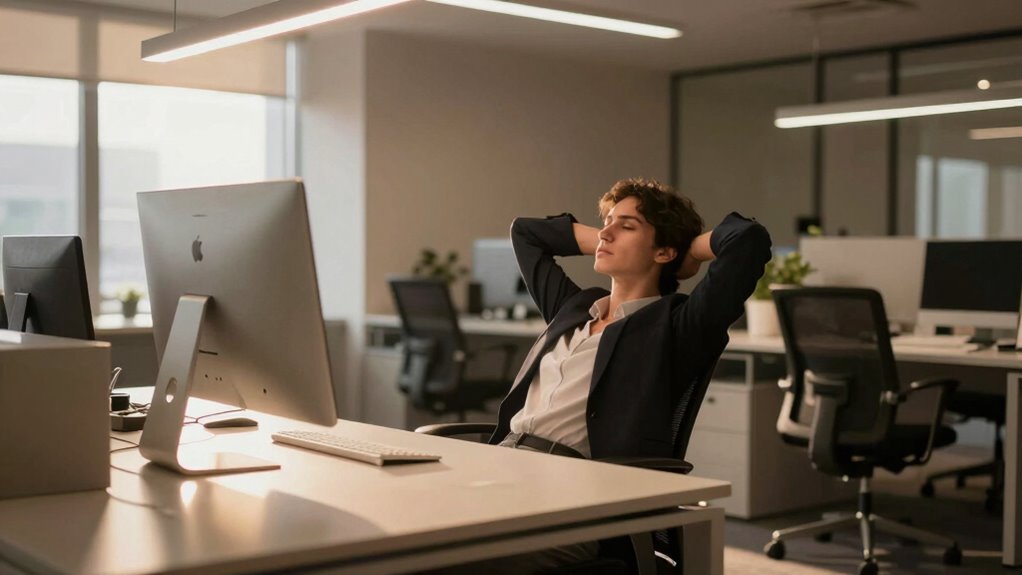
If you spend long hours under harsh or poorly designed office lighting, you might start feeling fatigued even if you’re well-rested. The problem often isn’t about how bright the space is but where the light is placed and how it’s designed. One key factor is the color temperature of your lighting—whether it emits a warm, yellowish glow or a cooler, bluish hue. Cooler temperatures can boost alertness, but if they’re too intense or poorly balanced, they can cause eye strain and discomfort. Warm lighting, on the other hand, may feel more relaxing but might not be sufficient for detailed tasks. Striking the right balance in color temperature ensures your eyes aren’t overworked and your focus remains sharp. Proper lighting placement is essential to prevent uneven illumination and reduce visual stress. Additionally, understanding lighting zones can help in creating a more adaptable and comfortable workspace.
Proper lighting placement and balanced color temperature reduce eye strain and boost productivity.
Another crucial aspect is glare control. When light fixtures are positioned improperly or the lighting design doesn’t account for reflections on screens and surfaces, glare becomes a significant issue. Glare not only causes visual discomfort but also forces your eyes to strain repeatedly, leading to fatigue. Instead of increasing brightness, you should focus on adjusting the placement of lights—or using diffusers and shades—to minimize direct glare. Proper placement prevents light from hitting your eyes directly and reduces reflections on your computer screens, which can be especially distracting and fatiguing over time. Understanding the effects of glare can help in designing a more comfortable workspace. Additionally, incorporating proper light layering can create a balanced environment that minimizes harsh contrasts and visual fatigue.
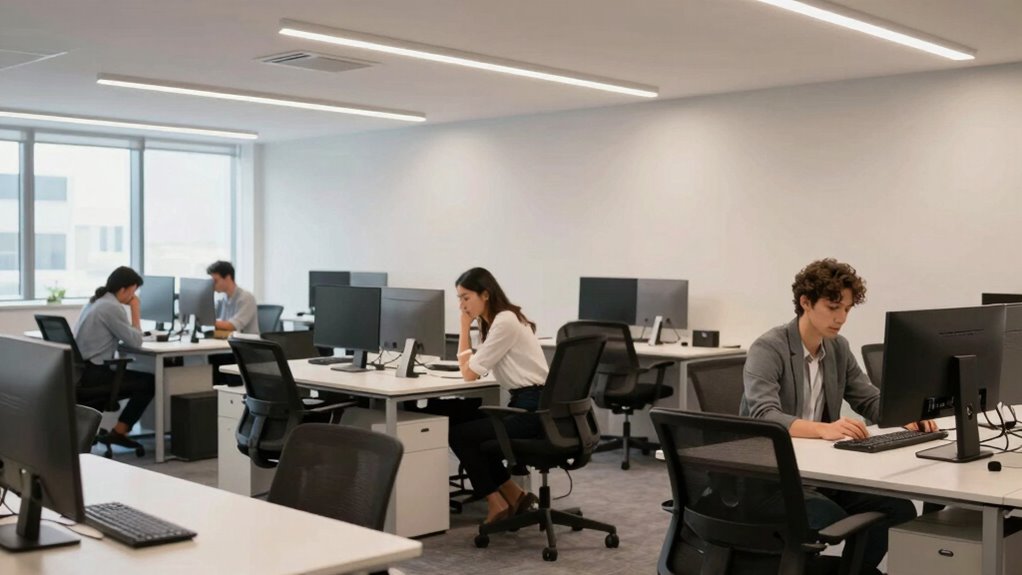
A common mistake is placing overhead lights directly above or behind your monitor, creating reflections and uneven light distribution. Instead, lights should be positioned to provide even illumination across your workspace without shining directly into your eyes or onto reflective surfaces. Task lighting, such as adjustable desk lamps, can help fill in shadows and reduce the need for overly bright ambient lighting. This targeted approach ensures that the overall lighting environment supports your visual comfort without overwhelming your eyes. Proper lighting design considers the interaction between light sources and workspace surfaces, which is vital for reducing fatigue.
It’s important to recognize that office lighting fatigue often stems from poor placement rather than excessive brightness. Strategic placement combined with appropriate color temperature and glare control makes a noticeable difference. When your lighting setup is optimized, your eyes won’t have to work as hard to adapt to uneven light levels or glare, which reduces fatigue and improves productivity. Instead of simply cranking up the brightness, focus on how the lights are arranged, how they emit light, and how they interact with your workspace surfaces. These adjustments lead to a more comfortable, efficient environment where fatigue is minimized and focus is enhanced.

Voncerus LED Desk Lamp with Clamp, Eye-Caring Clip on Lights for Home Office, 3 Modes 10 Brightness, Long Flexible Goose-Neck, Metal, Swing Arm Architect Task Table Lamps with USB Adapter, Black
Long Flexible Goose-Neck & Extended Lifespan: This desk lamp features a 360° long flexible goose neck, allowing you…
As an affiliate, we earn on qualifying purchases.
As an affiliate, we earn on qualifying purchases.
Frequently Asked Questions
How Can I Tell if My Office Lighting Is Causing Fatigue?
You can tell if your office lighting causes fatigue by noticing if you feel tired, eye strain, or headaches after long periods under the lights. Don’t fall for lighting myths that brighter is better; energy efficiency often means proper placement and diffused lighting. Adjust your workspace with better placement, and if fatigue persists, consider consulting an expert. Proper lighting improves focus and reduces discomfort, making your office healthier and more productive.
What Are the Best Placement Tips for Reducing Lighting Fatigue?
To reduce lighting fatigue, position your lighting fixtures so they don’t cause glare on your screen, and keep your desk properly lit without direct overhead lights. Place your desk to take advantage of natural light, avoiding strong shadows or reflections. Adjust your lighting fixture height and angle to reduce eye strain, ensuring that light is evenly distributed. Proper desk positioning helps minimize harsh contrasts, making your workspace more comfortable.
Can Changing Light Color Improve Comfort and Alertness?
Changing light color can markedly boost your comfort and alertness. You’ll find that adjusting the color temperature influences your mood, energy, and focus. Cooler tones, like daylight, enhance alertness and concentration, while warmer tones create a cozy, relaxed atmosphere. By aligning your lighting with your activities, you evoke positivity, reduce fatigue, and enhance overall productivity—making your workspace feel more inviting and supportive of your well-being.
How Does Natural Light Influence Office Lighting Fatigue?
Natural light greatly influences your office lighting fatigue. Sunlight exposure helps regulate your circadian rhythm, boosting alertness and reducing eye strain. Proper window placement guarantees you get ample natural light without glare, minimizing fatigue. If your workspace lacks sufficient sunlight, consider adding adjustable blinds or repositioning your desk near windows. This way, you benefit from natural light’s positive effects, making your work environment more comfortable and less tiring.
Are There Specific Ergonomic Practices to Complement Lighting Adjustments?
Think of your workspace as a well-balanced dance. You should maintain ergonomic posture by sitting upright with your monitor at eye level, avoiding strain. Organize your workspace to guarantee natural light isn’t blocked, preventing glare. Regularly adjust your seating and monitor position, and take short breaks to stretch. These ergonomic practices, combined with smart lighting placement, keep your energy flowing smoothly and reduce fatigue, much like a perfectly choreographed dance.

Mewutal 2pcs 12" Diameter Round Lampshade Diffuser 1.5mm Thick Frosted White Acrylic Lamp Cover Diffusers for Table/Floor/Ceiling/Wall Lamps
Lampshade Diffuser Size: 300×300×1.5mm/11.81"×11.81"×0.06"(L*W*H)
As an affiliate, we earn on qualifying purchases.
As an affiliate, we earn on qualifying purchases.
Conclusion
Don’t assume brighter lights are the fix—sometimes, it’s all about proper placement. If your eyes feel tired or you struggle to focus, adjusting the lighting layout might be the simple solution you need. Some might think investing in new fixtures is necessary, but often, a strategic repositioning saves money and boosts comfort. So, before reaching for brighter bulbs, take a fresh look at your current setup—you might find the answer right where you least expect it.

Motumen Led Desk Lamp for Home Office, Eye-Care Architect Light with Clamp, Smart Double Head Computer Monitor Table Clip Lamp, Adjustable Flexible Goose-Neck, 25 Lighting Models, Task Lamp, Black
Super Bright & Eye-Caring: This LED desk lamp features a dual-head design for a wider lighting range, delivering…
As an affiliate, we earn on qualifying purchases.
As an affiliate, we earn on qualifying purchases.

TYRHMY 50 Inch Anti Glare TV Screen Protector Anti Glare for TV Blue Light Filter Matte Finish for Glare Reduction, Reflection Control, and Optimising glare on TV screens (50 inch 1101mm)
Fits most diagonal 50-inch TVs: actual size of protective film 50 inch (W43.7in H24.4in) please compare your TV's…
As an affiliate, we earn on qualifying purchases.
As an affiliate, we earn on qualifying purchases.