
Encrypted drives are secure, but only if your passwords stay private and strong. Sharing your password undermines this security, making your data vulnerable regardless of encryption. It’s like giving someone the keys to your vault—trust is essential. Use unique, complex passwords and keep them secret to protect your files. If you continue, you’ll discover how good habits can keep your encrypted drive truly safe.

Get the latest gadgets delivered free with Prime
- Fast, free delivery on millions of items
- Prime Video, Amazon Music and more included
- Member-only deals all year
Key Takeaways
- Encryption secures data but becomes vulnerable if passwords are shared or weak.
- Sharing passwords undermines encryption’s effectiveness, risking unauthorized access.
- Strong, unique passwords are critical; sharing weak ones compromises overall security.
- Proper password management and confidentiality are essential to maintain encrypted drive security.
- Combining encryption with good password practices ensures data remains protected from unauthorized access.
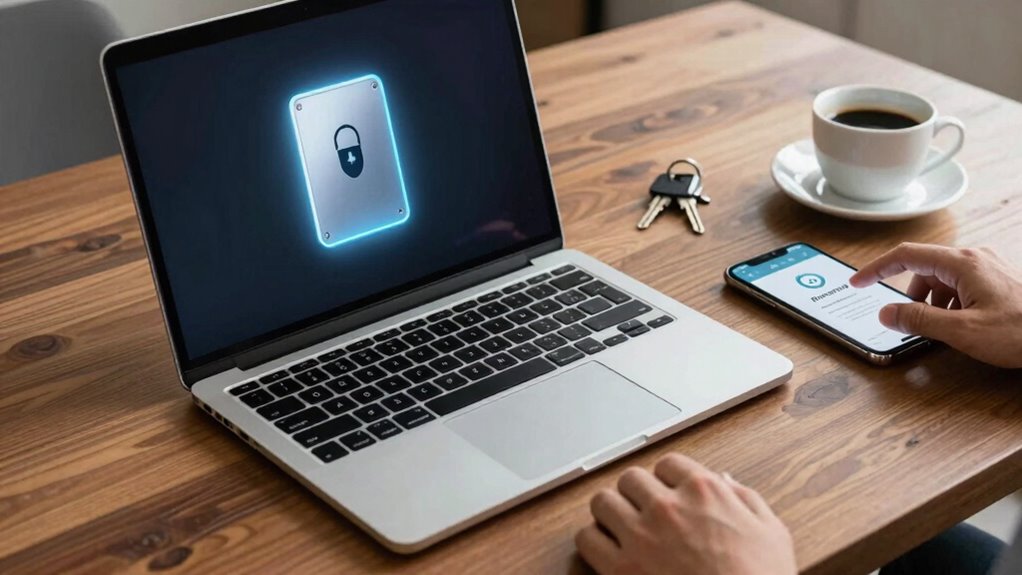
Encrypted drives are designed to keep your data safe from prying eyes, providing a strong layer of security. When you use data encryption, the information stored on your drive is scrambled into a format that only you can decode with the right password or key. This process is highly effective at protecting sensitive files, making it difficult for anyone without proper access to read or steal your data. But even with these safeguards in place, your security can be compromised if you don’t manage your passwords carefully.
Encrypted drives protect your data, but poor password management can still compromise your security.
Many people fall into the trap of sharing passwords with friends, family, or colleagues, believing it’s harmless or convenient. However, sharing your drive’s password undermines the very security that encryption provides. Once someone else has your password, they can access your drive and access everything inside, rendering the encryption useless. It’s like locking your house but leaving the key under the doormat for anyone to find. Good password management is vital here. You should treat your password as a secret that’s only for your eyes, never sharing it unless absolutely necessary and only with trusted individuals.
You might think that storing your password in a file or writing it down is safe, but that’s a risky practice. Password management tools can help you generate and store complex passwords securely, so you don’t have to remember them all. Using a password manager minimizes the temptation to share or reuse passwords across different platforms. When you keep your passwords unique and strong, you add an extra layer of protection to your encrypted drive. Additionally, understanding encryption technology can help you appreciate how crucial good password practices are for maintaining security. Proper password practices are essential in making encryption truly effective.
Another common mistake is relying solely on the encryption technology without considering how you handle your passwords. Encryption is powerful, but if your password is simple, predictable, or shared, it’s no better than not encrypting at all. You need to combine data encryption with vigilant password management. This means choosing complex, random passwords and updating them regularly. Also, make sure your passwords aren’t stored in insecure locations or transmitted through insecure channels.
Ultimately, encrypted drives offer significant security benefits, but they’re only as effective as your password management practices. Sharing passwords, even unintentionally, can expose your data to risks you thought were protected by encryption. To keep your information truly safe, treat your passwords like confidential keys. Keep them private, complex, and well-managed, and avoid sharing them with anyone who doesn’t need access. That’s the best way to guarantee your encrypted drive remains a secure vault for your most sensitive data.
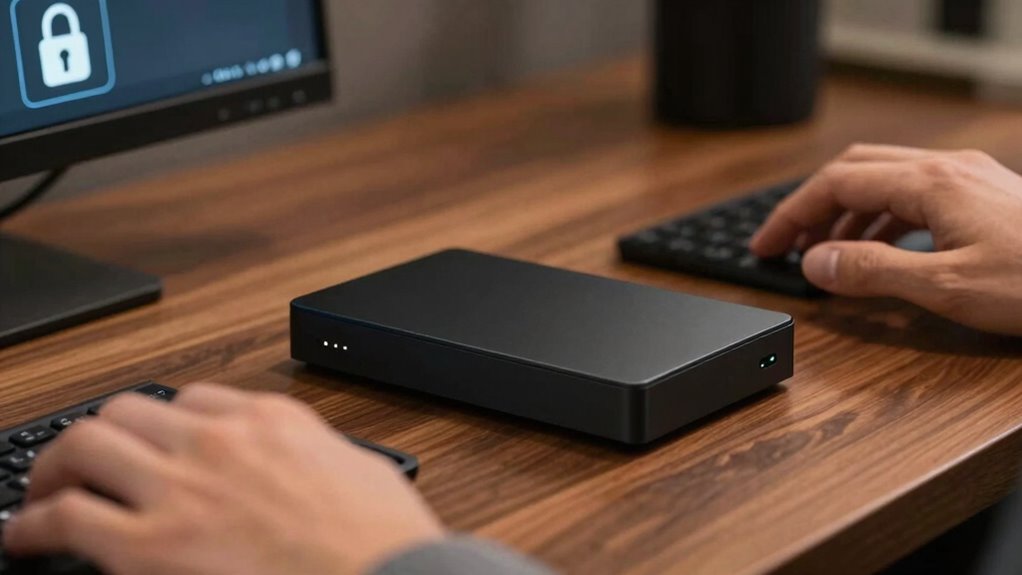
encrypted external hard drive with password protection
As an affiliate, we earn on qualifying purchases.
As an affiliate, we earn on qualifying purchases.
Frequently Asked Questions
Can Encrypted Drives Be Hacked Despite Strong Passwords?
Encrypted drives can still be hacked despite strong passwords, especially through brute force attacks where attackers try many combinations. If your data becomes inaccessible, data recovery might be possible, but it’s not guaranteed. To stay secure, avoid sharing passwords and consider additional protections like two-factor authentication. Remember, even the strongest encryption isn’t foolproof if someone gains physical access and uses advanced methods to crack your drive.
What Are the Best Practices for Creating Secure Passwords?
Creating secure passwords is like building a fortress—strong and resilient. You should focus on password complexity by combining uppercase, lowercase, numbers, and symbols. Avoid common words and patterns. Enable multi-factor authentication for an extra layer of protection. Never reuse passwords across accounts, and change them regularly. These practices make it difficult for hackers to break in, keeping your encrypted drives safe even if someone tries to crack your defenses.
How Often Should I Change My Drive’s Encryption Key?
You should change your drive’s encryption key regularly—ideally every 3 to 6 months—to maintain security. This minimizes risks if your key is compromised, even with strong encryption algorithms. Regular updates help protect your data recovery options and guarantee your encryption remains resilient against evolving threats. Keep in mind, changing keys too often could complicate access, so balance security with practicality for your specific needs.
Are There Encryption Methods More Secure Than Others?
Yes, some encryption methods are more secure than others. You should look for encryption algorithms like AES-256, which offers strong protection. Security protocols such as TPM (Trusted Platform Module) and double encryption can further enhance security. Always choose reputable algorithms and keep your software updated. While no method is foolproof, these stronger encryption algorithms and protocols minimize risks and help guarantee your data remains private and secure.
What Should I Do if I Forget My Drive’s Password?
Forgot your drive’s password? First, don’t panic—try password recovery options like security questions or email resets if available. Second, develop backup strategies by regularly saving copies of essential data elsewhere. Remember, maintaining multiple layers of backup and using password recovery tools can prevent data loss. Proactively, consider writing down passwords securely or using a trusted password manager to avoid future forgetfulness and keep your information safe and sound.
password manager for secure data storage
As an affiliate, we earn on qualifying purchases.
As an affiliate, we earn on qualifying purchases.
Conclusion
You might think encrypted drives keep your data safe, but sharing passwords can quickly undo that protection. Once others have access, your encrypted security becomes vulnerable, like locking a door but handing out the key. The truth is, encryption only works if you keep your credentials private. So, if you want real security, resist the urge to share. Otherwise, no matter how strong your encryption, your data’s only as safe as your secrets.
As an affiliate, we earn on qualifying purchases.
best password management software
As an affiliate, we earn on qualifying purchases.
As an affiliate, we earn on qualifying purchases.
Halloween Picks
halloween
As an affiliate, we earn on qualifying purchases.