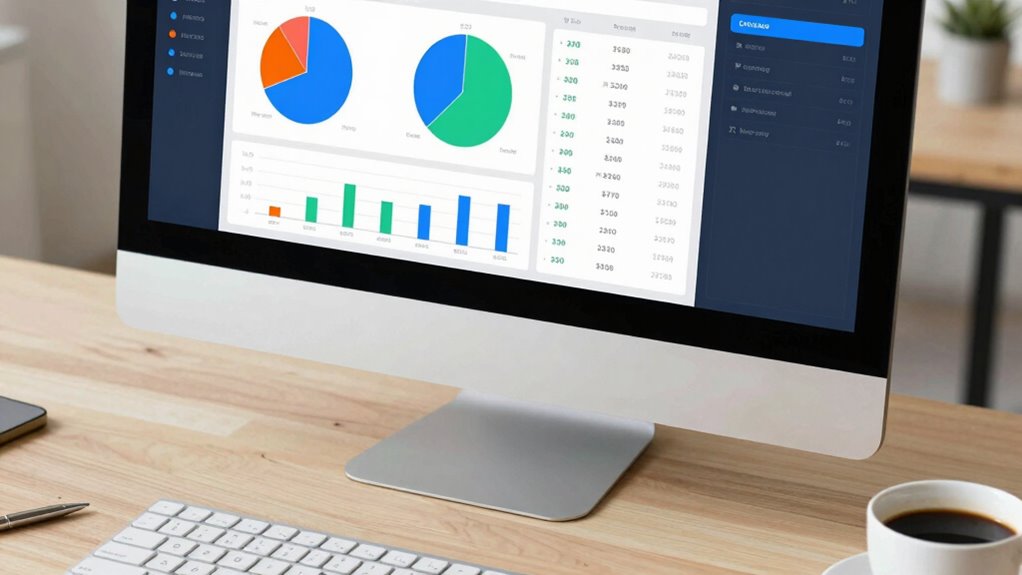

To create a net worth dashboard you’ll actually update, focus on the key components like assets and liabilities that matter most to your goals. Link your financial accounts for automatic data updates and set a routine, whether monthly or quarterly, to keep things current. Use clear visuals like graphs and progress bars to track your progress and stay motivated. Keep your dashboard simple, adjust it as your goals evolve, and prioritize consistency; there’s more to streamline your financial growth.

Get the latest gadgets delivered free — and shop member deals
- Fast, free delivery on millions of items
- Access to Prime Big Deal Days deals on October 6–7
- Prime Video, Amazon Music and more included
Key Takeaways
- Automate data collection by linking bank, investment, and debt accounts to ensure real-time updates.
- Keep the dashboard simple, focusing on essential assets and liabilities to prevent overwhelm.
- Set a routine for manual updates, such as monthly or quarterly, to maintain consistency.
- Use visual elements like graphs and progress bars to quickly assess financial progress and motivate updates.
- Regularly review and adjust the dashboard to reflect evolving goals and remove irrelevant data points.
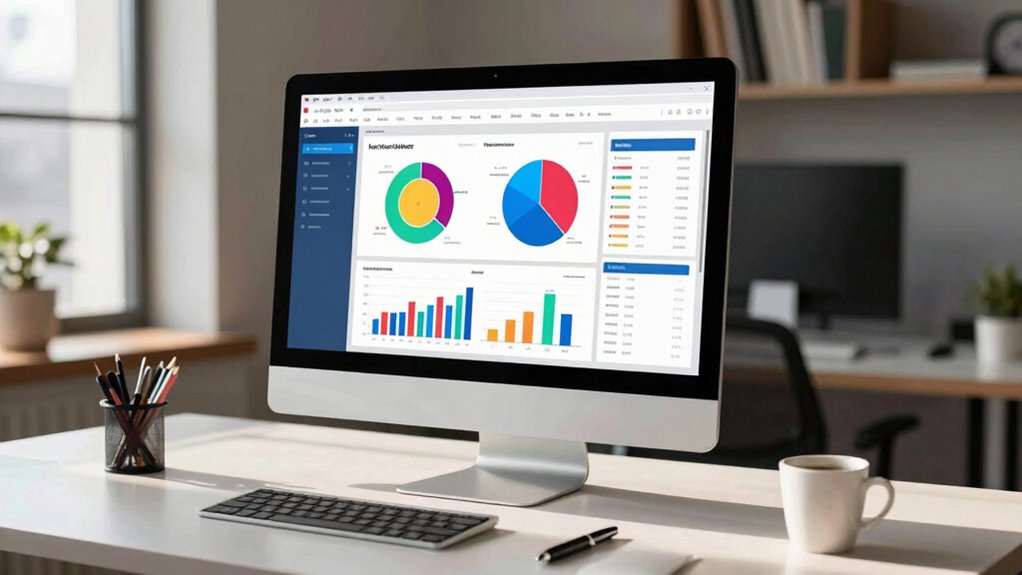
Tracking your financial progress is essential, and creating a net worth dashboard makes it easier to see your overall financial health at a glance. A well-designed dashboard acts as your personal financial command center, helping you track assets, liabilities, and key financial metrics consistently. To make it effective and something you’ll actually update, it needs to be simple, relevant, and easy to maintain. Start by identifying the core components of your net worth: your assets, which include cash, investments, property, and other valuables, and your liabilities, like loans, credit card balances, or mortgages. Having these categories clear allows you to focus on the most important data without feeling overwhelmed.
Tracking your net worth helps you stay focused on your financial health and progress over time.
Next, consider how you’ll gather and organize this information. Automating data collection can save you time and reduce errors. Linking your bank accounts, investment accounts, and debt management tools directly to your dashboard can streamline updates. If automation isn’t feasible, set a regular schedule—perhaps monthly or quarterly—to manually update your figures. The key is consistency, so pick a routine and stick with it. To make your dashboard engaging and easy to interpret, choose visual elements like graphs or progress bars. These visuals help you quickly see whether you’re improving your net worth or need to adjust your strategies.
Incorporate sections that track your investment strategies and debt management efforts. For investment strategies, include metrics like growth over time, diversification, and asset allocation. These insights can motivate you to stay disciplined with your investments and ensure your portfolio aligns with your goals. When it comes to debt management, track your progress paying down high-interest debts and monitor your debt-to-income ratio. Seeing these figures regularly can inspire you to prioritize debt reduction, freeing up cash flow for investments or savings. Additionally, understanding your financial data can help you make smarter decisions and plan for the future. Keeping in mind the importance of financial literacy can empower you to interpret your data more effectively. Remember that understanding your financial health is fundamental to effective financial planning and dashboard design.
To *guarantee* your dashboard remains useful, keep it relevant. Remove or hide data points that no longer matter to your current goals. As your financial situation evolves, so should your dashboard. Use it as a motivational tool by setting clear, achievable targets, like saving a specific amount or reducing debt by a certain percentage. Celebrate milestones to stay motivated. Remember, the purpose of your net worth dashboard is to give you an honest, real-time picture of your finances so you can make informed decisions. Keep it simple, update it regularly, and let it guide your path toward financial stability and growth.
financial account linking software
As an affiliate, we earn on qualifying purchases.
As an affiliate, we earn on qualifying purchases.
Frequently Asked Questions
How Often Should I Update My Net Worth Dashboard?
You should update your net worth dashboard at least monthly to stay on top of your financial goals, including investment strategies and debt reduction. Regular updates help you track progress, adjust your plans, and stay motivated. If you experience significant financial changes, like large investments or paying off debt, consider updating more frequently. Consistent updates guarantee your dashboard reflects your current financial situation and helps you make informed decisions.
What Tools Are Best for Creating a Dynamic Dashboard?
You should use tools like Google Data Studio, Tableau, or Microsoft Power BI for creating a dynamic dashboard. These platforms excel at visualization techniques and data integration, allowing you to connect multiple accounts and update data automatically. They offer customizable charts and graphs, making it easy to track your net worth in real-time. With these tools, you’ll stay engaged and informed, ensuring your dashboard remains an effective financial management tool.
How Do I Ensure Data Accuracy Over Time?
To guarantee data accuracy over time, regularly perform data validation by cross-checking your entries with bank statements and financial documents. Implement error tracking by setting up alerts for anomalies or inconsistencies in your dashboard. Consistently review and update your data sources, and consider using automated tools that flag potential errors. These steps help you catch mistakes early, maintain reliable data, and keep your net worth dashboard trustworthy and up-to-date.
Can I Include Non-Financial Assets in My Dashboard?
Yes, you can include non-financial assets in your dashboard. Focus on non-financial valuation methods like appraisals or market comparisons, and categorize assets properly. Use asset categorization to organize things like property, collectibles, or intellectual property alongside financial assets. This all-encompassing view helps you understand your total worth better, providing a clearer picture of your overall financial health and enabling smarter decision-making.
How Do I Customize the Dashboard for Different Financial Goals?
You customize your dashboard by adding personalized metrics that reflect each financial goal, like saving for a house or retirement. Use goal-specific layouts to highlight relevant data, such as investment growth for retirement or savings progress for a house. Adjust the visual elements—charts, colors, and sections—so they focus on your priorities. Regularly update these personalized metrics to stay motivated and guarantee your dashboard effectively tracks your progress toward each specific financial goal.
As an affiliate, we earn on qualifying purchases.
Conclusion
Creating your net worth dashboard is like planting a garden—you’ll need to tend to it regularly to see it flourish. Keep updating your numbers, and watch your financial landscape bloom with clarity and confidence. Think of it as your personal financial compass, guiding you through the twists and turns of money management. With consistent care, your dashboard becomes a trusted map, helping you navigate toward your financial dreams with ease and excitement.
As an affiliate, we earn on qualifying purchases.
As an affiliate, we earn on qualifying purchases.
Evergreen bestsellers Picks
bestsellers
As an affiliate, we earn on qualifying purchases.