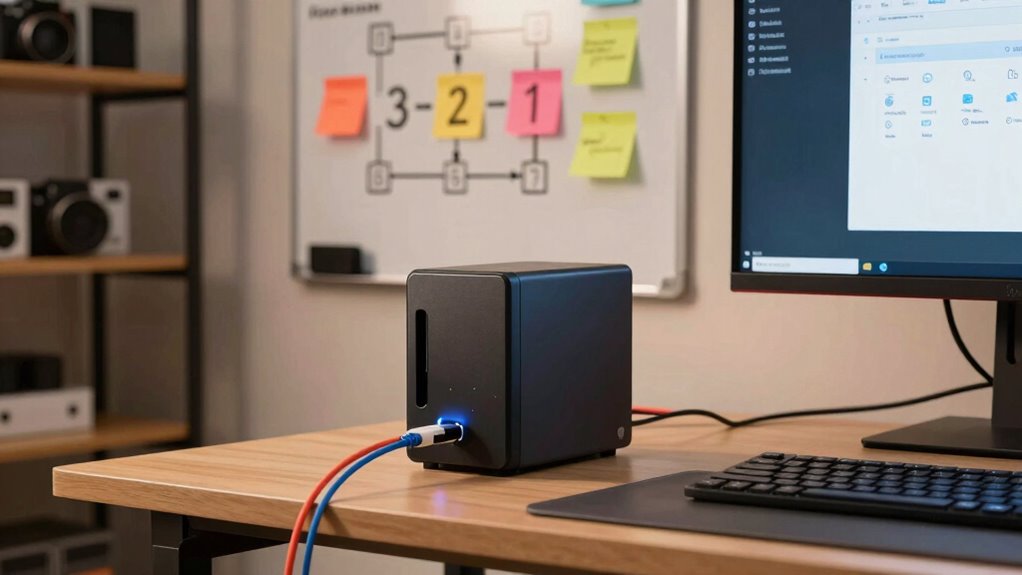
To keep your NAS backups simple and reliable, follow the 3-2-1 strategy: keep at least three copies of your data, store two locally on different devices, and keep one offsite, like in the cloud. This setup protects against data loss from hardware failure, theft, or ransomware. By automating backups and regularly verifying them, you can guarantee your data’s safety without confusion. Continue to explore ways to make this process even easier.
Key Takeaways
- Follow the 3-2-1 backup rule: 3 copies of data, 2 local storage devices, 1 offsite/cloud backup.
- Regularly automate and schedule backups to NAS and cloud to ensure consistent data protection.
- Use RAID configurations and encryption to enhance data safety and prevent data loss or theft.
- Regularly verify backups by restoring files to confirm data integrity and recoverability.
- Troubleshoot issues promptly by checking network, device, and software updates to maintain backup reliability.
Why the 3-2-1 Backup Strategy Is Key for NAS Users
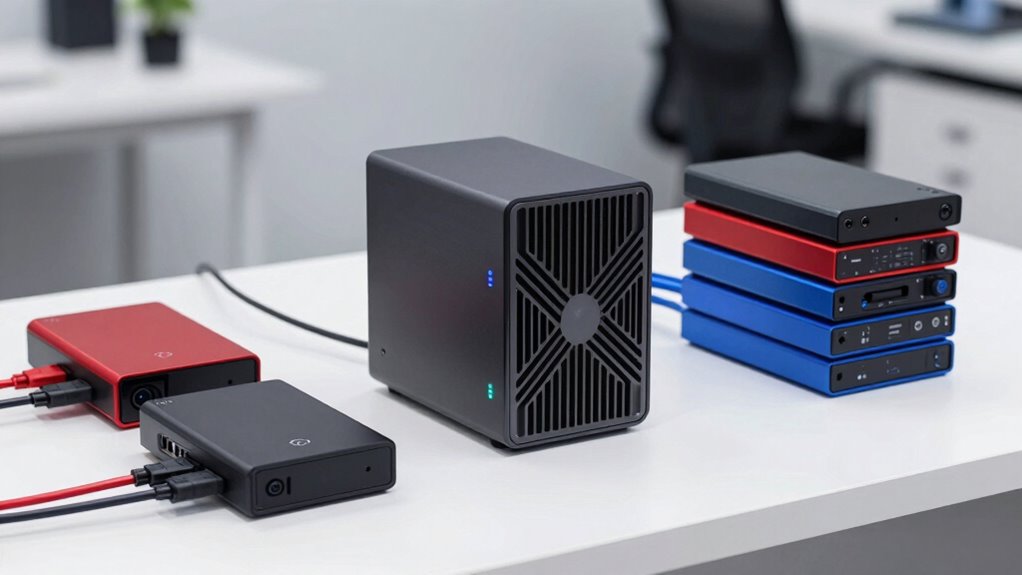
Implementing the 3-2-1 backup strategy is essential for NAS users because it guarantees your data remains safe even if one backup fails. By keeping at least three copies of your data, with two stored locally on different devices, and one offsite, you reduce the risk of total loss. Cloud integration makes offsite backups easier, providing rapid access and scalability. This setup also boosts ransomware protection, as malicious attacks often target primary data or local backups. Having an offsite copy ensures you can restore clean files without paying ransoms. The 3-2-1 rule creates a solid safety net, giving you confidence that your data stays intact, no matter what happens to your primary or local backups. Additionally, understanding cloud security protocols can help you create a better home entertainment setup that complements your data management practices. Staying informed about backup strategies can further improve your overall data safety. Knowing how to properly manage storage devices can optimize your backup process and prevent data loss. Integrating automated backup solutions can further simplify this process and reduce the risk of human error, making your data protection more reliable. It’s a simple, effective way to safeguard your NAS data.
Check Your Current NAS Setup and Backup Needs
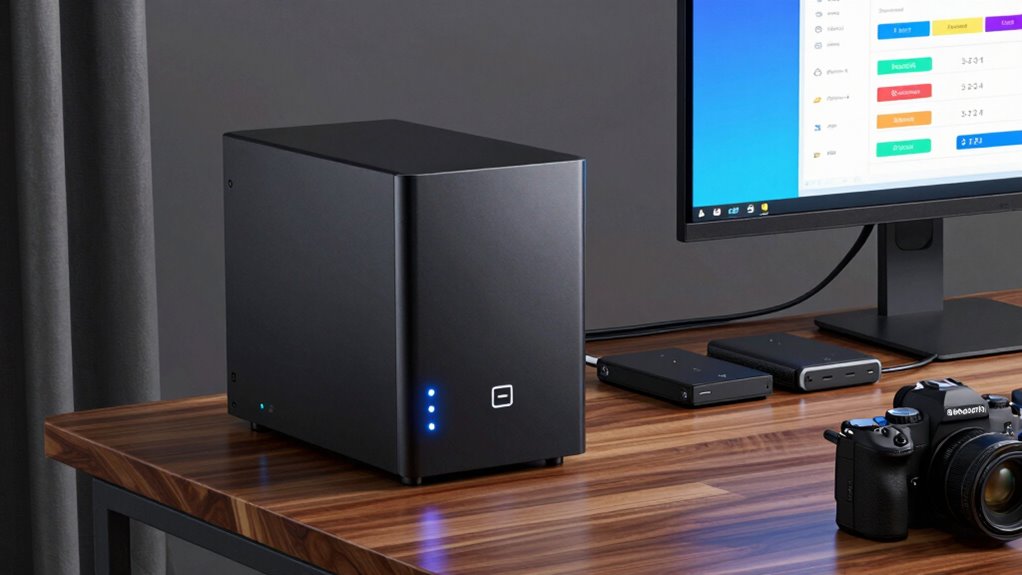
Start by reviewing your current storage capacity and how much space you actually use. Identify which files and data are most critical to protect. Then, evaluate your existing backup strategies to find gaps and areas for improvement. Additionally, consider your backup system’s reliability and whether it aligns with best practices like the 3-2-1 plan.
Assess Storage Capacity and Usage
Before expanding or upgrading your NAS backup system, it’s essential to evaluate your current storage capacity and usage. Conduct a thorough storage analysis to understand how much space you’re using and what’s remaining. This helps with capacity planning and guarantees your backups are sufficient. You should review:
- Total storage capacity versus current usage
- Growth trends in data over recent months
- Types of files consuming the most space
- Frequency of data access and backup needs
- Consider incorporating support for Breakfast Support options to diversify your backup strategies and ensure critical files related to meal planning or culinary content are protected. Additionally, understanding your storage management capabilities can help optimize space and prevent future shortages. Regularly performing storage health checks can also prevent data loss and improve overall system reliability. Monitoring your storage performance can identify bottlenecks and enhance backup speeds, ensuring your system remains efficient.
Identify Critical Data and Files
After evaluating your storage capacity and usage, the next step is to pinpoint which data and files are most important to back up. Start by reviewing your file organization; identify crucial documents, spreadsheets, media, and system files that you can’t afford to lose. Focus on the data that’s irreplaceable or difficult to recover, like personal photos or financial records. Once you’ve identified these critical files, consider how data encryption can protect sensitive information during backups, ensuring privacy and security. Prioritize backing up these essential files regularly, and keep track of their locations within your NAS. By clearly defining what matters most, you create a solid foundation for an effective backup plan that minimizes risk and maximizes data protection.
Review Existing Backup Strategies
To guarantee your backup plan is effective, you need to review your existing NAS setup and assess your current backup strategies. Check how your data is stored, whether you’re using cloud storage solutions or local backups. Evaluate if your current backups include encryption methods to protect sensitive information. Consider how frequently you back up and if the process covers all critical files. Review your NAS device’s capacity and performance to ensure it meets your needs. Additionally, verify if your backup strategy aligns with the 3-2-1 rule. Pay attention to the reliability of your backup methods to prevent data loss during unforeseen events. Understanding the impact of cookies on your privacy can also help you choose secure backup options. Being aware of media literacy can assist in identifying trustworthy sources for your backup tools and updates, especially when selecting reputable and secure cloud services that prioritize data protection.
Pick the Right Storage Devices for Your Backup Plan
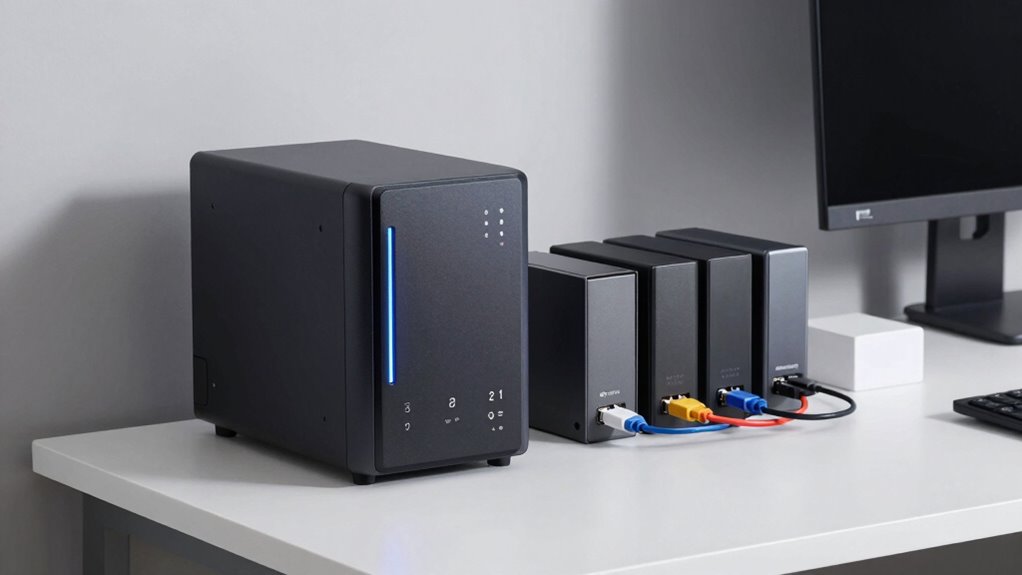
Choosing the right storage devices is essential for a reliable backup plan. Your options include different RAID configurations, which balance redundancy and performance, and cloud integration for offsite safety. Consider your storage needs and budget when selecting devices. For example, RAID 5 offers data protection with minimal disks, while RAID 10 provides speed and redundancy. Cloud services can complement local storage, ensuring data remains safe even if physical devices fail. Additionally, understanding RAID configurations can help you optimize your data protection strategy. Here’s a quick comparison:
| Storage Device | Best Use Case | Key Features |
|---|---|---|
| HDDs | Cost-effective | Large capacity, slow speeds |
| SSDs | Fast access | Quick, more expensive |
| Network Storage | Centralized backup | RAID options, cloud support |
| External Drives | Portable backups | Easy to connect and disconnect |
| Cloud Storage | Offsite safety | Accessible anywhere, scalable |
Choosing the appropriate devices and incorporating cloud integration can significantly improve your backup strategy, providing both convenience and peace of mind. Also, understanding redundant storage options can help you build a more resilient backup system.
How to Implement the 3-2-1 Backup Strategy With Your NAS

Implementing the 3-2-1 backup strategy with your NAS guarantees your data stays protected and accessible. Start by configuring your NAS for regular backups to multiple devices, ensuring you have at least two different storage media. Use cloud synchronization to offload one copy to a remote location, adding an extra layer of security. Protect your backups with data encryption, so your files remain private even if compromised. Consider the following steps:
- Use external drives for local backups
- Enable automatic cloud synchronization
- Apply data encryption to all backup copies
- Store one backup offsite for disaster recovery
- Choose a reliable garage door opener to ensure secure access to your storage area
This approach balances convenience with security, ensuring your data remains safe regardless of hardware failure or cyber threats.
Automate NAS Backups to Keep Data Safe Effortlessly
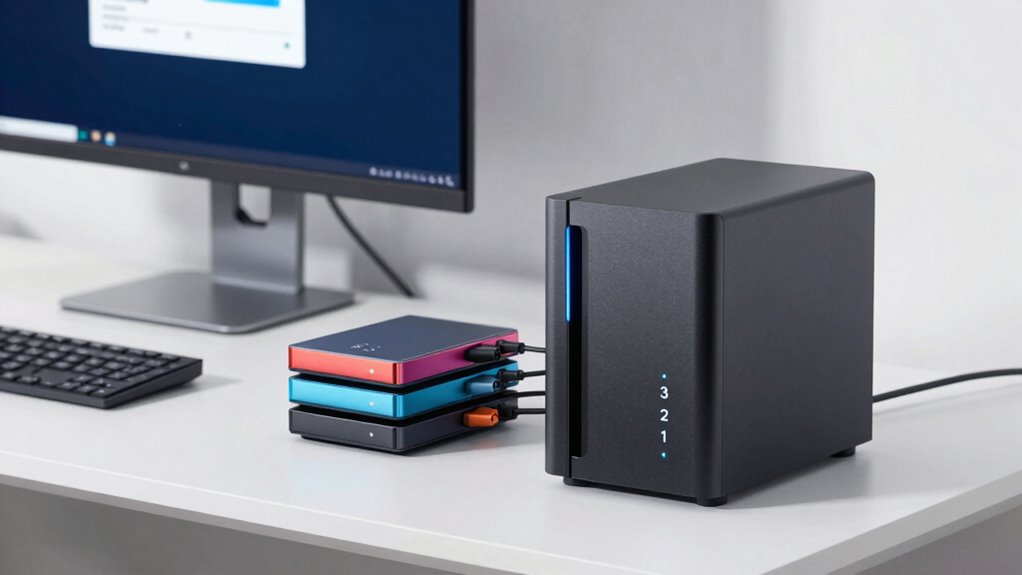
Automating your NAS backups saves you time and reduces the risk of human error. By streamlining your backup schedule, you guarantee data is consistently protected without daily effort. Using reliable automation tools makes keeping your data safe both simple and stress-free.
Streamline Backup Scheduling
To keep your data protected without constant manual effort, setting up automated NAS backup schedules is essential. Automating saves time and reduces the risk of forgetting backups. When scheduling, consider integrating cloud services for seamless cloud integration, making off-site copies effortless. Guarantee your backups are secure by enabling data encryption during transfers and storage. Consistent scheduling also helps maintain data integrity and minimizes data loss risks. Here are key points to optimize your backup routine:
- Use predefined time slots to avoid conflicts
- Incorporate cloud backup options for redundancy
- Enable data encryption for security
- Regularly review and adjust schedules as needed
Use Reliable Automation Tools
Choosing the right automation tools makes managing NAS backups straightforward and reliable. With dependable software, you can set up automated processes that handle backups consistently, reducing human error. Look for tools that support cloud synchronization, so your data stays up-to-date across multiple locations effortlessly. Reliable automation also ensures backups occur regularly, enhancing hardware redundancy and protecting against hardware failures. These tools can schedule backups during off-peak hours, minimizing disruptions. By automating, you don’t have to remember manual tasks or worry about missed backups. Instead, your data remains protected through continuous, hands-free management. Incorporating backup frequency optimization ensures your backups are even more effective and aligned with your data change patterns. Additionally, choosing automation tools with reliable scheduling features can prevent missed backups due to unforeseen issues. The right automation tools streamline your backup workflow, giving you peace of mind that your NAS data is safe, current, and resilient against unexpected issues. Using automated backup verification can further confirm that your backups are complete and usable when needed.
Test and Verify Your NAS Backups for Peace of Mind

Even the best backup plans are only effective if you verify that they work correctly. Regularly testing your NAS backups guarantees your data remains safe and accessible. Start by restoring files from your backup to confirm they’re intact and uncorrupted. Check that your backups include all critical data, especially if you use cloud storage, and verify that data encryption is maintained during backups and restores. Consider setting a schedule to test backups periodically, not just after initial setup. Also, keep an eye on backup logs for errors or warnings. Use these tests to identify potential issues before disaster strikes, giving you peace of mind that your backups are reliable and ready whenever needed. This proactive approach is essential for a solid 3-2-1 backup strategy. Additionally, understanding the different storage options like storage management can help you better organize your infrastructure to keep your data safe and readily available. Regular testing and verification are crucial components of a robust backup validation process, ensuring your data recovery plans are effective.
Troubleshoot Common NAS Backup Problems and Fixes

When your NAS backup fails or encounters errors, troubleshooting promptly can save your data from being lost or corrupted. First, check your network connections and verify your device is properly connected. If you’re using cloud integration, confirm your internet connection and that your cloud service is accessible. Examine your backup logs for error messages; these often point to issues with storage space, permissions, or incompatible encryption methods. If encryption is causing trouble, review your security settings to ensure your backup software’s encryption methods align with your NAS and cloud provider. Updating firmware and backup software can also resolve compatibility issues. Remember to test your backups after fixing problems, confirming they complete successfully and can restore data when needed. Additionally, vetted wave and wind considerations can impact network stability, so ensure your environment is free from disruptions that could affect backup processes. Being aware of network stability factors can help prevent future backup failures and ensure smooth operation.
Frequently Asked Questions
How Often Should I Update My NAS Backup Plan?
You should update your NAS backup plan at least quarterly to guarantee your backup schedule stays current with your data changes. Regular updates improve disaster recovery readiness, so you can quickly restore files after an issue. Review your backup processes whenever you make significant data updates or hardware changes. Staying consistent with these updates helps protect your data and keeps your disaster recovery plan reliable and effective.
Can I Use Cloud Storage as One of the 3-2-1 Backup Copies?
Think of your backups as a safety net for a daring acrobat. Yes, you can use cloud storage as one of your 3-2-1 backup copies, enhancing backup redundancy. Cloud storage acts like an extra layer of protection, ensuring your data stays safe even if local copies fail. Incorporate it wisely into your plan, and you’ll have a resilient backup strategy ready for any unexpected tumble.
What Are Signs My NAS Backup Has Failed?
You’ll know your NAS backup has failed if backup verification shows errors or inconsistencies. Regularly run backup verification to catch issues early. Also, perform hardware diagnostics on your NAS device—if it reports disk errors or malfunctions, your backup may be compromised. Keep an eye on backup logs for failure messages, and verify your storage devices are functioning properly to avoid data loss.
Is It Necessary to Encrypt My NAS Backups?
Yes, encryption necessity depends on your backup security needs. If you’re storing sensitive or personal data, encrypting your NAS backups is vital to protect against unauthorized access. Even if your data isn’t highly sensitive, encryption adds an extra layer of security, helping prevent data breaches. You should consider encrypting your backups to guarantee confidentiality and maintain your data integrity, especially if the backups are stored off-site or in the cloud.
How Do I Recover Data From a Corrupted NAS Backup?
To recover data from corrupted NAS backups, you should first identify the corrupted files, then use reliable recovery software designed for NAS systems. Run the software to scan and locate the corrupted files, then follow the prompts to restore your data. Regularly updating your recovery software, verifying your backups, and keeping multiple copies can help prevent data loss and make certain smooth recovery when needed.
Conclusion
Think of the 3-2-1 backup plan as your digital safety net, much like a lighthouse guiding ships through storms. By following these simple steps, you’ll keep your NAS data secure, reliable, and ready to recover when needed. Don’t wait for the tide to turn—regular backups are your steady beacon. With this plan, your data’s future stays bright, no matter what storms may come.