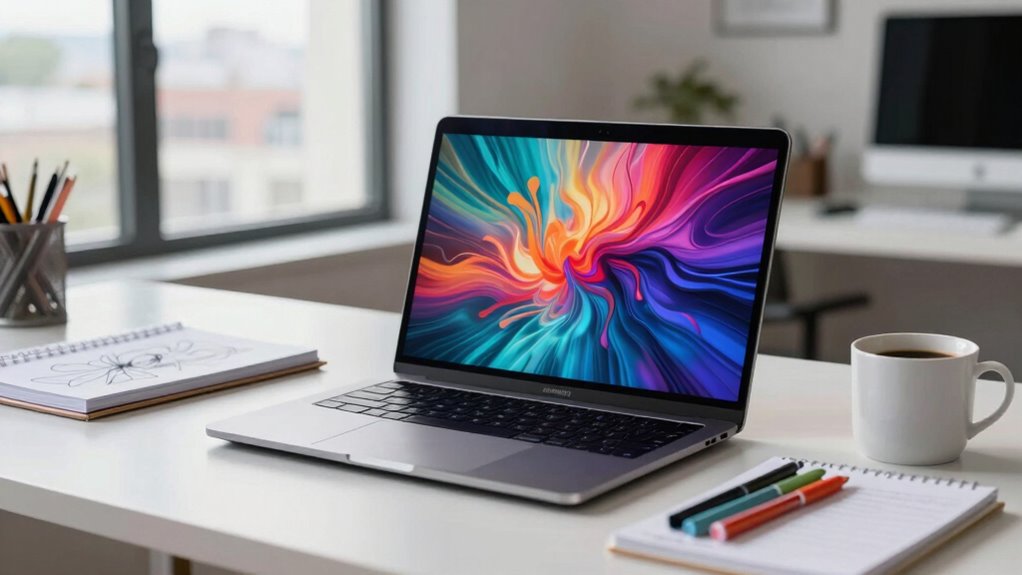
Many creatives believe only high-end, expensive workstations can deliver the performance and reliability they need, but that’s a myth. You can find mid-range laptops with durable hardware and professional-grade components that handle demanding software well. Spending more doesn’t guarantee better results or long-term value. Instead, focus on devices that meet your specific workflow needs while offering good durability and compatibility. Keep exploring to discover smarter options that save you money without sacrificing quality.
Key Takeaways
- Premium laptops are often unnecessary; mid-range models with durable hardware can meet professional needs effectively.
- High-end devices rarely guarantee better productivity than well-chosen mid-range workstations.
- Investing in hardware durability reduces long-term repair and replacement costs.
- Software compatibility and sufficient specs matter more than flashy, expensive specs.
- Focusing on actual workflow requirements saves money and ensures reliable performance.
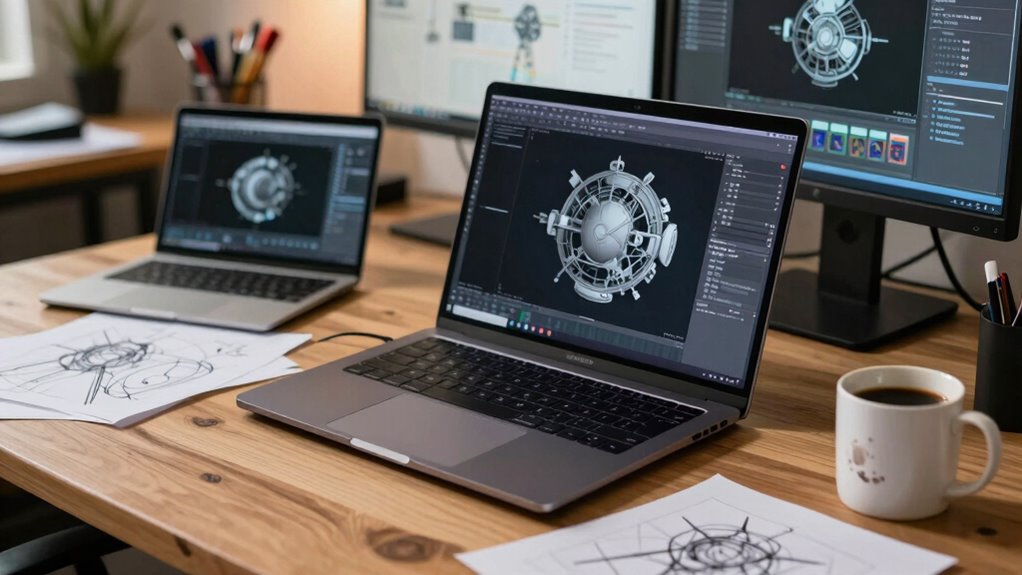
Many people believe that you need a high-end, expensive workstation laptop to handle professional tasks effectively, but this isn’t always the case. The myth that only premium models can deliver the performance and reliability you need often leads creatives like you to overspend, pushing costs way beyond what’s necessary. When evaluating a workstation laptop, don’t just focus on flashy specs or price tags; instead, consider aspects like hardware durability and software compatibility. These factors play a crucial role in ensuring your investment serves you well over time.
Hardware durability is often overlooked but is essential, especially if you work on the go or in demanding environments. A sturdy chassis, quality keyboard, and reliable components mean fewer breakdowns and less downtime. You don’t have to buy the most expensive model to get good durability; many mid-range laptops feature robust build quality designed to withstand daily wear and tear. When you choose a device with solid hardware durability, it’s less likely to suffer from issues like overheating, component failure, or physical damage, which can cost you time and money in repairs or replacements. Additionally, hardware durability can impact the long-term value of your investment, ensuring your device stays functional and efficient for years to come. Investing in durable hardware can save you significant costs over the lifespan of your device. Furthermore, many mid-range laptops now incorporate reliable components that meet professional standards without the premium price tag. Incorporating hardware testing standards during the manufacturing process further ensures these devices are built to last. Recognizing the importance of hardware standards can help you make informed choices when selecting a device.
Durability matters—choose a mid-range laptop with a sturdy build to reduce repairs and keep your workflow smooth.
Software compatibility is equally important. Professional creative workflows rely on specific applications, and not all laptops can run them smoothly. High-end workstations might promise compatibility with complex software, but many mid-range laptops now feature powerful CPUs, ample RAM, and capable GPUs that handle these programs with ease. You don’t need top-tier hardware to run Adobe Creative Suite, 3D modeling tools, or video editing software efficiently. By selecting a machine that’s compatible with your primary software, you avoid frustrating crashes, slow rendering times, or workflow interruptions. It’s about finding a balance between performance and affordability, rather than chasing the most expensive options.
Many creators fall into the trap of believing that a costly workstation guarantees better productivity, but that’s not always true. You can achieve professional-grade results on a device that offers sufficient hardware durability and proven software compatibility without breaking the bank. In fact, spending less on a device that meets your exact needs allows you to invest more in other essential tools, software licenses, or backup solutions. The key is to assess your specific workflow and choose a workstation that’s durable enough to withstand your environment while being fully compatible with your software.
Ultimately, the workstation laptop myth costs creatives thousands in unnecessary expenses. Focus on durability and compatibility, and you’ll find a reliable, cost-effective device that supports your work now and into the future.
mid-range professional laptop for creatives
As an affiliate, we earn on qualifying purchases.
As an affiliate, we earn on qualifying purchases.
Frequently Asked Questions
Are Workstation Laptops Significantly More Durable Than Regular Laptops?
Workstation laptops typically offer better hardware durability than regular laptops, thanks to rugged build quality and high-quality materials. They’re designed to withstand demanding use, so you often get reinforced chassis and improved cooling systems. However, their design aesthetics aren’t always as sleek or lightweight, prioritizing function over form. So, if durability matters most to you, a workstation laptop could be worth the investment, even if it’s less stylish.
Do Workstation Laptops Have Better Software Compatibility Than Consumer Models?
Ironically, workstation laptops don’t always excel in software compatibility. While they’re designed for better hardware compatibility, some creative software might still favor high-end consumer models or specific configurations. However, their optimized hardware often ensures smoother performance with professional applications, making software optimization a strong point. So, if your work relies on specialized tools, a workstation might offer more dependable hardware compatibility, but don’t assume it guarantees perfect software compatibility across all programs.
Can Workstation Laptops Be Easily Upgraded or Repaired?
Workstation laptops generally offer better upgrade flexibility, allowing you to swap out components like RAM and storage more easily. However, repairability challenges can arise because these laptops often have tightly integrated parts, making repairs more difficult and sometimes costly. While they’re designed for durability and performance, you might need professional help for complex repairs, which can add to the overall maintenance effort and expense.
Are Workstation Laptops Worth the Extra Cost for Casual Creatives?
If you’re a casual creative, workstation laptops might not be worth the extra cost. For example, a hobbyist photographer might find a high-end consumer laptop sufficient for editing and design, providing solid creative performance without breaking the bank. These machines often deliver better cost effectiveness, especially for occasional tasks. Investing in a workstation laptop is ideal if you need top-tier performance consistently, but for casual use, it’s usually unnecessary and less budget-friendly.
How Do Workstation Laptops Compare in Battery Life to Standard Laptops?
Workstation laptops typically have shorter battery longevity compared to standard laptops because they prioritize power and performance over power efficiency. You might find that demanding tasks drain their batteries faster, especially during intensive creative work. However, some high-end models improve power efficiency, extending battery life. If portability is essential, consider balancing the workstation’s powerful features with its battery longevity to match your workflow needs.
durable business laptop for designers
As an affiliate, we earn on qualifying purchases.
As an affiliate, we earn on qualifying purchases.
Conclusion
Don’t let the myth of the perfect workstation laptop trap you into overspending. You don’t need the most expensive, most powerful machine to do your best work. Instead, focus on what truly matters: your workflow, your needs, your budget. Choose wisely, optimize your tools, and trust your skills. Because in the end, it’s not about the price tag—it’s about what you create, how you create, and the passion you put into every project.
affordable workstation laptop for video editing
As an affiliate, we earn on qualifying purchases.
As an affiliate, we earn on qualifying purchases.
best laptops for 3D modeling under $1500
As an affiliate, we earn on qualifying purchases.
As an affiliate, we earn on qualifying purchases.