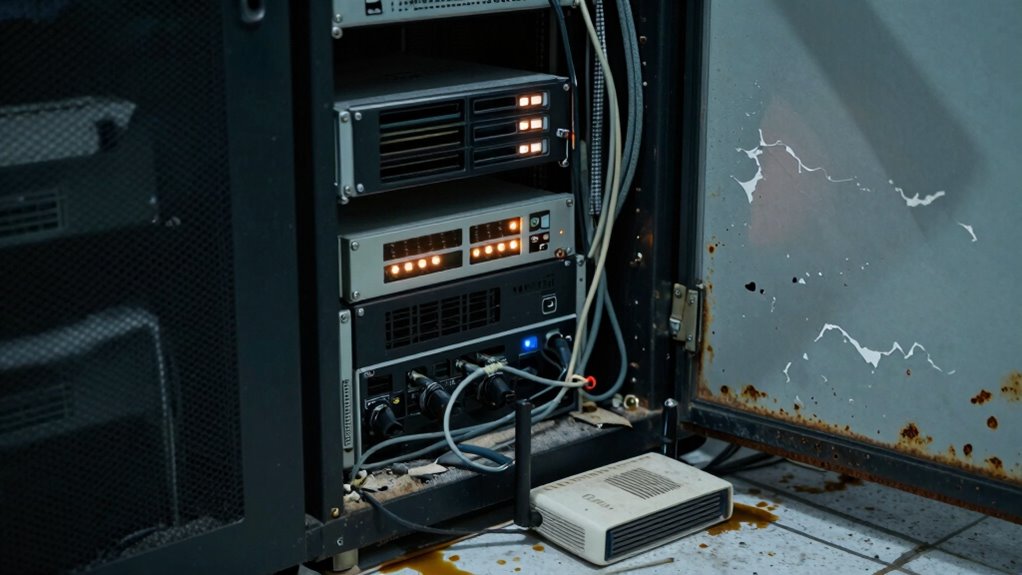

You’re more likely to see backup server failures from neglect than disasters because overlooked maintenance causes hardware to wear out silently, firmware to become outdated, and misconfigurations to go unnoticed. Without routine checks and testing, small issues can escalate into major failures, risking data loss and downtime. Neglecting these essential tasks weakens your system’s resilience over time. Keep an eye on your backup servers, and you’ll better understand how to prevent costly failures.

Get the latest gadgets delivered free — and shop member deals
- Fast, free delivery on millions of items
- Access to Prime Big Deal Days deals on October 6–7
- Prime Video, Amazon Music and more included
Key Takeaways
- Hardware components silently degrade over time without regular maintenance, increasing failure risk.
- Neglecting routine testing and updates leaves vulnerabilities that can cause unnoticed failures.
- Inconsistent maintenance routines allow small issues to escalate into major hardware failures.
- Outdated firmware and misconfigurations due to neglect compromise server reliability.
- Proactive monitoring and inspections prevent hardware failures that might be mistaken for disaster effects.
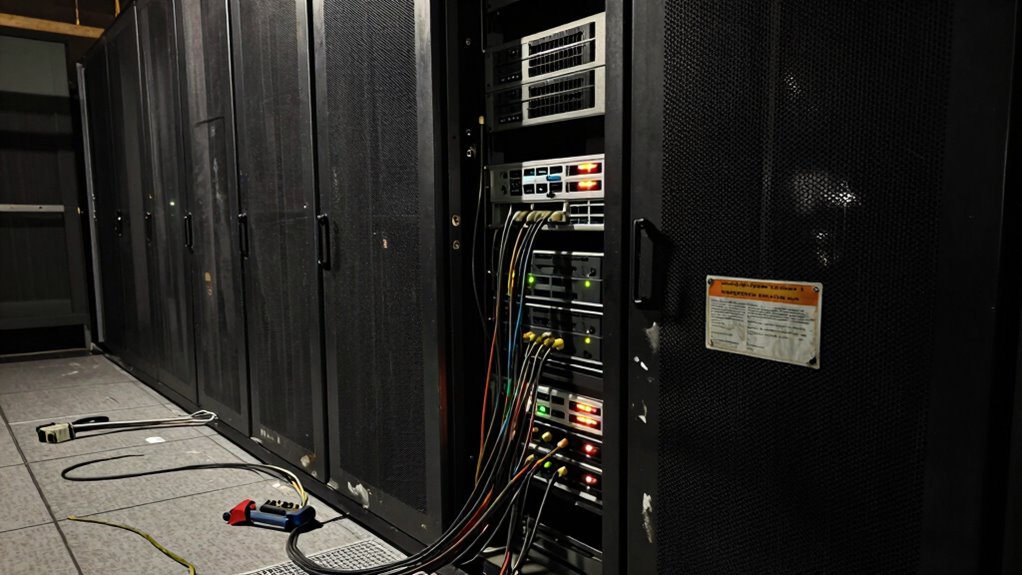
Despite the critical role backup servers play in safeguarding your data, many organizations neglect regular maintenance and testing, leaving themselves vulnerable to catastrophic failures. When you overlook routine upkeep, hardware vulnerabilities can quietly develop over time, increasing the risk of unexpected outages. Hardware components, like hard drives, memory modules, and power supplies, wear out or become less reliable without proper attention. When these parts aren’t regularly checked or replaced, they can fail at the worst possible moment, jeopardizing your entire backup system. This neglect often stems from a focus on immediate operational needs rather than long-term health, but it’s a mistake that can cost your organization dearly.
Your maintenance routines are your first line of defense against hardware vulnerabilities. They act as a proactive measure to catch issues early before they escalate into full-blown failures. However, many organizations treat backups as a set-it-and-forget-it process, neglecting to perform routine inspections, updates, and testing. This complacency can lead to outdated firmware, misconfigured hardware, or overlooked signs of deterioration. When you skip these steps, you risk not only hardware failure but also data corruption or incomplete backups that give a false sense of security. Regular maintenance routines, including hardware diagnostics, firmware updates, and component replacements, are essential for ensuring your backup server remains resilient. Moreover, neglecting hardware health monitoring can result in undetected issues that silently compromise your data security. Ignoring preventive maintenance can cause small issues to snowball into serious failures, making it even more critical to stay vigilant. Additionally, neglecting systematic checks can cause issues to go unnoticed until they cause significant disruption. A comprehensive maintenance plan is vital for minimizing these risks and maintaining system integrity over time.
Regular maintenance and updates are vital to keep your backup server resilient and prevent unseen hardware failures.
Failing to test backup systems regularly compounds the problem. You might assume your backups are functioning perfectly, but without testing, you won’t discover hidden issues until disaster strikes. A backup that hasn’t been tested recently could be incomplete, corrupted, or incompatible with your current infrastructure. When hardware vulnerabilities go unnoticed, and maintenance routines are inconsistent, the likelihood of failure increases exponentially. It is also vital to recognize that backup verification is key to maintaining confidence in your disaster recovery plans. These tests help you identify weak points and address them before they cause data loss or service disruption.
In the end, neglecting maintenance routines and failing to monitor hardware health are what set the stage for backup server failures. You can’t afford to treat your backup systems as a secondary concern. Regular inspections, updates, and testing are investments in your organization’s resilience. By staying vigilant and proactive, you minimize hardware vulnerabilities and ensure your backup servers can withstand the tests of time and unforeseen failures. It’s not just about avoiding disaster — it’s about maintaining confidence in your data protection strategy every single day.
backup server hardware diagnostics tools
As an affiliate, we earn on qualifying purchases.
As an affiliate, we earn on qualifying purchases.
Frequently Asked Questions
How Often Should Backup Servers Be Routinely Maintained?
You should routinely maintain your backup servers at least once a month to guarantee reliability. Regularly review and update your backup schedule, and perform hardware upgrades as needed to prevent failures. Schedule preventative checks for hardware health, test backup restoration processes, and keep software current. Consistent maintenance helps avoid neglect, which is a common cause of failure, and guarantees your backups remain effective when disaster strikes.
What Are Signs of Neglect in Backup Server Health?
Imagine a company losing critical data because their backup server’s hardware overheated. Signs of neglect include outdated hardware, ignored software updates, and irregular backups. You might notice sluggish performance, frequent errors, or incomplete backups. If you overlook routine checks and skip hardware maintenance or software updates, your server’s health deteriorates silently. Regularly monitor performance logs, update your software, and inspect hardware to prevent failures caused by neglect, not disaster.
Can Neglect Cause Data Corruption Over Time?
Yes, neglect can cause data corruption over time. When you ignore regular maintenance, hardware degradation can occur, leading to issues like bad sectors or failing drives that compromise data integrity. Without consistent checks and updates, your backup server becomes vulnerable, risking unnoticed corruption. Regular monitoring and proactive care help preserve data integrity, preventing small issues from turning into significant data loss caused by neglect.
How Does Neglect Impact Backup Recovery Times?
You might find that neglect causes backup recovery times to stretch longer unexpectedly. When you ignore automated alerts and hardware monitoring, issues build unnoticed, leading to delays when restoring data. Over time, hardware degradation and missed maintenance escalate recovery challenges. Coincidentally, neglect causes unseen problems that make recovery slower, highlighting why regular oversight is essential. Staying proactive with alerts and monitoring keeps your backup server ready, minimizing downtime when recovery is needed.
What Training Is Needed to Prevent Backup Server Neglect?
You need thorough training protocols that cover regular maintenance schedules and troubleshooting techniques. This training guarantees you understand how to monitor backup servers proactively, perform essential updates, and address issues before they escalate. By staying current with best practices, you prevent neglect, reduce downtime, and improve recovery times. Consistent, hands-on training keeps you confident in managing backup servers effectively, ultimately safeguarding your data against preventable failures.
firmware update software for servers
As an affiliate, we earn on qualifying purchases.
As an affiliate, we earn on qualifying purchases.
Conclusion
Neglect can turn your backup server into a ticking time bomb, waiting silently to explode when you least expect it. Don’t let complacency be the thief of your data’s safety. Regular maintenance and monitoring are your best defenses, keeping your backups as reliable as a trusty lighthouse in a storm. Remember, a well-cared-for backup isn’t just a safety net — it’s your peace of mind, shining bright amidst the chaos.
server hardware monitoring devices
As an affiliate, we earn on qualifying purchases.
As an affiliate, we earn on qualifying purchases.
backup server component replacement kit
As an affiliate, we earn on qualifying purchases.
As an affiliate, we earn on qualifying purchases.
Fall Picks
fall essentials
As an affiliate, we earn on qualifying purchases.